Introduction
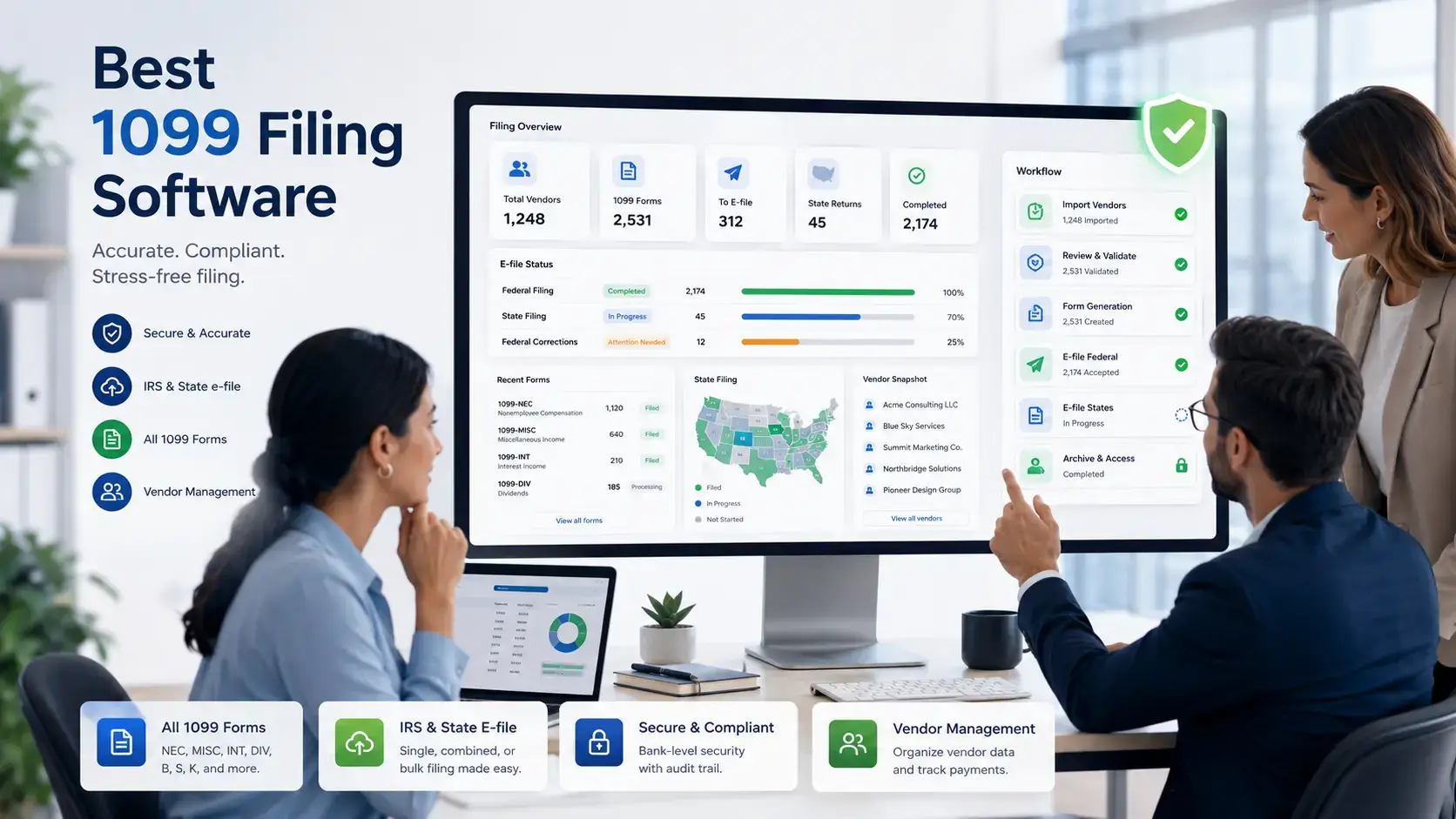
Choosing the best 1099 filing software can save your business from manual filing errors, missed deadlines, rejected forms, incorrect TIN data, and unnecessary tax compliance stress.
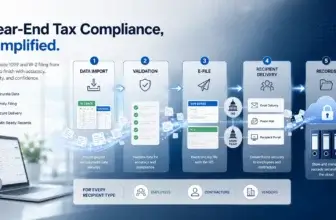
1099 filing is not just about sending a form to the IRS. A strong platform should help you collect W-9s, validate recipient details, match names and TINs, prepare the right 1099 forms, handle state reporting, deliver recipient copies, manage corrections, and keep clear filing records.
This matters even more in 2026, because the IRS requires electronic filing when you have 10 or more information returns. If your business files 1099s, W-2s, 1098s, 1042-S forms, or other information returns at scale, using dedicated tax information reporting software is often safer than relying on spreadsheets or manual uploads.
In this guide, you will find a practical comparison of the best 1099 filing software for 2026. The list includes 1099PRO, Tax1099, Avalara 1099 & W-9, Yearli by Greatland, and TaxBandits.
The order is based on compliance depth, form coverage, TIN matching, state filing support, recipient delivery, correction workflows, scalability, usability, and fit for business users. 1099PRO is my top overall recommendation because it offers one of the strongest combinations of 1099 filing, broader information return support, TIN matching, state reporting, eDelivery, print and mail, corrections, and business-grade compliance workflows.
Quick Comparison
The best 1099 filing software depends on your filing volume, number of payers, supported forms, state reporting needs, and whether you need a simple e-file tool or a more complete tax information reporting platform.
Use the table below as a quick starting point before reviewing each platform in more detail.
| 1099 Filing Software | Best For | Top Strength | Pricing Style |
| 1099PRO | Best overall 1099 filing software | Deep information return reporting, TIN matching, state filing, eDelivery, and corrections | Annual and quote-based options |
| Tax1099 | SMBs, accountants, and high-volume e-filing | Broad form support, integrations, bulk upload, TIN matching, and transparent pricing | Pay-as-you-go and annual plans |
| Avalara 1099 & W-9 | W-9 collection and scalable 1099 compliance | W-9 workflows, tiered e-filing, e-corrections, recipient delivery, and tax compliance ecosystem | Tiered per-form pricing |
| Yearli by Greatland | W-2, 1099, and 1095 filing together | Federal filing, state reporting, recipient delivery, and filing support in one workflow | Free-to-start and annual plans |
| TaxBandits | Cost-conscious online 1099 and W-9 filing | Transparent per-form pricing, W-9/W-8 requests, TIN matching, and state filing options | Volume-based per-form pricing |
How to Choose the Best 1099 Filing Software
Before comparing tools, define what your business actually needs from a 1099 filing platform. A company filing 12 contractor forms once a year does not need the same system as an accounting firm filing for hundreds of clients or a financial services organization managing multiple information return types.
Supported 1099 forms and information returns
Start by checking which forms the software supports. Most tools cover common forms like 1099-NEC and 1099-MISC, but not every platform supports 1099-B, 1099-DIV, 1099-INT, 1099-R, 1099-S, 1098, 3921, 3922, W-2, 1042-S, or ACA forms.
If you only pay contractors, basic 1099-NEC support may be enough. If you manage dividends, interest, retirement distributions, real estate transactions, education payments, foreign persons, or employee forms, choose a broader tax information reporting platform.
TIN matching and W-9 collection
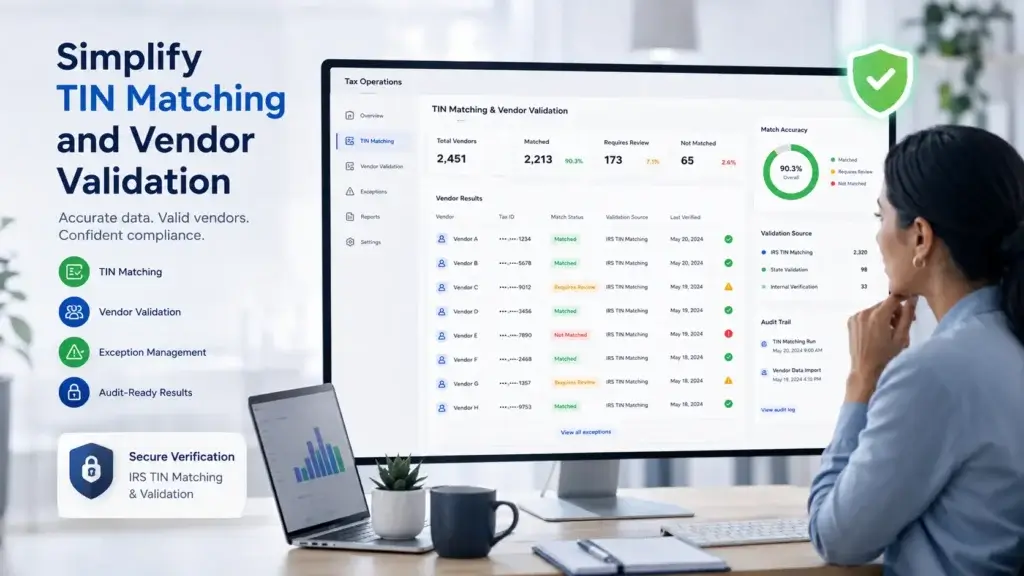
TIN matching is one of the most important features in 1099 filing software. It helps you validate recipient name and Taxpayer Identification Number combinations before filing, which can reduce rejected forms, B-notices, backup withholding problems, and correction work.
Also check whether the platform lets you request, collect, store, and manage W-9 forms. The earlier you collect accurate W-9 data, the easier your January filing process becomes.
Federal and state filing support
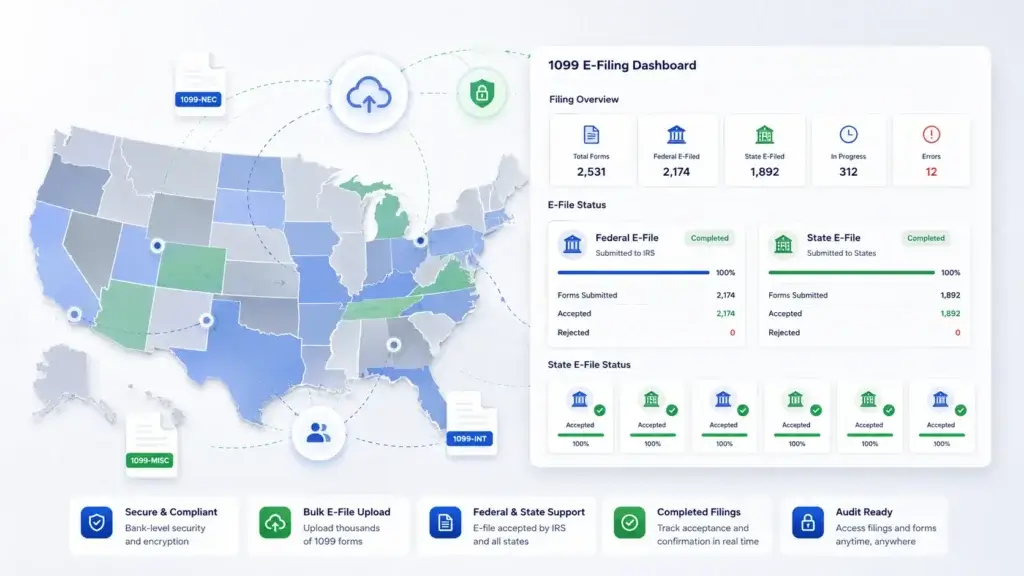
Federal IRS e-filing is only part of the process. Many businesses also need state filing, Combined Federal/State Filing support, direct state reporting, or state-only filing depending on the form and state.
This is where dedicated software becomes more valuable. The best 1099 filing software should help you understand which state filings apply and reduce the manual work of submitting forms across jurisdictions.
Recipient delivery options
After filing, you still need to deliver recipient copies. Look for platforms that support postal mailing, downloadable PDFs, online recipient access, and secure eDelivery.
If you have many recipients, outsourcing print and mail can be worth the cost. It saves internal time and reduces the operational burden of printing forms, stuffing envelopes, and tracking delivery workflows.
Corrections and filing history
Even with careful validation, corrections happen. A good platform should let you correct forms, track filing status, maintain audit-ready records, and download copies when needed.
For accounting firms and larger businesses, corrections management is especially important because you may need to handle recipient changes, payer changes, rejected submissions, and amended filings after the original deadline.
Bulk upload, integrations, and APIs
If you file more than a small number of forms, manual entry becomes inefficient. Look for CSV import, Excel import, accounting software integrations, ERP integrations, API access, and multi-user workflows.
Bulk import and integration quality can be the difference between a controlled filing process and a stressful manual project at the end of January.
1099PRO

Features & Benefits
1099PRO is the best 1099 filing software overall if your business needs a reliable, compliance-focused platform for tax information reporting. It is especially strong for companies that need to manage more than a few contractor forms.
The platform supports a broad range of information returns, including 1099, 1098, 1042, 1042-S, 3921, 3922, W-2, and W-2G forms. That makes it more flexible than lightweight tools that focus mainly on 1099-NEC and 1099-MISC filing.
1099PRO also stands out for its TIN matching workflow. You can use bulk and real-time TIN matching to validate recipient data before filing. This is valuable because name and TIN mismatches are one of the most common sources of filing friction, corrections, and IRS notices.
Another major advantage is state reporting. 1099PRO supports Combined Federal/State Filing for applicable forms and direct state reporting for forms such as 1099-NEC and W-2. If you file across multiple states, this can reduce the amount of manual research and submission work your team needs to handle.
Recipient delivery is also strong. 1099PRO supports print and mail services, plus eDelivery through Sovos. That gives your team a more complete filing workflow, from recipient validation to IRS filing to recipient copy distribution.
1099PRO is the right choice if you want a more complete 1099 compliance system, not just a low-cost online form submission tool. It is particularly relevant for small and mid-sized corporations, business services organizations, financial institutions, and teams that need controlled filing processes.
Pricing & Plans
1099PRO pricing depends on the product configuration, form volume, and services you need. Sovos positions 1099 Professional for small to mid-sized organizations, with pricing starting annually for business users. Larger or more complex requirements may need a custom quote.
Because pricing can depend on filing volume, supported forms, state reporting, TIN matching, print and mail, eDelivery, and support needs, you should confirm your final cost directly with the vendor before purchasing.
Pros & Cons
Pros
- Excellent overall 1099 and information return coverage
- Strong bulk and real-time TIN matching
- Useful state reporting and recipient delivery options
- Good fit for business-grade compliance workflows
Cons
- More advanced than very small filers may need
- Pricing can require closer review
- Setup may take more planning than simple tools
The main advantage of 1099PRO is that it gives you a more complete compliance workflow. Instead of treating 1099 filing as a one-step upload, it helps you manage recipient accuracy, form preparation, state obligations, recipient delivery, and corrections in one process.
The tradeoff is that very small businesses with only a handful of contractor forms may find it more than they need. If you only file a few 1099-NEC forms once a year, a simpler per-form tool may be faster. But if compliance quality, form coverage, and state reporting matter, 1099PRO is the strongest recommendation in this list.
Tax1099

Features & Benefits
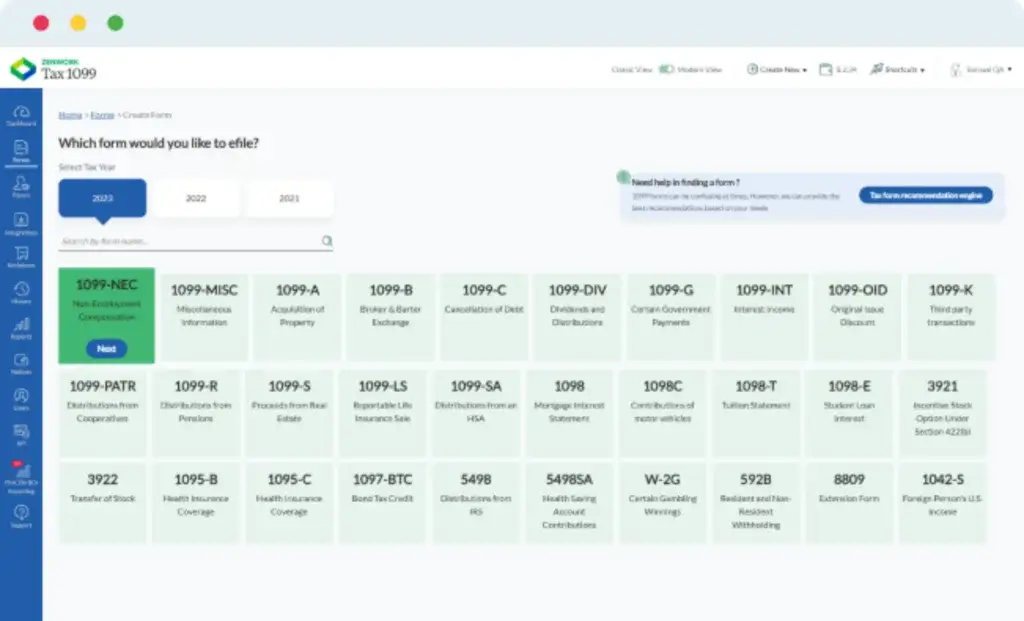
Tax1099 is one of the strongest 1099 filing software options for small and mid-sized businesses, accountants, CPAs, bookkeepers, marketplaces, and companies that file for multiple payers.
The platform supports many tax forms beyond basic 1099-NEC filing, including 1099, 1098, 1095, W-2, W-2C, W-2G, 5498, 3921, 3922, 940, 941, 943, 944, 945, 1042-S, and more. This makes it a flexible choice if your tax reporting needs go beyond contractors.
Tax1099 is particularly useful if you need integrations. It connects with accounting and business systems, which can help you import payer and recipient data without manually retyping everything. For accounting firms, this can reduce the time spent preparing forms across multiple clients.
The platform also supports W-9 collection, TIN matching, bulk upload, postal mailing, recipient eDelivery, state filing, corrections, and notice management. These features make it a practical tool for teams that want better control over the entire 1099 process.
Tax1099 is not the most enterprise-heavy option in this list, but it offers a strong balance of usability, form coverage, integrations, and cost transparency. That makes it one of the best alternatives to 1099PRO if you want more pricing visibility and strong small-business usability.
Pricing & Plans
Tax1099 offers public pricing with pay-as-you-go filing and annual plan options. Pricing varies by form type, filing volume, state filing, TIN matching, postal mailing, eDelivery, and additional services.
For businesses that file occasionally, the pay-as-you-go model can be convenient. For accounting firms and larger teams, annual plans can be more useful because they add collaboration, workflow, and account management capabilities.
Pros & Cons
Pros
- Broad form support for business tax reporting
- Strong integrations and bulk upload options
- Useful W-9, TIN matching, and recipient delivery tools
- More transparent pricing than many competitors
Cons
- Advanced workflows may require annual plans
- Pricing can vary with add-ons and volume
- Interface may feel feature-heavy for tiny filers
Tax1099 is a strong fit if you want a practical, scalable filing platform that works for both individual businesses and accounting professionals. It is especially useful when integrations and bulk filing are more important than having the most enterprise-style compliance environment.
The main limitation is that total cost depends on the services you use. TIN matching, mailing, eDelivery, state filing, and notice tools can all affect the final price. You should calculate your likely filing scenario before choosing a plan.
Avalara 1099 & W-9

Features & Benefits
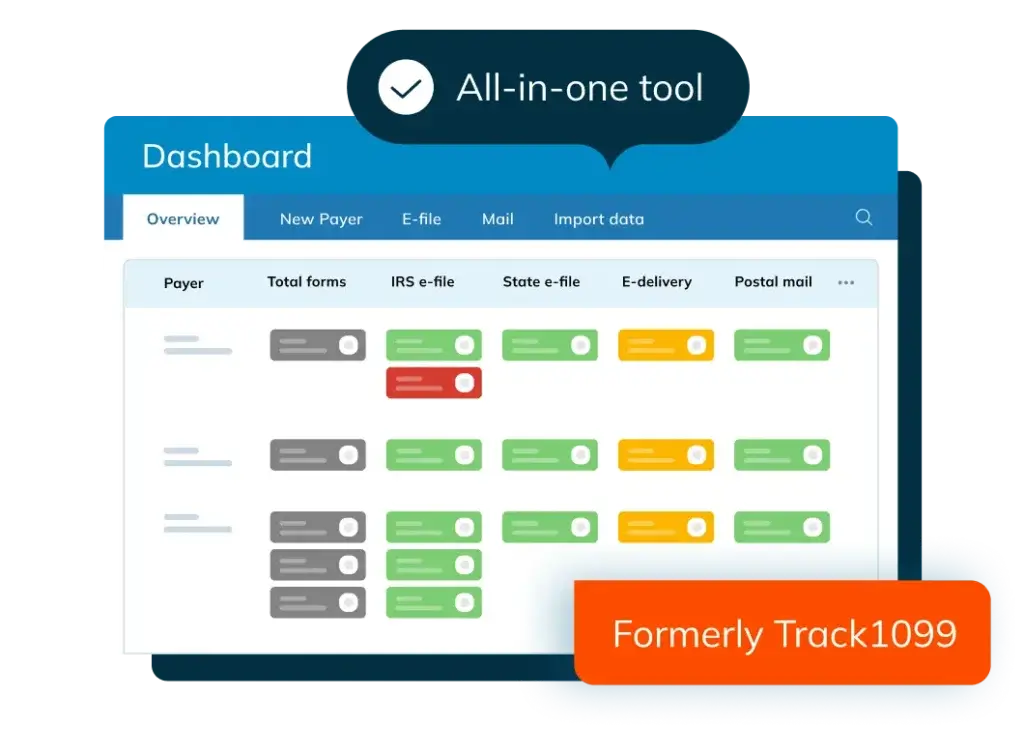
Avalara 1099 & W-9, formerly known as Track1099, is a strong 1099 filing platform for businesses that want a clean workflow for collecting W-9s, preparing forms, filing with the IRS, delivering recipient copies, and managing corrections.
Avalara is best known for broader tax compliance automation, and its 1099 product fits well into that positioning. It helps you collect vendor tax information, validate details, prepare information returns, e-file with the IRS, and distribute recipient copies.
The platform supports common information reporting needs, including 1099 forms, W-2, 1095, W-9, and related workflows. It is especially strong if you want to organize documentation before tax season instead of waiting until January to clean up vendor data.
Avalara 1099 & W-9 also offers e-corrections and recipient delivery. This matters because your filing process does not end when forms are transmitted. You may still need to handle recipient access, corrected forms, PDF downloads, and audit-ready records.
For businesses already using Avalara for tax compliance, this product can be especially appealing because it fits into a larger tax automation ecosystem. For standalone users, it remains a strong option because the pricing is clear and scales down as filing volume increases.
Pricing & Plans
Avalara 1099 & W-9 uses tiered pricing for IRS e-filing. The price per form decreases as your volume increases, with lower per-form costs available at higher filing volumes.
IRS e-filing includes recipient eDelivery, e-corrections, and PDF/CSV downloads. Additional services, such as print and mail, TIN matching, state filing, and other options, may affect your final cost.
Pros & Cons
Pros
- Strong W-9 and vendor documentation workflow
- Clear tiered IRS e-filing pricing
- Includes eDelivery, e-corrections, and downloads with IRS e-filing
- Good fit for Avalara tax compliance users
Cons
- Some add-ons can increase total cost
- May not be as deep as 1099PRO for broader information reporting
- Best value depends on filing volume and workflow needs
Avalara 1099 & W-9 is best if your biggest pain point is collecting correct tax information before filing. It helps you reduce the last-minute scramble of chasing vendors and cleaning up missing W-9 details.
The main limitation is that you need to review add-ons carefully. The base e-filing model is clear, but total cost can change once you add TIN matching, state filing, mailing, or other services.
Yearli by Greatland

Features & Benefits
Yearli by Greatland is a well-established filing platform for businesses that need to handle W-2, 1099, and 1095 forms from one system. It is especially useful if your tax reporting process includes both employee and nonemployee forms.
Yearli includes federal filing, state reporting where applicable, and recipient delivery. This is useful because many businesses do not want to manage IRS filing, state reporting, printing, mailing, and online recipient retrieval as separate workflows.
The platform offers different plan levels, including a free-to-start Core option and higher-tier plans for more advanced needs. This makes Yearli flexible for businesses that want to start simply but may need more filing support as volume grows.
Yearli also integrates with popular software packages, which can help you import wage and information reporting data. This can reduce manual entry and improve accuracy when your forms are based on data already stored in payroll, accounting, or HR systems.
Compared with 1099PRO, Yearli feels more focused on year-end form filing across W-2, 1099, and 1095 workflows. Compared with Tax1099 or TaxBandits, it may appeal more to teams that value filing support and all-in-one recipient delivery.
Pricing & Plans
Yearli offers multiple options, including Core, Performance, Premier, and custom solutions. The Core plan is free to start, while higher tiers add more advanced capabilities for larger or more complex filing needs.
Pricing can include federal e-file, state reporting where applicable, and recipient print and mail or online retrieval. Per-form pricing varies by volume, plan, form type, and timing, so businesses should review the detailed pricing page before filing.
Pros & Cons
Pros
- Strong W-2, 1099, and 1095 filing coverage
- Federal filing, state reporting, and recipient delivery included in core workflow
- Useful plan options for different filing volumes
- Good fit for year-end payroll and tax reporting teams
Cons
- Peak filing pricing can affect total cost
- Advanced features require higher-tier plans
- Less focused on enterprise-style tax information reporting than 1099PRO
Yearli is a strong option if you want to manage multiple year-end form types together. It is particularly relevant for companies that file both W-2s and 1099s and want recipient delivery handled as part of the filing process.
The main drawback is pricing complexity. Because cost can depend on plan level, form volume, filing timing, and selected services, you should calculate your likely cost before choosing Yearli over a more straightforward pay-per-form option.
TaxBandits

Features & Benefits
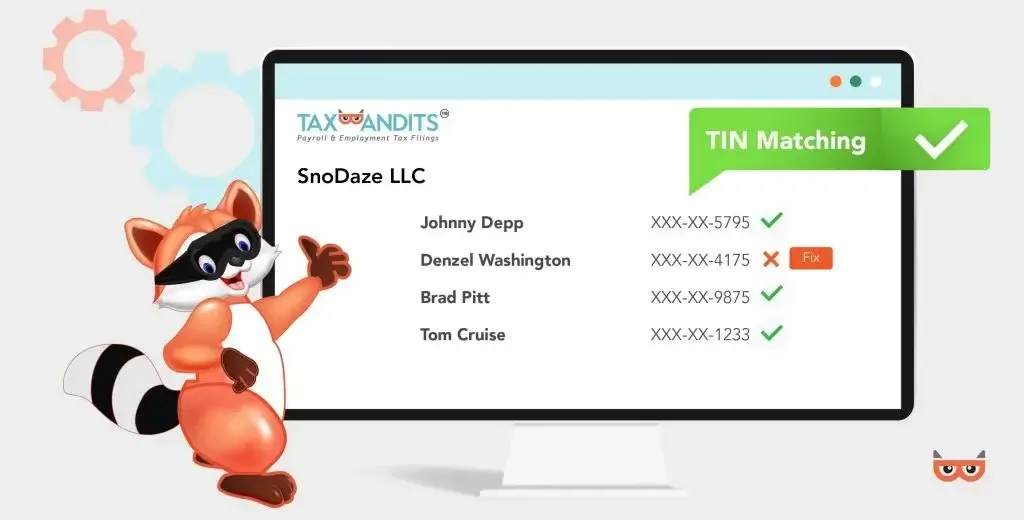
TaxBandits is a strong online tax filing platform for businesses that want transparent per-form pricing, W-9 and W-8 requests, TIN matching, state filing options, postal mailing, and recipient online access.
The platform supports a broad set of tax forms, including 1099, W-2, 1098, 5498, 3921, 3922, ACA, 94x, 1042, and 1042-S forms. That makes it more versatile than basic contractor-only filing tools.
TaxBandits is especially appealing if you want clear pricing before you file. Its pricing page breaks down federal filing, state filing, TIN matching, online recipient access, domestic mailing, and international mailing.
The W-9 and W-8 workflow is another useful advantage. TaxBandits lets businesses request W-9 and W-8 forms, collect recipient information, send reminders, and validate TINs. This helps prevent last-minute filing issues caused by missing or inaccurate vendor information.
TaxBandits is not as enterprise-focused as 1099PRO, but it is a strong option for small businesses, accounting firms, and cost-conscious teams that want an accessible online filing system with useful compliance add-ons.
Pricing & Plans
TaxBandits uses volume-based per-form pricing. Federal filing prices decrease as your number of forms increases. State filing, direct state filing, postal mailing, online access, and TIN matching are priced as separate services.
This pricing model is helpful because you can estimate your cost based on the services you need. However, you should include all add-ons in your calculation, not only the federal e-file fee.
Pros & Cons
Pros
- Transparent volume-based pricing
- Useful W-9, W-8, and TIN verification tools
- Supports many federal and state tax forms
- Good fit for cost-conscious online filing
Cons
- Add-ons can change the final cost
- Less advanced for complex enterprise reporting
- High-volume filers may need custom pricing
TaxBandits is one of the best choices if you want straightforward online 1099 filing with clear service-level pricing. It is easy to understand what you are paying for, and the platform covers many of the practical features small and mid-sized businesses need.
The main limitation is that it becomes important to calculate the full workflow cost. Federal filing may look inexpensive, but your final cost may also include TIN matching, state filing, mailing, online access, and W-9 or W-8 services.
Which 1099 Filing Software Is Best for Your Business?
The best 1099 filing software is not always the cheapest option. It is the system that fits your filing volume, compliance risk, form types, state reporting needs, and internal process.
Best overall: 1099PRO
1099PRO is the best overall choice if you want a serious tax information reporting platform. It is ideal when you need more than simple IRS e-filing, including TIN matching, state reporting, print and mail, eDelivery, corrections, and support for multiple information return types.
Best for SMBs and accountants: Tax1099
Tax1099 is a strong choice for small businesses, accountants, CPAs, and bookkeepers that want a flexible platform with integrations, bulk import, W-9 collection, TIN matching, state filing, and transparent pricing options.
Best for W-9 collection: Avalara 1099 & W-9
Avalara 1099 & W-9 is best if your filing process starts with vendor documentation. It helps you collect tax forms, organize recipient information, e-file, deliver recipient copies, and manage corrections.
Best for W-2, 1099, and 1095 filing together: Yearli
Yearli is best when your year-end reporting includes multiple form families. It is a practical option for businesses that want W-2, 1099, and 1095 filing with federal filing, state reporting, and recipient delivery in one workflow.
Best for transparent online pricing: TaxBandits
TaxBandits is best if you want clear per-form pricing and a straightforward online filing experience. It is a strong option for cost-conscious teams that still need W-9/W-8 requests, TIN matching, state filing, postal mailing, and recipient online access.
1099 Filing Software vs IRS IRIS
The IRS offers IRIS, a free web-based system for filing information returns. For some businesses, especially very small filers, IRIS can be a useful option.
However, IRIS is not the same as full 1099 filing software. It can help you submit forms, but it does not replace the broader workflow many businesses need around W-9 collection, TIN matching, state filing analysis, print and mail, eDelivery, accounting integrations, multi-user review, payer management, and correction workflows.
If you file only a small number of simple 1099 forms and can manage recipient data manually, IRIS may be enough. If you file for multiple payers, many recipients, several states, or multiple form types, dedicated 1099 filing software is usually the better option.
Key Features to Look For
When comparing platforms, avoid choosing based only on per-form pricing. The cheapest federal e-file fee may not be the cheapest complete workflow once you add TIN matching, state filing, recipient mailing, corrections, and internal labor.
Bulk import and data validation
Bulk import lets you upload recipient and form data from spreadsheets, accounting systems, payroll tools, or ERPs. Validation helps catch missing fields, formatting issues, and data problems before filing.
TIN matching
TIN matching helps verify that recipient names and Taxpayer Identification Numbers match IRS records. This can reduce B-notices, rejected filings, and correction work.
W-9 and W-8 management
W-9 and W-8 workflows help you request, collect, and store vendor tax documentation. This is especially useful for businesses that onboard many vendors, contractors, or marketplace participants.
Federal and state e-filing
Your software should support IRS e-filing and help you manage state filing requirements. Look for Combined Federal/State Filing support, direct state filing, and state-only filing options where relevant.
Recipient copy delivery
Recipient delivery can include PDF downloads, secure online access, eDelivery, postal mailing, and international mailing. This is an important operational feature for teams that do not want to manage form delivery manually.
Corrections and audit trail
Corrections should be easy to manage after forms are filed. The platform should also maintain filing history, submission status, recipient records, and downloadable copies for internal documentation.
Multi-payer and multi-user support
Accounting firms, finance teams, and enterprises often need multiple users, permissions, payer profiles, review workflows, and filing status visibility. These features become more important as filing complexity grows.
Integrations and API access
Integrations reduce duplicate data entry and help your team use existing data from accounting, payroll, ERP, vendor management, and marketplace systems. API access is especially valuable for platforms, marketplaces, and software companies that need embedded filing workflows.
Common 1099 Filing Mistakes Software Can Help Prevent
Many 1099 filing problems happen before forms are submitted. The right software can help your team catch issues earlier and create a more controlled process.
Waiting too long to collect W-9s
If you wait until January to collect W-9 forms, your team may struggle to reach vendors before filing deadlines. Software with W-9 collection and reminders helps you gather information throughout the year.
Filing with incorrect TIN information
Incorrect name and TIN combinations can lead to notices and correction work. TIN matching helps validate recipient information before you file.
Ignoring state filing requirements
Some businesses focus only on federal filing and overlook state obligations. A good platform helps you understand and manage state reporting requirements where they apply.
Forgetting recipient delivery
Filing with the IRS does not remove the need to provide recipient copies. Tools with print and mail, online access, or eDelivery can make this part of the workflow easier.
Choosing software only by federal e-file price
Low federal e-file pricing can be misleading if you also need mailing, TIN matching, state filing, corrections, and multi-user controls. Always compare the total filing workflow, not just the first advertised price.
Conclusion
The best 1099 filing software for 2026 depends on how complex your filing process is. If you want the strongest overall platform for business-grade 1099 and information return reporting, 1099PRO is the top recommendation.
1099PRO is best for teams that need broader form support, strong TIN matching, state reporting, recipient delivery, print and mail, eDelivery, and corrections. It is more complete than a basic filing tool and better suited for organizations that treat 1099 compliance as an important finance and tax process.
Tax1099 is a strong alternative for SMBs, accountants, and bookkeepers that want integrations and transparent pricing. Avalara 1099 & W-9 is excellent for businesses focused on vendor documentation and W-9 collection. Yearli is a good fit for companies filing W-2, 1099, and 1095 forms together. TaxBandits is a practical choice for cost-conscious teams that want clear per-form pricing and useful compliance add-ons.
The smartest approach is to map your workflow first. Count your forms, list your required form types, check your state filing needs, decide whether you need TIN matching and W-9 collection, and calculate the full cost of recipient delivery. Once you understand the complete process, choosing the right 1099 filing software becomes much easier.
Frequently Asked Questions
What is the best 1099 filing software overall?
1099PRO is the best 1099 filing software overall for businesses that need strong information return reporting, TIN matching, state filing, recipient delivery, corrections, and support for multiple form types.
What is 1099 filing software?
1099 filing software helps businesses prepare, validate, e-file, deliver, and correct IRS information returns such as 1099-NEC, 1099-MISC, 1099-INT, 1099-DIV, 1099-R, and related forms.
Do I need 1099 filing software?
You may need 1099 filing software if you file multiple information returns, manage many vendors, need TIN matching, have state filing obligations, or want to automate recipient delivery and corrections.
Is 1099PRO good for small businesses?
1099PRO can be a good fit for small businesses with meaningful filing needs, especially if they need TIN matching, state reporting, recipient delivery, and corrections. Very small filers with only a few simple forms may prefer a lighter pay-per-form tool.
What is the best 1099 software for accountants?
Tax1099 is a strong option for accountants, CPAs, and bookkeepers because it supports bulk filing, integrations, multiple form types, W-9 collection, TIN matching, and workflows for multiple clients or payers.
What is the best 1099 software for W-9 collection?
Avalara 1099 & W-9 is a strong choice for W-9 collection because it focuses on collecting vendor tax documentation, preparing forms, filing with the IRS, delivering recipient copies, and managing corrections.
Can I file 1099 forms for free with the IRS?
Yes. The IRS offers IRIS, a free web-based system for filing certain information returns. However, dedicated 1099 filing software may be better if you need TIN matching, W-9 collection, state filing, recipient mailing, integrations, or correction workflows.
What features should 1099 filing software include?
Good 1099 filing software should include supported 1099 forms, bulk import, TIN matching, W-9 collection, federal e-filing, state reporting, recipient delivery, corrections, filing status tracking, and downloadable records.
How much does 1099 filing software cost?
1099 filing software pricing varies by vendor, form type, filing volume, and services. Costs may include federal e-filing, state filing, TIN matching, recipient mailing, eDelivery, corrections, and annual plan fees.
What is the difference between 1099 filing software and tax preparation software?
1099 filing software focuses on information return reporting for payments made to contractors, vendors, recipients, and other payees. Tax preparation software usually focuses on preparing income tax returns for individuals or businesses.