
Introduction
Cold email outreach can still create a predictable B2B pipeline, but the margin for error is much smaller than it used to be. Generic sequences, unverified lists, aggressive sending volumes, and weak domain authentication can quickly reduce inbox placement and damage sender reputation.
The best cold email outreach tools help you manage the full operating system behind a campaign. That includes connecting multiple inboxes, warming and monitoring sender accounts, verifying prospects, personalizing sequences, routing replies, testing messages, and syncing activity with your CRM.
This guide compares six leading platforms for 2026, with Instantly ranked first for its strong balance of usability, deliverability controls, multi-inbox scaling, lead sourcing, and reply management.
- Instantly – best overall for scalable cold email outreach
- Smartlead – best for agencies managing many clients and inboxes
- lemlist – best for personalized multichannel outreach
- Woodpecker – best for straightforward deliverability-focused campaigns
- Reply.io – best for sales teams combining email, LinkedIn, calls, and SMS
- Snov.io – best for prospecting, verification, and outreach in one platform
Each tool is assessed by deliverability infrastructure, campaign management, personalization, prospecting, reporting, integrations, pricing structure, and overall fit. The goal is not to identify the platform with the longest feature list. It is to help you choose the system that matches how your team actually builds pipeline.
Best Cold Email Outreach Tools at a Glance
| Tool | Best For | Starting Price | Main Strength |
| Instantly | Overall cold email scale | $47/month | Unlimited email accounts, warm-up, lead data, and reply management |
| Smartlead | Agencies and high-volume senders | $39/month | Mailbox infrastructure, client management, and flat-fee scaling |
| lemlist | Personalized multichannel campaigns | $69/month | Creative personalization across email, LinkedIn, calls, and messaging |
| Woodpecker | Simple outbound workflows | From about $25/month annually | Accessible campaign setup with deliverability safeguards |
| Reply.io | Structured sales engagement | $59/month | Email, LinkedIn, calls, SMS, WhatsApp, and AI SDR options |
| Snov.io | Prospecting plus outreach | $39/month | Email finding, verification, warm-up, campaigns, and lightweight CRM |
Prices are starting points based on publicly listed monthly plans and may change as vendors update limits, credits, add-ons, or annual discounts. Compare total cost based on connected mailboxes, active prospects, monthly sends, data credits, and team seats rather than the headline price alone.
How These Cold Email Platforms Were Evaluated
A useful cold email comparison has to look beyond sequence builders and AI copy generators. Six areas have the greatest effect on campaign performance and long-term scalability.
- Deliverability: Authentication checks, warm-up, mailbox rotation, bounce controls, inbox placement, and sender health monitoring
- Campaign execution: Sequences, scheduling, follow-ups, conditional steps, A/B testing, and centralized reply handling
- Personalization: Dynamic fields, AI research, images, video, spintax, and message customization based on prospect context
- Data quality: Lead database access, email finding, verification, enrichment, and suppression list management
- Scalability: Pricing by user, inbox, contact, email volume, or workspace, plus agency and client management features
- Workflow fit: CRM integrations, APIs, webhooks, reporting, team collaboration, and ease of onboarding
Why Deliverability Matters More Than Sending Volume
Cold email software can automate sending, but it cannot rescue poor targeting or unsafe sending behavior. An updated Woodpecker analysis covering more than 20 million cold emails reports an average reply rate of 3.43%, while reply rates between 5% and 10% are considered good. The study also indicates that advanced personalization can materially outperform basic templates.
Mailbox providers are also enforcing stricter standards. Google’s sender guidelines recommend keeping spam rates below 0.10% and avoiding 0.30% or higher. Google also expects bulk senders to use SPF, DKIM, and DMARC authentication. Yahoo publishes a similar spam complaint threshold and authentication requirements for bulk senders.
That changes how you should evaluate outreach software. Unlimited inboxes and high send limits only create value when the platform also helps you:
- Authenticate and monitor every sending domain
- Distribute volume across healthy inboxes
- Verify addresses before campaign launch
- Pause or protect campaigns when bounce rates rise
- Centralize opt-outs and do-not-contact records
- Measure positive replies, meetings, and pipeline instead of relying on open rates
The best platform is therefore not the one that helps you send the most. It is the one that helps you reach the right prospects consistently without sacrificing your domain reputation.
Instantly

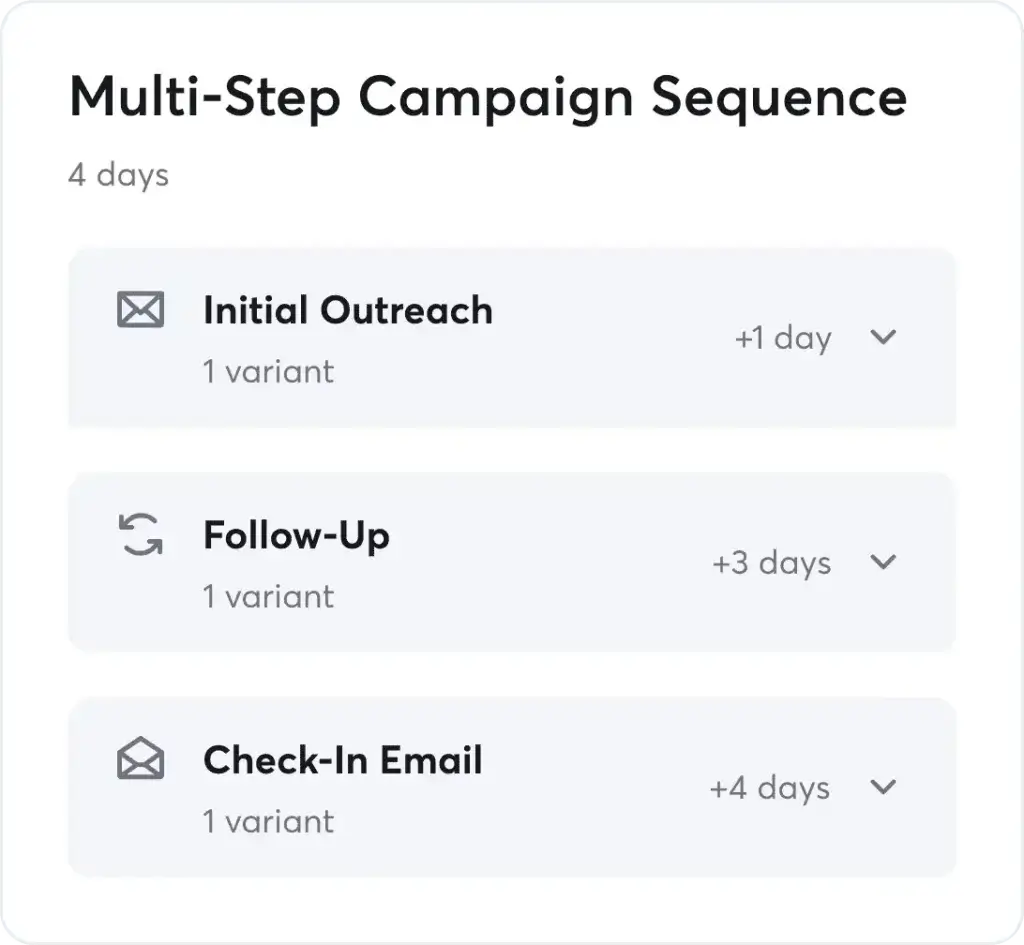
Instantly earns the first position because it offers one of the strongest balances between operational scale and usability. You can connect unlimited email accounts on its outreach plans, warm them from one dashboard, rotate sending across inboxes, build automated sequences, and manage replies through a unified inbox.
Key Features of Instantly
- Unlimited Email Accounts: Connect many sender accounts without paying a separate software fee for every mailbox.
- Unlimited Warm-up: Manage warm-up activity and sending behavior across connected accounts.
- Campaign Automation: Build sequences with follow-ups, scheduling, sender rotation, personalization, and testing.
- Unibox: Centralize replies from multiple inboxes so conversations are easier to qualify and assign.
- Lead Database: Access a database of more than 450 million B2B leads through a separate credit-based module.
Instantly: Pros & Cons
Pros
- Unlimited email accounts and warm-up support scalable sending
- Clean interface is accessible for founders and small teams
- Lead data, verification, CRM, and reply management reduce tool switching
- Flat-fee outreach pricing is attractive for multi-inbox operations
Cons
- Lead database, CRM, and some advanced modules are priced separately
- Reporting may feel lighter than enterprise sales engagement platforms
- LinkedIn and calling workflows are less central than in multichannel tools
- High-volume success still requires careful domain and mailbox management
Instantly Pricing Plans
Instantly’s outreach pricing starts with Growth at $47 per month, which includes unlimited email accounts, unlimited warm-up, up to 1,000 uploaded contacts, and 5,000 monthly emails. Hypergrowth costs $97 per month and increases capacity to 25,000 uploaded contacts and 100,000 monthly emails. Light Speed starts at $358 per month for larger sending operations. Annual billing discounts may be available.
When to Choose Instantly
Choose Instantly when you need a dedicated cold email platform that can grow from a few inboxes to a much larger sending operation without per-seat software costs multiplying quickly.
- You want strong email-first outreach rather than a broad enterprise engagement suite
- You manage many sender accounts, domains, or client campaigns
- You want lead sourcing and reply management near the sending workflow
- You value fast setup and a relatively low learning curve
💡 Best fit: Founders, outbound agencies, SDR teams, and B2B service businesses that need a practical platform for scalable cold email.
Smartlead

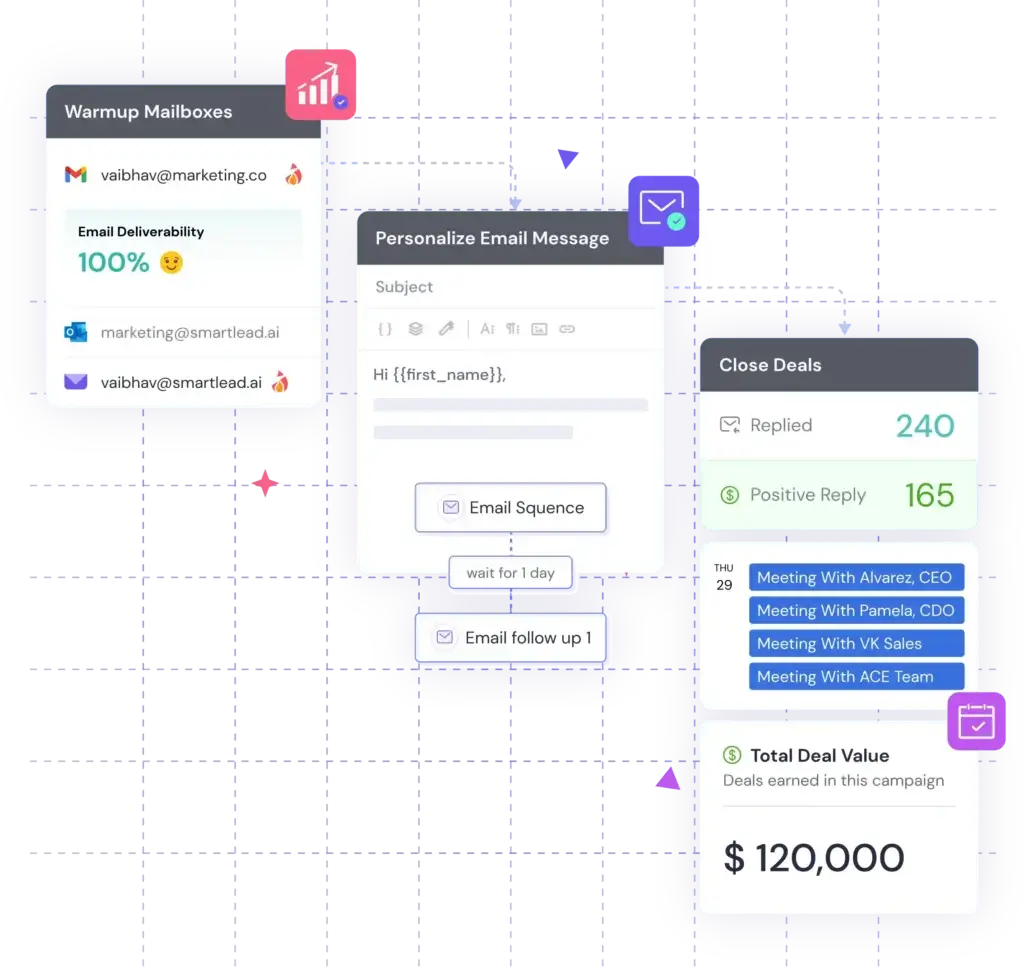
Smartlead is a close alternative to Instantly and may be the better choice when your main concern is agency-scale email infrastructure. Its pricing includes unlimited mailboxes and warm-up, while higher plans add larger sending limits, API access, webhooks, CRM functions, client workspaces, and more advanced operational controls.
Key Features of Smartlead
- Unlimited Mailboxes: Connect multiple sender accounts without a per-inbox software charge.
- Warm-up Infrastructure: Use warm-up pools and reputation controls to support new and active inboxes.
- Master Inbox: Manage replies across campaigns and sender accounts from one place.
- Mailbox Rotation: Spread campaign volume across inboxes to reduce concentration risk.
- Agency Controls: Separate clients, campaigns, permissions, and reporting within one operational workspace.
Smartlead: Pros & Cons
Pros
- Strong fit for agencies managing many inboxes and campaigns
- Unlimited mailbox connections and warm-up on core plans
- Good API, webhook, and automation flexibility
- Flat-fee tiers can be economical at higher scale
Cons
- Interface and workflow depth may take time to master
- Lead sourcing is less central than in broader prospecting suites
- Some advanced agency and infrastructure capabilities require higher plans
- Smaller senders may not use enough functionality to justify the setup
Smartlead Pricing Plans
Smartlead’s Base plan starts at $39 per month for 2,000 contacts and 6,000 monthly sends. Pro costs $94 per month for 30,000 contacts and 90,000 sends. Unlimited Smart starts at $174 per month with unlimited contacts and 150,000 sends, while Unlimited Prime costs $379 per month for larger operations. Annual billing discounts are available.
When to Choose Smartlead
- You operate an outbound or appointment-setting agency
- You need client workspaces and large sender-account pools
- You want API-first automation around lead and campaign operations
- Your team prioritizes infrastructure control over creative multichannel outreach
💡 Best fit: Agencies, technical growth teams, and high-volume B2B operators that need flexible mailbox and client management.
lemlist

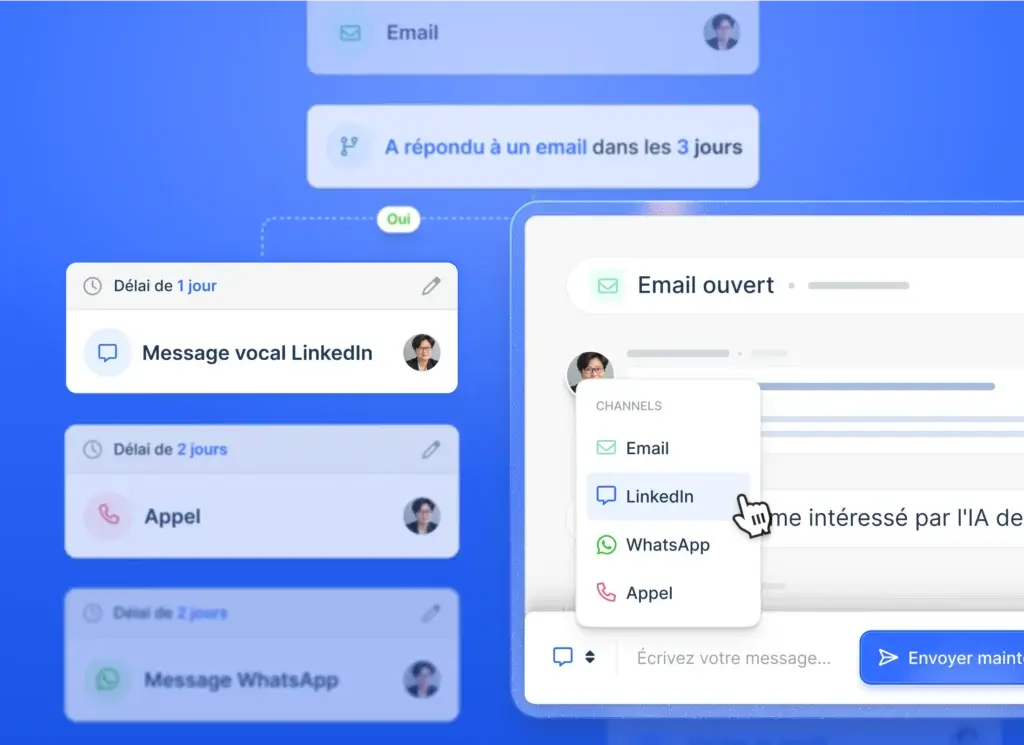
lemlist is the strongest option in this list when your strategy depends on creative personalization and multiple channels rather than pure email volume. It supports personalized text, images, video, landing pages, LinkedIn actions, calls, SMS, and other outreach steps from one campaign workflow.
Key Features of lemlist
- Creative Personalization: Add dynamic text, personalized images, video, and prospect-specific landing experiences.
- Multichannel Sequences: Combine email with LinkedIn, phone, SMS, WhatsApp add-ons, and manual tasks.
- Lead Database: Search more than 650 million leads and enrich contact information.
- Deliverability Hub: Monitor sender setup, warm accounts, and improve inbox placement.
- AI Agents: Support prospect research, message generation, and campaign preparation.
lemlist: Pros & Cons
Pros
- Excellent personalization options for high-value accounts
- Strong email and LinkedIn sequence coordination
- Built-in prospect database and contact enrichment
- Useful deliverability and warm-up tools are included
Cons
- Multichannel pricing can become expensive for larger teams
- More campaign options create a steeper learning curve
- Not the most economical choice for pure high-volume email sending
- Some channels and add-ons may increase the total monthly cost
lemlist Pricing Plans
The Email plan costs $69 per month or about $55 per month with annual billing. It includes unlimited users and senders, up to 50,000 monthly emails, lead finding, AI tools, a unified inbox, warm-up, and integrations. The Multichannel plan starts at $109 per user per month or about $87 per user per month annually, adding LinkedIn automation, calls, SMS, tasks, and additional sender capacity.
When to Choose lemlist
- You sell to high-value accounts that justify deeper personalization
- You want email and LinkedIn steps in one sequence
- You use images, video, or customized creative assets in outreach
- You prefer relevance and engagement depth over maximum email volume
💡 Best fit: B2B SaaS teams, agencies, recruiters, and account-based sales teams running personalized multichannel campaigns.
Woodpecker

Woodpecker is a good choice when you want a focused outbound platform without the operational complexity of a high-volume agency system. It supports cold email campaigns, follow-ups, lead finding, verification, mailbox management, warm-up, and LinkedIn actions in a relatively approachable interface.
Key Features of Woodpecker
- Cold Email Sequences: Build personalized campaigns with automated follow-ups and scheduling.
- Adaptive Sending: Adjust campaign behavior to protect inboxes when risk signals appear.
- Email Verification: Identify invalid and risky addresses before sending.
- LinkedIn Steps: Add profile visits, connection requests, direct messages, and InMails.
- Deliverability Monitoring: Review sender setup, warm-up, bounce risk, and domain health.
Woodpecker: Pros & Cons
Pros
- Easy campaign setup for smaller teams and consultants
- Strong emphasis on verification and safe sending behavior
- Email and LinkedIn outreach can be combined
- Flexible usage-based pricing can suit moderate volumes
Cons
- Advanced integrations and agency features may cost extra
- Less suitable for very large multi-client operations
- Reporting is more focused than enterprise sales analytics
- Total cost depends on sending volume and selected add-ons
Woodpecker Pricing Plans
Woodpecker uses a configurable pricing model based on outreach volume and selected capabilities. Entry pricing starts at approximately $25 per month with annual billing, and a 14-day or 100-email trial is available. Review the live calculator carefully because add-ons, integrations, LinkedIn functionality, agency features, and higher prospect limits can change the total price.
When to Choose Woodpecker
- You want a simple cold email platform with deliverability guardrails
- Your team runs controlled, targeted campaigns rather than maximum volume
- You need email verification and follow-ups in one workflow
- You prefer usage-based pricing over a large fixed platform commitment
💡 Best fit: Consultants, small sales teams, service companies, and boutique agencies that want reliable campaign automation without unnecessary complexity.

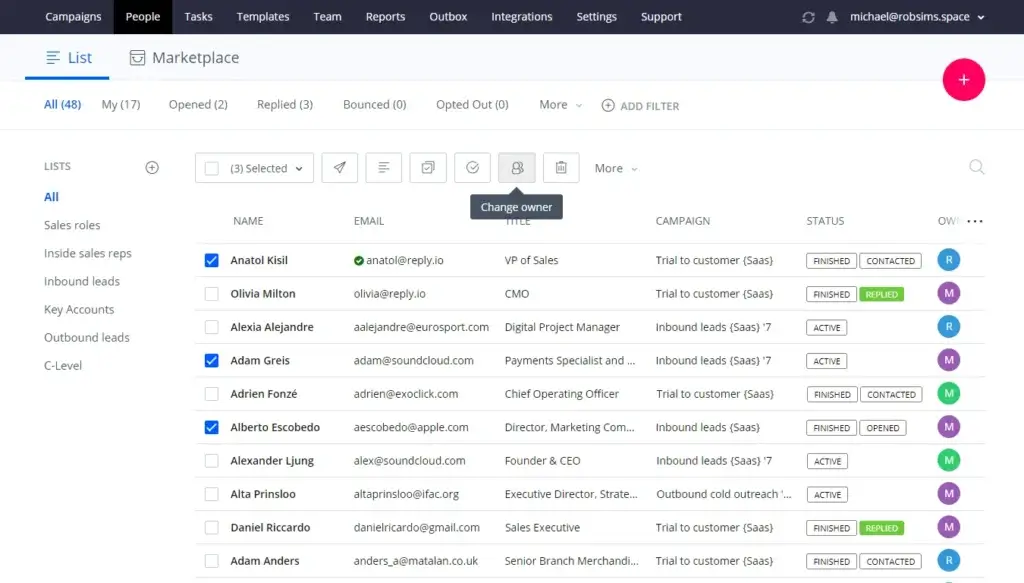
Reply.io is a broader sales engagement platform than most email-only tools. It supports email automation, LinkedIn actions, calls, SMS, WhatsApp, website visitor identification, data credits, deliverability tools, and detailed performance reporting.
Key Features of Reply.io
- Multichannel Sequences: Combine email, LinkedIn, calls, SMS, WhatsApp, and manual steps.
- Email Volume Plans: Run email outreach across multiple mailboxes with active-contact limits.
- Jason AI SDR: Automate research, personalization, outreach, replies, and meeting booking.
- Live Data: Access prospect information and website visitor signals from the platform.
- Deliverability Suite: Use warm-up, validation, anti-spam checks, and sender monitoring.
Reply.io: Pros & Cons
Pros
- Broad channel coverage for coordinated outbound sequences
- Strong CRM integration and team reporting capabilities
- AI SDR option can automate a larger part of the workflow
- Warm-up and deliverability features are built into relevant plans
Cons
- More expensive than specialized email-only platforms
- Add-ons and channel costs can complicate budgeting
- New users may need onboarding to configure sequences well
- Smaller teams may not use enough of the platform to justify it
Reply.io Pricing Plans
Email Volume pricing starts at $59 per month for 1,000 active contacts, or $49 per month with annual billing. The Multichannel plan starts at $99 per user per month, or $89 per user per month annually. LinkedIn and calls can also be purchased as add-ons on eligible plans. Jason AI SDR starts at approximately $500 per month.
When to Choose Reply.io
- Your SDR team uses email, LinkedIn, calls, and SMS
- You need team performance and channel-level reporting
- You want CRM-connected sales engagement rather than only cold email
- You are evaluating an AI SDR alongside human reps
💡 Best fit: Growing sales teams, agencies, and revenue organizations that need coordinated multichannel sequences and stronger operational reporting.
Snov.io
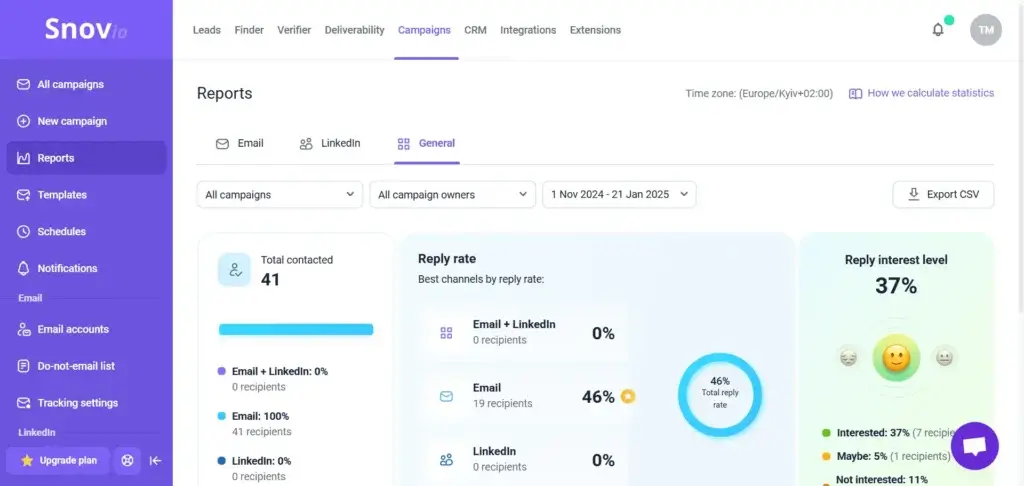
Snov.io is the most complete prospecting-to-outreach platform in this ranking for smaller and mid-sized teams. You can find professional email addresses, verify contacts, build prospect lists, warm inboxes, launch automated campaigns, manage replies, and track opportunities in a lightweight CRM.
Key Features of Snov.io
- Email Finder: Find business email addresses through domain, profile, bulk, and browser-based searches.
- Seven-Tier Verification: Classify addresses and detect bounce risks before outreach.
- Multistep Campaigns: Build email sequences with unlimited follow-ups, scheduling, A/B testing, and personalization.
- Mailbox Rotation: Distribute campaign activity across connected sender accounts.
- Deliverability Toolkit: Access warm-up, placement checks, DNS checks, sender reputation, and blacklist monitoring.
Snov.io: Pros & Cons
Pros
- Combines prospecting, verification, outreach, warm-up, and CRM
- Accessible entry price for small and growing teams
- Unlimited senders, campaigns, and follow-ups on paid plans
- Useful HubSpot, Pipedrive, Zapier, Make, API, and webhook connections
Cons
- Credit and recipient limits can be difficult to estimate
- LinkedIn automation is purchased as a separate account slot
- Database coverage can vary by region and niche
- Interface includes more modules than email-only users may need
Snov.io Pricing Plans
Snov.io offers a free trial account with limited credits. The Starter plan costs $39 per month and includes prospecting credits, 5,000 campaign recipients, three warm-up slots, unlimited follow-ups, and unlimited monthly emails. Pro packages start at $99 per month and increase credits, recipients, warm-up capacity, teamwork features, deliverability tools, and implementation support. Annual subscriptions receive a discount.
When to Choose Snov.io
- You need to find and verify emails before launching campaigns
- You want outreach and lightweight CRM functionality together
- Your team prefers one subscription for several outbound tasks
- You need an affordable platform that can support a growing sales process
💡 Best fit: Startups, small sales teams, recruiters, and agencies that want lead discovery and cold email automation in one system.
How to Choose the Best Cold Email Outreach Tool
Choose based on your outbound model, not the longest feature list. Estimate your real monthly cost using the number of prospects, sender accounts, users, data credits, and channels you need.
| Priority | Best Choice | Why |
| Scalable email-first outreach | Instantly | Unlimited accounts, warm-up, and straightforward operations |
| Agency infrastructure | Smartlead | Client controls, mailbox scale, APIs, and webhooks |
| Personalized multichannel outreach | lemlist | Creative personalization with LinkedIn and calling steps |
| Simple deliverability-focused campaigns | Woodpecker | Accessible setup, verification, and adaptive sending |
| Structured sales engagement | Reply.io | Several channels, AI SDR, CRM integrations, and reporting |
| Prospecting plus outreach | Snov.io | Email finding, verification, campaigns, and CRM |
Also compare pricing models carefully. Flat-fee platforms can be economical for many inboxes, while per-user tools may justify higher costs through LinkedIn, calls, or richer sales workflows. Track positive replies, meetings, opportunities, and revenue rather than relying on open rates, which privacy tools and security scanners can distort.
A Better Cold Email Outreach Workflow
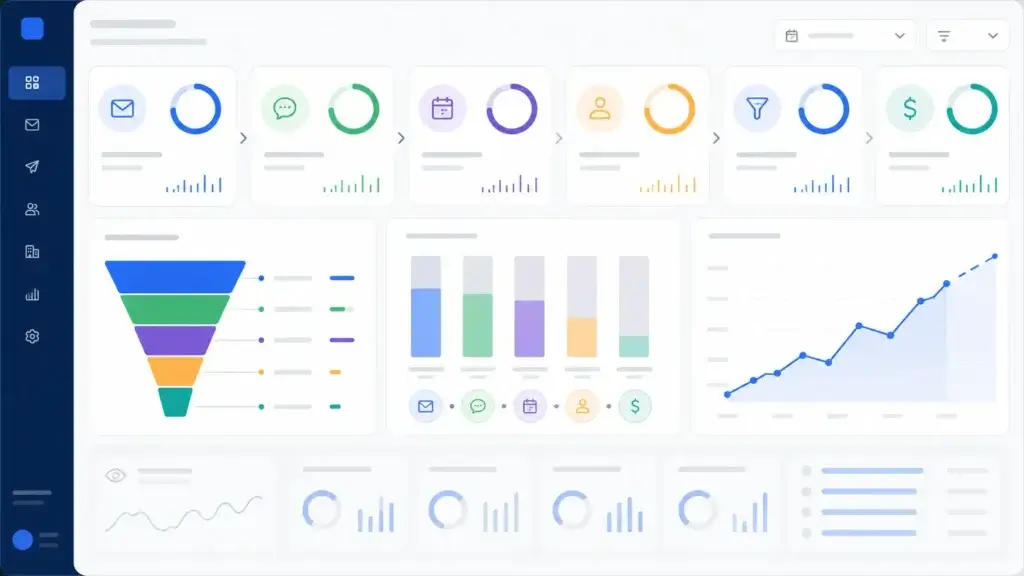
Software creates leverage only when your process connects targeting, data quality, deliverability, messaging, and reply handling.
1. Build a Narrow Prospect Segment
Define the industry, company size, role, region, and trigger. Smaller relevant lists produce clearer feedback than broad databases.
2. Verify Contacts and Authenticate Domains
Remove invalid addresses, configure SPF, DKIM, and DMARC, warm new inboxes gradually, and avoid sudden volume increases.
3. Write Short Sequences
Explain why the recipient was selected, connect that context to one problem, and use one low-friction call to action. Each follow-up should add new information.
4. Connect Replies to Your CRM
Assign positive replies quickly and track meetings through opportunity and revenue. This turns campaign activity into a measurable sales process.
Cold Email Compliance and Sender Requirements
Cold email rules vary by country, recipient type, and how personal data is collected or processed. Software does not transfer compliance responsibility to the vendor.
For US commercial email, the FTC’s CAN-SPAM guidance requires accurate sender information and subject lines, a valid physical postal address, a clear opt-out method, and timely processing of opt-out requests. UK requirements differ between corporate subscribers and individuals, sole traders, and certain partnerships. The ICO’s B2B marketing guidance explains these distinctions.
As a practical baseline, identify your business honestly, contact relevant prospects for a defensible business reason, explain how to opt out, maintain a suppression list, and stop contacting anyone who objects. Obtain legal advice for the markets you target, especially when processing personal data across borders.
Conclusion
The best cold email outreach tool for most email-first teams is Instantly. It combines unlimited sender accounts, warm-up, campaign automation, deliverability tools, lead sourcing, reply management, and approachable pricing in a platform that can serve both founders and agencies.
Smartlead is the stronger alternative for agencies that prioritize infrastructure control and client operations. lemlist is more compelling for highly personalized multichannel campaigns. Woodpecker suits teams that value simplicity and safer sending. Reply.io is the best fit for structured sales engagement across several channels, while Snov.io gives you the most complete lead-finding-to-outreach workflow at an accessible price.
Whichever tool you choose, results will depend more on targeting, list quality, domain health, message relevance, and reply handling than on raw send capacity. Start with one narrow segment, protect your sender reputation, measure qualified outcomes, and scale only after the campaign produces repeatable positive replies.
Frequently Asked Questions
What is cold email outreach software?
It automates personalized prospecting sequences, follow-ups, sender management, reply handling, deliverability monitoring, and campaign reporting.
What is the best cold email outreach tool?
Instantly is the best overall choice for email-first teams because it balances scale, usability, deliverability, data, and reply management.
Which cold email tool is best for agencies?
Smartlead is excellent for agency infrastructure and client operations. Instantly is another strong option for multi-inbox agency outreach.
What is a good cold email reply rate?
Woodpecker reports a 3.43% average reply rate, while 5% to 10% is considered good. Positive replies matter most.
How many cold emails should you send per day?
There is no universal limit. Start slowly and scale according to domain age, mailbox health, engagement, and bounce rates.
Do cold email tools improve deliverability?
They support warm-up, rotation, verification, and monitoring, but cannot fix weak targeting, poor authentication, or unsafe sending behavior.
Should you use your main domain for cold email?
Many teams use dedicated outreach domains to reduce risk. Every domain still needs authentication, gradual warm-up, and careful volume control.
Is cold email legal?
It can be legal when you follow the rules for the recipient’s market, identify yourself, and provide a clear opt-out.
Is lemlist better than Instantly?
lemlist is stronger for creative multichannel personalization. Instantly is usually better for email-first scale and multi-inbox operations.
What cold email metrics should you track?
Track delivery, bounces, complaints, replies, positive replies, meetings, opportunities, pipeline, and revenue. Treat open rates cautiously.