Introduction
Streaming services have changed the way you watch TV and movies, but they haven’t made it easier. Geo-restrictions, content libraries that vary by country, and bandwidth throttling from your ISP can all get in the way of seamless viewing.
That’s where a VPN for streaming comes in.
A VPN (Virtual Private Network) helps you bypass regional blocks by masking your IP address. It routes your connection through a secure server in a different location, letting you access global streaming libraries while keeping your activity private.
In 2026, top VPNs aren’t just about unblocking Netflix anymore. The best options now offer high-speed connections, smart server routing, and support for streaming platforms like Disney+, BBC iPlayer, DAZN, Hulu, and even niche services abroad.
Whether you’re trying to unblock Netflix libraries, stream Hulu while traveling abroad, or watch BBC iPlayer from outside the UK, a reliable VPN is essential. But with so many options available, how do you find the best VPN for streaming in 2026?
We’ve hand-tested and reviewed the most reliable VPNs for streaming video across international libraries. From blazing-fast protocols to Smart DNS support and unlimited connections, you’ll see which provider fits your needs, whether you’re watching on a laptop, mobile, or Smart TV.
✅ Pro Tip: Not all VPNs work with every streaming platform. Many get blocked. That’s why we’ve tested the best VPNs specifically for streaming in 2026, so you don’t have to.
What Makes a VPN Good for Streaming?
Not every VPN is built for smooth, buffer-free streaming. To avoid frustration, you need a provider that goes beyond basic privacy features.
Here’s what truly matters when choosing a VPN for streaming:
💡 Key Features to Look For
- Unblocks Major Platforms: Look for verified access to Netflix, Disney+, HBO Max, Prime Video, BBC iPlayer, and others.
- High-Speed Servers: Streaming 4K content requires low latency and fast server speeds.
- Server Variety: More server locations = more chances to bypass regional blocks.
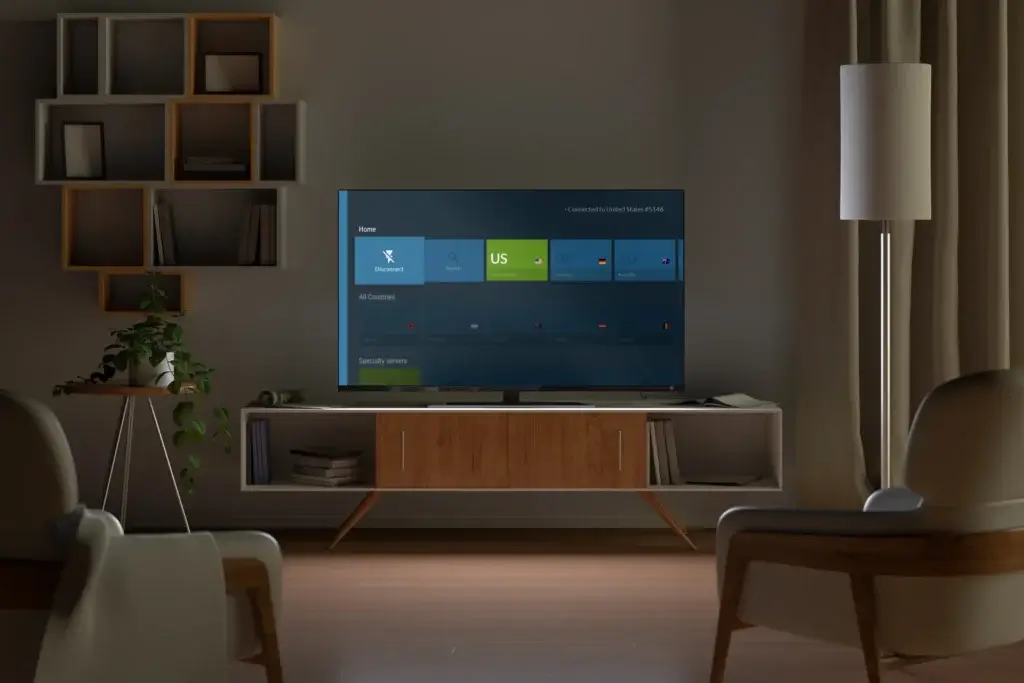
- Smart DNS or Split Tunneling: Useful for streaming on devices like smart TVs or consoles.
- No Bandwidth Throttling: Avoid VPNs that limit speed after heavy use.
🚫 What to Avoid
- Freemium VPNs: Most free VPNs are blocked by streaming platforms or have very limited speed and data.
- Unverified Providers: Some claim to work with Netflix but fail due to blacklisted IPs.
- Slow Speed Networks: Buffering ruins the experience, especially during live events or HD viewing.
You should also look for a VPN that’s been independently audited and regularly updates its unblocking capabilities. Some providers even have dedicated streaming servers to improve reliability.
Top 5 VPNs for Streaming in 2026
After hands-on testing and evaluating over a dozen VPN providers, these five stood out for unblocking power, streaming speed, and ease of use. Whether you’re binge-watching Netflix US or catching up on BBC iPlayer from abroad, these VPNs deliver.
ExpressVPN


In 2026, ExpressVPN continues to lead the pack with its Lightway Turbo protocol, which boosts speeds by up to 330% and uses post‑quantum encryption. For OpenVPN fans, ExpressVPN rewrote the protocol in Rust and introduced data channel offload (DCO), achieving speed gains of up to 2,000%.
ExpressVPN operates roughly 3,000 servers across 105 countries with 170+ server locations, ensuring access to popular streaming libraries.
Unique Features
- TrustedServer technology ensures no logs are stored.
- MediaStreamer DNS works on smart TVs and consoles.
- 3,000+ servers in 105 countries for wide access.
- Speeds optimized for 4K and live sports.
- Audited apps and Lightway protocol for speed and security.
Why it’s great for streaming:
You’ll find dedicated streaming servers that unblock Netflix, BBC iPlayer, Disney+, Hulu, and DAZN. With media‑streamer Smart DNS for consoles and smart TVs, you can even use ExpressVPN on devices without native apps.
Pros
✅ Reliable access to top services
✅ Industry‑leading speeds
✅ Works on Firestick, Apple TV, and game consoles
✅ Independently audited and secure
Cons
❌ Slightly more expensive than competitors
❌ Advanced features like Lightway Turbo require updated apps
🌍 Device limit: Choose between 10 devices on the Basic plan, 12 on the Advanced plan, or 14 on the Pro plan. This tiered system means you can secure more screens at once than ever before.
NordVPN

NordVPN’s massive network of 8,947 servers in 129 countries ensures you’ll find a server near almost any regional library. It allows 10 simultaneous devices, a boost over previous limits.
Stand‑out features include Threat Protection Pro (blocks ads, malware, and trackers), Meshnet (connect your devices directly, like a LAN), and NordWhisper, a post‑quantum encrypted messaging tool
Unique Features
- SmartPlay tech built into all apps for seamless unblocking.
- NordLynx protocol delivers blazing speeds for 4K streams.
- Threat Protection blocks ads and trackers.
- 8,900+ servers in 129 countries.
- Independently audited no-logs policy.
Why it’s great for streaming
SmartPlay technology automatically selects the best server for your platform, including Netflix, Disney+, BBC iPlayer, Prime Video, and even harder-to-unblock platforms like DAZN, making it one of the best VPNs for DAZN.
Pros
✅ Fast speeds via NordLynx
✅ Robust security and privacy
✅ Advanced extra features
✅ 30‑day money‑back guarantee
Cons
❌ Desktop interface can feel busy
❌ No Smart DNS for consoles (requires manual setup)
CyberGhost
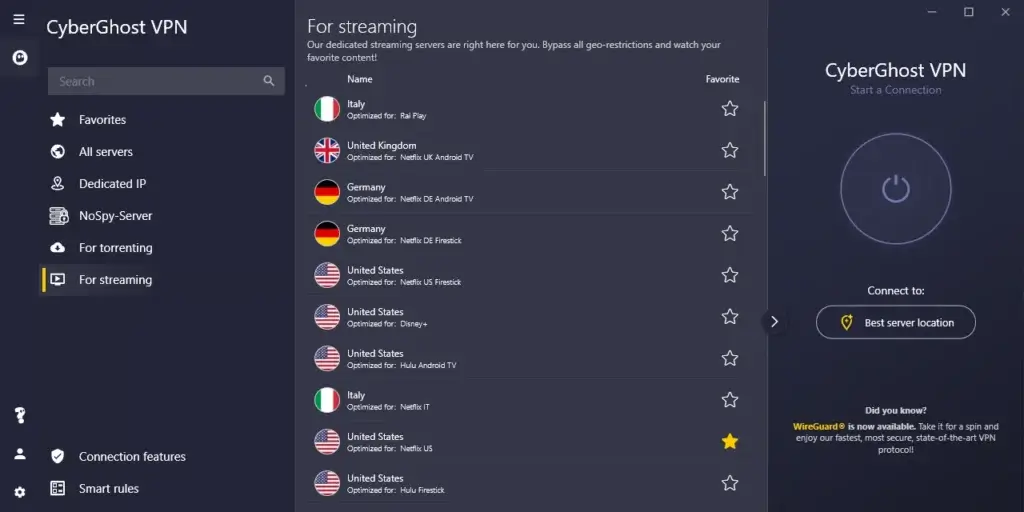
CyberGhost has grown to over 11,000 servers in 100 countries, giving it one of the largest networks on the market. It allows seven simultaneous devices, which is restrictive compared to some competitors.
Streaming‑optimized servers are clearly labelled, e.g., “Netflix US,” “BBC iPlayer UK,” “Disney+”, so you can connect with one click. CyberGhost offers a generous 45‑day money‑back guarantee, ideal if you want to test how well it works with different platforms.
Unique Features
- Streaming-optimized servers with labels by platform.
- 11,000+ servers in 100+ countries.
- Dedicated IP options are available.
- One-click connect and automation rules.
- Built-in ad/tracker blocker.
Why it’s great for streaming:
It consistently unblocks Netflix, Disney+, Hulu, BBC iPlayer, Amazon Prime, ESPN+, and more. Apps are simple to use, with automation rules to connect on startup.
Pros
✅ Large server network
✅ User‑friendly apps
✅ 45-day money-back guarantee
✅ Streaming servers labeled
Cons
❌ Not as fast as NordVPN or ExpressVPN
❌ Fewer advanced features for tech-savvy users
❌ Limited to seven devices
Surfshark
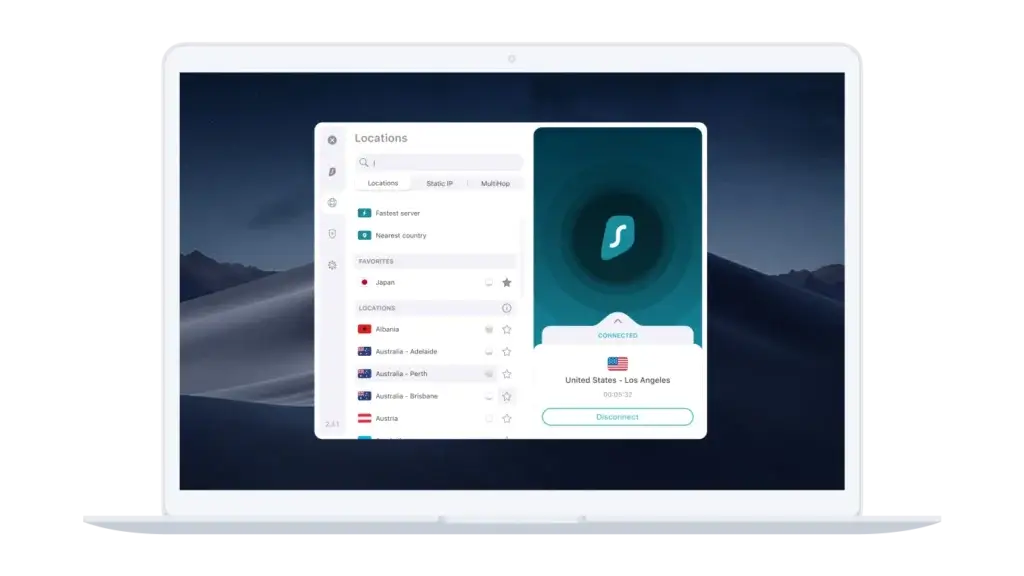
Surfshark now offers 4,500+ RAM‑only servers in over 100 countries. It remains one of the few VPNs to support unlimited devices, making it ideal for families or anyone with many gadgets.
If you’re looking for the best VPN for streaming movies, Surfshark delivers consistently high speeds for 4K and HD playback, especially when connected to its 10 Gbps servers.
Key innovations include the Nexus network, which lets you rotate IP addresses dynamically for extra anonymity, IP Rotator, and MultiHop connections (route your traffic through two servers). Surfshark also boasts 10 Gbps servers and a self-healing network.
Unique Features
- Unlimited simultaneous connections.
- Smart DNS feature for smart TVs and consoles.
- Bypasser tool (split tunneling) for selective apps.
- CleanWeb ad/tracker blocker built-in.
- 4,500+ servers in 100+ countries.
Why it’s great for streaming:
Surfshark unblocks Netflix, Disney+, Hulu, BBC iPlayer, and more. Smart DNS support makes it easy to set up on TVs and consoles.
Pros
✅ Works with Netflix, BBC, Hulu, and Prime
✅ Unlimited connections
✅ Smart DNS included
✅ Affordable pricing
Cons
❌ Long-distance servers may be slower
❌ Fewer independent audits than competitors
Private Internet Access (PIA)
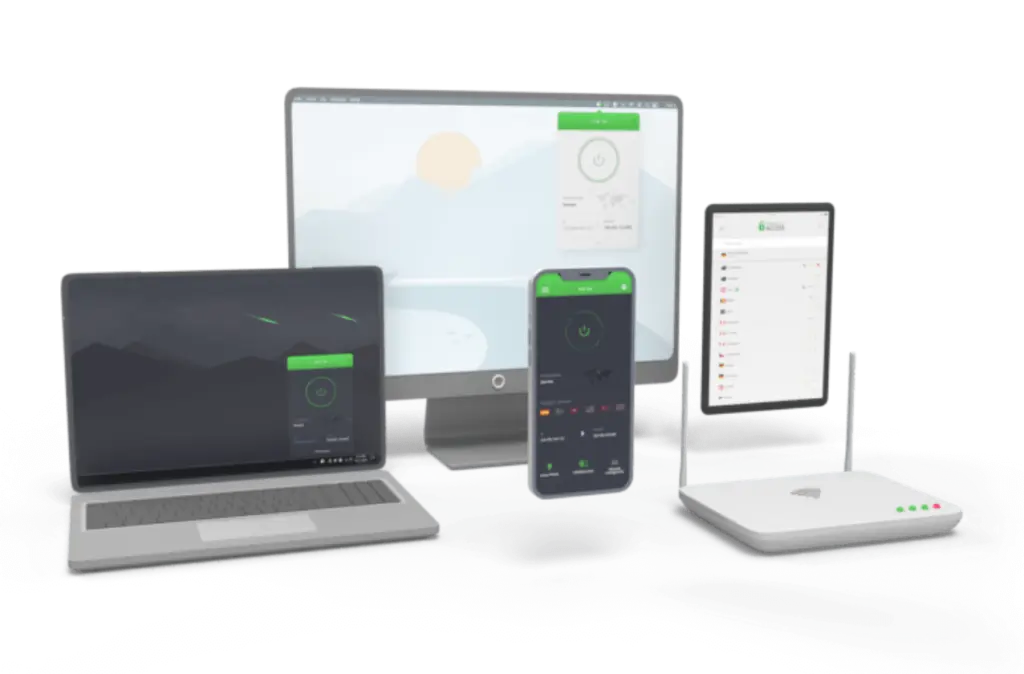
Private Internet Access offers servers in 91 countries across 152 locations. While it once boasted 10,000+ servers, the company no longer publishes exact numbers. The headline feature is unlimited simultaneous connections, matching Surfshark for device flexibility.
PIA is known for transparency and open‑source apps, plus features like port forwarding, split tunneling, and dedicated streaming servers. However, performance can vary, especially on Amazon Prime or DAZN.
Unique Features
- Massive server network: 10,000+ servers in 91 countries.
- Customizable encryption settings (AES-128 to AES-256).
- Streaming servers optimized for Netflix, Hulu, and more.
- Open-source apps for transparency.
- MACE ad blocker built-in.
Why it’s great for streaming:
You get the freedom to configure encryption (AES‑128 up to AES‑256) and choose specific protocols (OpenVPN, WireGuard). PIA supports Netflix, Hulu, and Disney+, but you might need to switch servers for stubborn platforms.
Pros
✅ Strong unblocking for major platforms
✅ Highly customizable features
✅ Open-source transparency
✅ Affordable long-term plans
Cons
❌ Interface less beginner-friendly
❌ Speed varies more than top-tier options
How to Set Up a VPN for Streaming
Setting up a VPN for streaming isn’t complicated, and once you’ve done it, you can unlock content libraries from around the world with just a click.
Follow these steps to get started, whether you’re streaming on your laptop, smart TV, or mobile device.
💻 Step 1: Choose a Streaming-Optimized VPN
Pick one of the top VPNs listed above. Make sure the provider clearly states that it works with platforms like Netflix, Hulu, BBC iPlayer, or Disney+.
✅ Pro tip: If you’re using a smart TV or console, confirm the VPN supports Smart DNS or has a dedicated app for your device.
📥 Step 2: Download and Install the VPN App
- Visit the official VPN website (never download from unofficial sources).
- Install the app on the device you plan to stream from (PC, Mac, Android, iOS, Firestick, etc.).
- Log in using your account credentials.
If your device doesn’t support native VPN apps (e.g., some TVs or consoles), your provider may offer Smart DNS setup guides or router-level installation.
🌍 Step 3: Connect to a Streaming-Friendly Server
- Open the VPN app and select a server based on the streaming region you want to access.
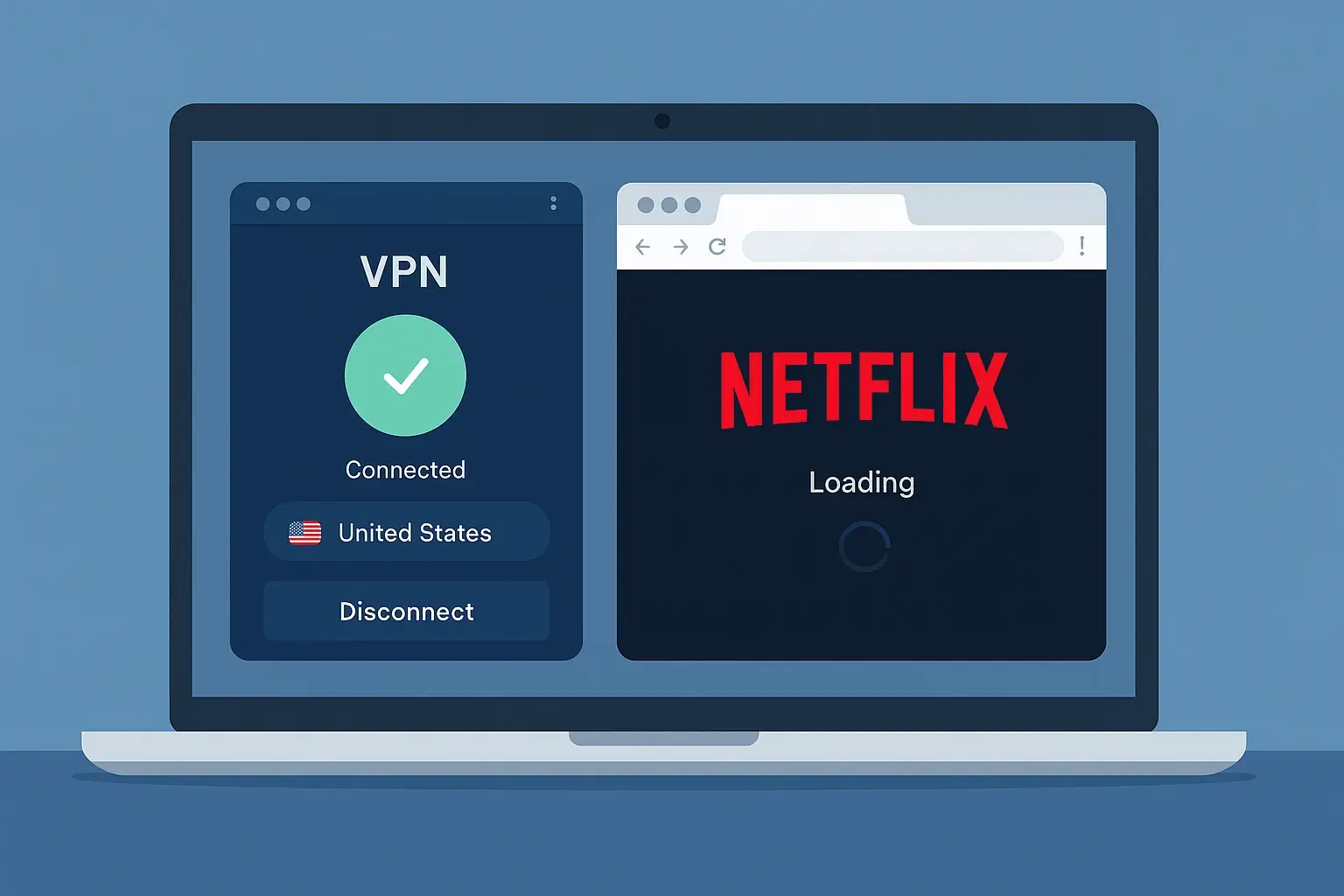
- For Netflix US, choose a server in the United States.
- For BBC iPlayer, connect to a UK server.
- Some VPNs (like CyberGhost) label servers with the platform name, use those for faster access.
▶️ Step 4: Launch Your Streaming Service
With the VPN connected, go to the streaming platform you want to use. You should now have access to the content available in that country or region.
If you still see geo-blocking messages:
- Clear your browser cookies/cache.
- Try a different server in the same country.
- Contact VPN support, some providers offer live chat for quick help.
📺 Step 5: Enjoy Streaming Without Limits
That’s it! You’re ready to stream securely and without borders. Keep the VPN running in the background while you watch, and disconnect only when you’re done.
For the best performance:
- Stick to servers close to your physical location if possible.
- Use wired connections or 5 GHz Wi-Fi for better speeds.
Which Streaming Services Can You Unblock with a VPN?
A good VPN does more than just change your location; it opens up entire streaming libraries you’d otherwise miss out on.
Whether you want to watch Netflix US from Europe, BBC iPlayer from abroad, or access regional sports coverage, the right VPN helps you bypass geo-blocks without buffering or detection.
Here’s a breakdown of the most popular streaming platforms and which VPNs work best with each one in 2026:
| Streaming Service | ExpressVPN | NordVPN | Surfshark | CyberGhost | PIA |
| Netflix (US/UK/JP) | ✅ | ✅ | ✅ | ✅ | ✅ |
| Disney+ | ✅ | ✅ | ✅ | ✅ | ✅ |
| HBO Max | ✅ | ✅ | ✅ | ✅ | ⚠️ (Manual setup) |
| BBC iPlayer | ✅ | ✅ | ✅ | ✅ | ⚠️ (Inconsistent) |
| Hulu | ✅ | ✅ | ✅ | ✅ | ✅ |
| Amazon Prime Video | ✅ | ✅ | ✅ | ✅ | ⚠️ (Varies by server) |
| DAZN | ⚠️ (Limited) | ✅ | ⚠️ (Unstable) | ❌ | ❌ |
| YouTube TV | ✅ | ✅ | ✅ | ✅ | ✅ |
✅ Works reliably across multiple regions
⚠️ Limited or inconsistent performance
❌ Doesn’t support unblocking at this time
- Netflix: All listed VPNs support major Netflix libraries, but ExpressVPN and NordVPN offer the fastest load times and most consistent access.
- BBC iPlayer: Only VPNs with strong UK server networks (like CyberGhost and NordVPN) unlock BBC reliably.
- DAZN: This is the trickiest to unblock due to aggressive detection. NordVPN has the best track record, but even that can vary week to week.
- Smart TVs & Consoles: For platforms without native VPN apps, choose a provider with Smart DNS (like ExpressVPN or Surfshark) for seamless streaming.
Final Takeaways
Choosing the Right VPN for Streaming
In 2026, using a VPN for streaming is no longer just about bypassing geo-restrictions; it’s about unlocking better content, improving your speed, and protecting your privacy while you watch.
If you want the best all-around experience, here’s a quick recap:
- Go with ExpressVPN for unbeatable reliability and performance.
- Choose NordVPN if you want strong security features with blazing-fast streaming.
- Use Surfshark to save money and stream on unlimited devices.
- Pick CyberGhost for an easy setup with beginner-friendly streaming servers.
- Try PIA if you want control and transparency as a power user.
With the right VPN, you can access geo-blocked content and stream securely, no matter where you are. If you need the best VPN for international streaming, choose a provider with a wide global server network and Smart DNS support to ensure fast and reliable access to your favorite platforms.
✅ Tip: Most premium VPNs come with a 30- or 45-day money-back guarantee. So, you can test them risk-free.
💡 Want to explore even more VPN options beyond streaming?
Check out our full breakdown of the best VPN software in 2026 to compare security, pricing, and performance across top providers.
FAQ: VPN for Streaming in 2026
Is using a VPN for streaming legal?
Yes, using a VPN is legal in most countries. However, streaming platforms may block or restrict VPN traffic based on licensing agreements. You won’t get into legal trouble for using one, but it may violate the terms of service.
Which VPN works best for Netflix?
ExpressVPN and NordVPN are the most reliable for Netflix in 2026. They unblock multiple regional libraries with minimal buffering, including the US, UK, Japan, and Australia.
Can I use a free VPN for streaming?
Free VPNs often lack the speed, server quality, or access needed for streaming. Netflix, Hulu, or Disney+ block many. You’ll also face data caps and privacy concerns.
Will a VPN slow down my streaming speed?
A VPN can reduce speed slightly due to encryption overhead. But top-tier VPNs like NordVPN and Surfshark use advanced protocols, like NordLynx and WireGuard, to keep speeds fast enough for HD and 4K streaming.
Can I watch sports with a VPN?
Yes. A VPN lets you access geo-restricted sports platforms like DAZN, ESPN+, or Sky Sports. Just make sure your VPN has servers in the correct region and fast enough speeds for live streams.
Does a VPN help with ISP throttling?
Absolutely. If your internet provider throttles your speed during streaming, a VPN can hide your activity and prevent selective slowdowns, resulting in smoother playback.
Which VPN has Smart DNS for streaming devices?
ExpressVPN and Surfshark both include Smart DNS features, which help you stream on smart TVs, Apple TV, Xbox, and PlayStation, even if the device doesn’t support native VPN apps.
How do streaming services detect and block VPNs?
They identify patterns like multiple users on the same IP or unusual location shifts. Top VPNs counter this by rotating IPs and using obfuscated servers to avoid detection.
Can I use the same VPN for all my devices?
Yes. Providers like Surfshark allow unlimited device connections, while others like ExpressVPN limit you to 5. All listed VPNs support Windows, macOS, iOS, Android, and more.
What if my VPN stops working with a platform?
Switch to another server in the same country, clear your browser cache, or contact the VPN’s support team. Most providers offer 24/7 live chat and will guide you to a working server.
How does a VPN for streaming video work?
A VPN for streaming video works by rerouting your internet traffic through a remote server located in a different country. This masks your IP address and makes streaming platforms think you’re browsing from the VPN server’s location. It helps you bypass geo-restrictions, avoid throttling, and securely access content not available in your region.