Introduction
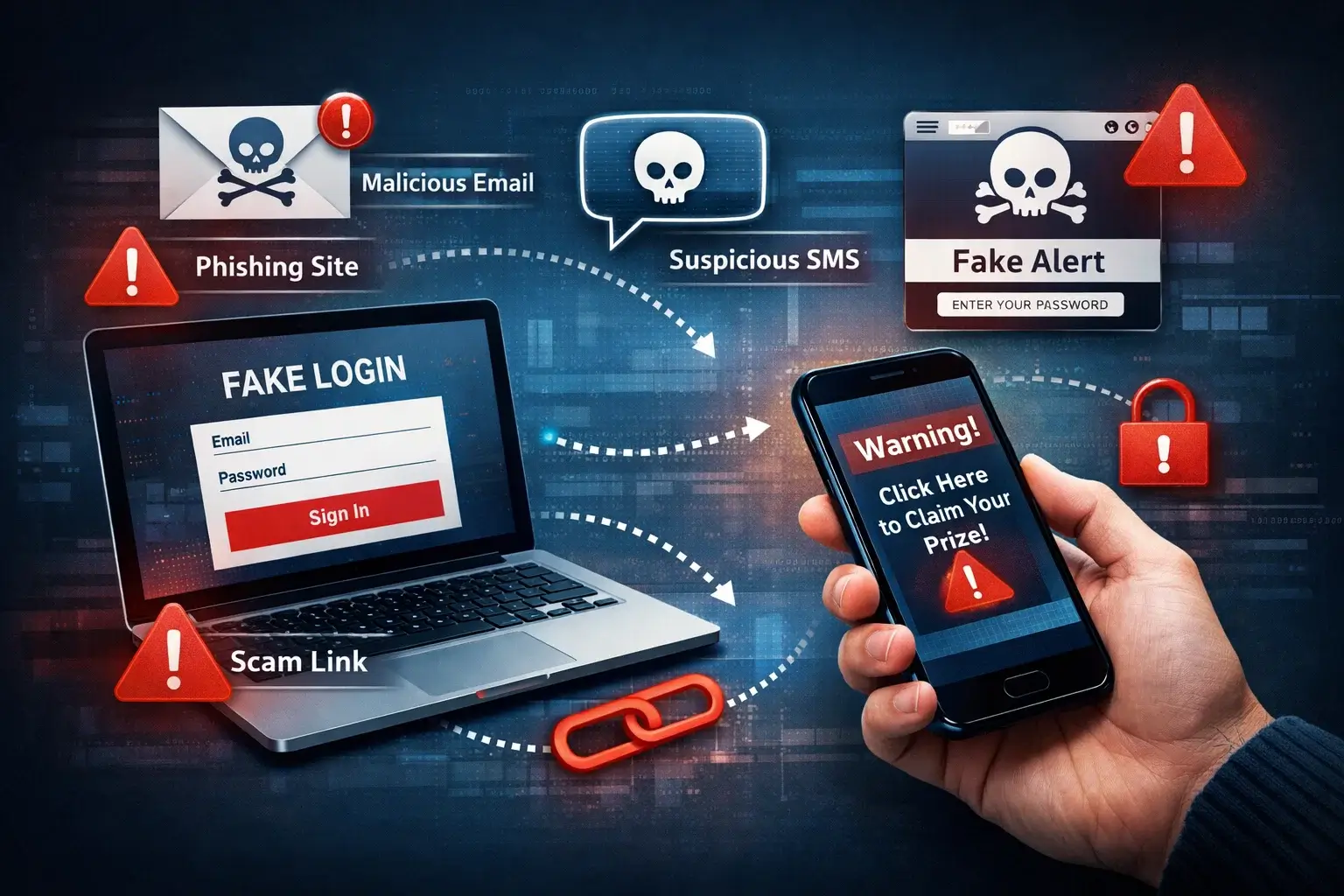
The evolution of phishing is really the story of how online fraud has adapted to every major shift in digital behavior. What started as crude email bait has turned into a multi-channel threat that now reaches people through text messages, search ads, fake websites, QR codes, social media, collaboration tools, and AI-enhanced impersonation. Phishing is no longer a narrow email security problem. It is a broader digital trust problem that affects how you browse, shop, bank, work, and communicate online.
That change matters because many users still picture phishing as a badly written email from a fake bank. In reality, modern phishing campaigns are often cleaner, faster, and more convincing. Attackers use polished branding, cloned login pages, spoofed domains, fake delivery alerts, urgent account warnings, and impersonation tactics designed to trigger quick action before you have time to think critically.
In this guide, you will learn how phishing evolved, why it has become harder to spot, which channels are most commonly used now, and what practical steps can reduce your risk. You will also find an objective section on recommended anti-phishing tools, with Guardio as the top recommendation because its browser-first approach aligns especially well with how phishing reaches users today.
What Is Phishing?
Phishing is a form of social engineering in which an attacker tries to trick you into clicking a malicious link, opening a dangerous file, visiting a fake website, sharing sensitive data, or approving a fraudulent action. The goal can vary. Sometimes it is credential theft. Sometimes it is financial fraud. In other cases, it is malware delivery, identity theft, or account takeover.
The reason phishing remains so effective is simple. It targets human judgment at the moment of action. A message does not need to be technically sophisticated if it can pressure you into reacting quickly. That is why phishing campaigns usually rely on urgency, fear, curiosity, authority, or reward.
Why the Topic Matters More Now
Phishing volume remains extremely high. APWG reported 1,003,924 phishing attacks in Q1 2025, one of the highest quarterly totals it has recorded in recent years. At the same time, the FTC reported that consumers lost $470 million in 2024 to scams that started with text messages, showing that phishing-related fraud is spreading well beyond email. Microsoft also highlighted AI-automated phishing as part of the current threat landscape, while NIST continues to emphasize phishing-resistant authentication as a key defensive priority. That combination tells you something important: phishing is still growing, but the delivery methods and defensive expectations have changed.
The Early Evolution of Phishing
To understand where phishing is now, it helps to look at how it started. Early phishing attacks were relatively unsophisticated. Attackers sent bulk emails that pretended to come from trusted brands, usually banks, payment services, or major online platforms. These messages often contained obvious spelling mistakes, generic greetings, and clumsy formatting.
At that stage, phishing was primarily a scale game. Attackers did not need every message to look credible. They only needed a small fraction of recipients to click. Because email usage was growing rapidly and many users were still learning basic online safety habits, even low-quality phishing emails could produce results.
The First Common Pattern
The classic phishing formula looked like this:
- A message appeared to come from a trusted company
- It claimed there was a problem with your account
- It pushed you to act immediately
- The link led to a fake login page
That pattern still exists, but modern phishing has become far more adaptive. The fake bank email was only the beginning.
Why Email Alone Was Never the Endgame
Email worked because it combined trust, reach, and convenience. But attackers were never attached to email itself. They were attached to whatever channel gave them the best chance of getting a fast response. As user behavior shifted, phishing shifted with it.
How Phishing Changed Over Time
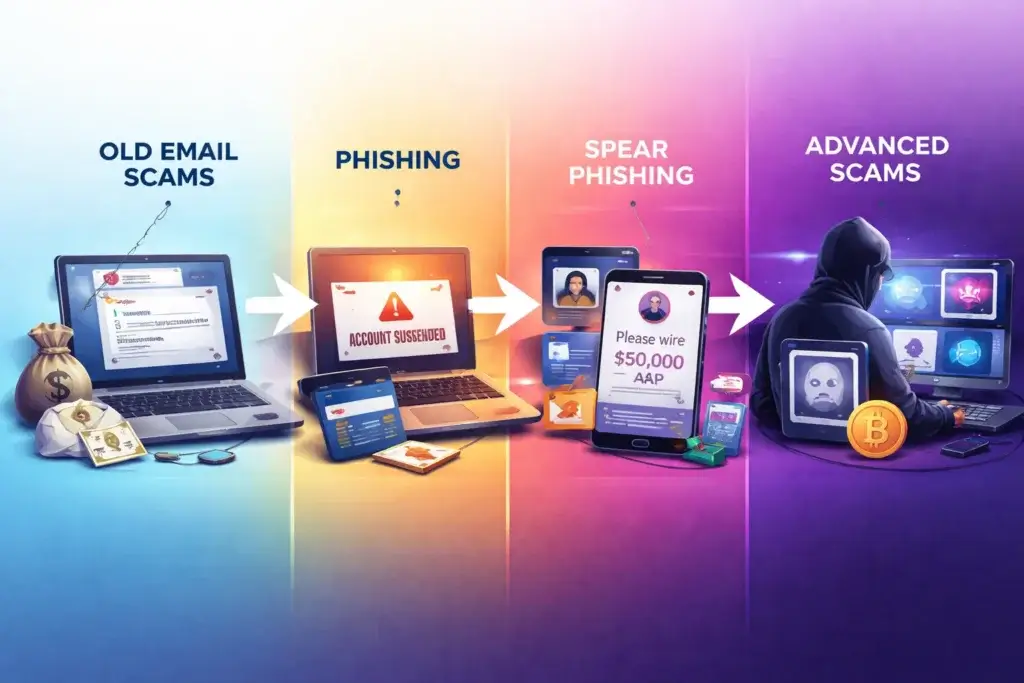
The biggest mistake you can make when evaluating phishing is to think of it as one fixed tactic. It evolved in layers. Each new digital habit created a new opening for attackers.
From Generic Spam to Targeted Attacks
Early phishing was broad and impersonal. Over time, attackers became more targeted. Spear phishing focused on specific individuals or organizations. Business email compromise campaigns began impersonating executives, vendors, or finance contacts. Instead of sending millions of random messages, attackers increasingly focused on fewer, more believable lures.
This was a major turning point. Once attackers realized that context improved success rates, phishing became more personalized. Job title, company, recent purchase behavior, social media activity, and leaked data all made phishing more convincing.
From Email to Multi-Channel Delivery
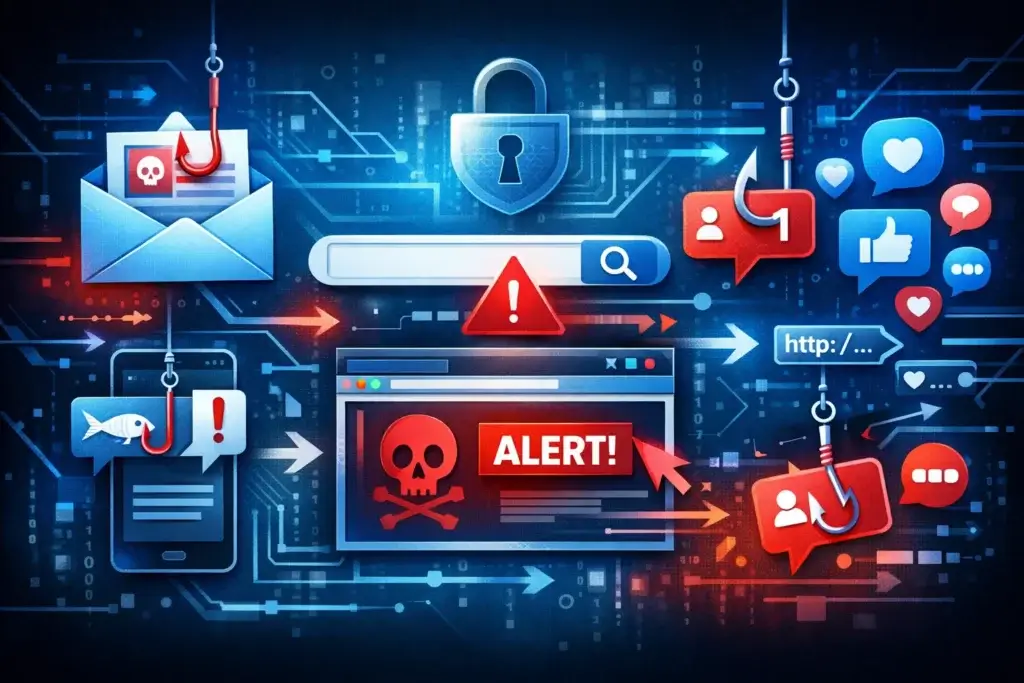
Modern phishing does not stay in one inbox. It can start with an email, continue through a text, redirect through a fake browser page, and end on a cloned login portal. It can also begin through search results, social messages, online ads, QR codes, or fake customer support flows. In other words, phishing now follows user attention rather than platform boundaries.
From Bad Design to Brand-Level Mimicry
Another major change is quality. Many phishing pages now imitate legitimate websites closely enough that the average user may not spot the difference quickly. Logos, fonts, layouts, forms, and mobile responsiveness all look more polished. The attack no longer needs to feel obviously fake to work.
From Manual Scams to AI-Assisted Fraud
AI has lowered the barrier to creating persuasive phishing messages. It helps attackers generate more natural language, adapt tone, reduce grammar mistakes, and scale variations of the same lure across audiences. This matters because phishing used to reveal itself through poor writing. That signal is becoming less reliable.
The Main Phishing Channels You Need to Understand
When people search for information on the evolution of phishing, they often expect a historical explanation. That matters, but the more practical question is where phishing shows up now. The risk is no longer limited to email.
Email Phishing
Email is still relevant because it remains a common delivery channel for credential theft, fake invoices, account verification prompts, and malware distribution. However, its role has changed. It is often the entry point into a broader scam journey rather than the entire attack.
Smishing, Phishing by Text Message
Text-based phishing, often called smishing, has become far more important. Fake delivery issues, unpaid toll notices, fraud alerts, job offers, and wrong-number scams are all examples of phishing adapted for mobile behavior. Texts work well because people tend to read and respond faster on mobile, often with less scrutiny than email.
Search Engine and Browser-Based Phishing
This is one of the most important modern developments. Attackers now use deceptive search ads, typo domains, malicious redirects, and fake pages that appear during normal browsing. Instead of waiting for you to open a suspicious message, they intercept intent when you search for a brand, log in to an account, or try to download software.
Social Media and Messaging App Phishing
Social platforms make phishing easier because messages often feel informal and personal. Attackers use compromised accounts, fake giveaways, account warnings, romance scams, impersonation messages, and urgent help requests to create trust quickly. The same applies to messaging apps, where users may be even less cautious.
QR Code Phishing
QR-based phishing has become a more visible tactic because it hides the destination before the click. A QR code can appear in email, on a printed sign, inside a PDF, or in a text message. It shifts the user from one environment to another, often onto mobile, where domain inspection is harder.
Why Modern Phishing Works So Well
Phishing succeeds because it exploits predictable user behavior. That has not changed. What has changed is how effectively attackers can package the deception.
Speed Beats Scrutiny
Most phishing attempts do not win because the fake is perfect. They win because the moment is rushed. If a text says your payment failed, your package is delayed, or your account will be locked, you may act before you pause to verify the source.
Mobile Interfaces Reduce Friction, and Visibility
On mobile, users are less likely to inspect full URLs, compare branding details, or question redirects. Small screens make subtle signs harder to notice. This is one reason text scams and mobile phishing flows have become more effective.
Trust Is Borrowed from Real Brands
Attackers do not need you to trust them. They only need you to trust the brand they are imitating. Banks, delivery companies, streaming platforms, tax agencies, online stores, and workplace tools all become useful masks because users already recognize them.
AI Improves Plausibility
One of the clearest recent shifts is the quality of language and context in phishing attempts. AI helps remove the obvious clues that once made many scams easy to dismiss. That does not make every phishing message advanced, but it does make average scams more believable at scale.
| Phishing Era | Main Channel | Common Tactic | What Changed |
| Early phishing | Generic fake bank alerts | Relied on volume and low user awareness | |
| Targeted phishing | Spear phishing and executive impersonation | Used personalization and business context | |
| Mobile phishing | SMS and apps | Delivery texts, fraud alerts, account warnings | Shifted toward faster mobile reactions |
| Browser-first phishing | Search, ads, redirects | Fake login pages and malicious sites | Intercepted users during normal browsing |
| AI-assisted phishing | Multi-channel | Polished impersonation at scale | Improved writing, variation, and realism |
The Evolution of Phishing in Consumer and Business Contexts
The way phishing evolves also depends on the audience. Consumer phishing and business phishing often overlap, but the objectives can differ.
Consumer Phishing
For consumers, phishing often focuses on payments, account access, package delivery, identity theft, and fake support interactions. These scams work best when they imitate everyday digital behavior. If you frequently shop online, receive deliveries, use streaming services, or bank from your phone, you are exposed to more believable lures.
Business Phishing
In business environments, phishing often aims at credentials, financial transfers, payroll changes, cloud app access, and internal trust abuse. The messages may impersonate coworkers, suppliers, HR teams, or senior leadership. Business email compromise is especially dangerous because it may not use malware at all. It simply manipulates trust and process.
The Shared Trend
Both consumer and business phishing are moving toward contextual deception. Attackers study real workflows and real habits. That is why phishing protection now needs to account for where and how users actually interact online, not just what lands in email.
How to Protect Yourself Against Modern Phishing
A strong anti-phishing strategy should combine behavior, authentication, and tooling. No single measure solves the problem on its own.
Slow Down Before You Click
The first defense is still behavioral. If a message pushes urgency, pause. Check the sender, inspect the domain, avoid opening links from unexpected messages, and verify requests through the official site or app rather than through the message itself.
Use Phishing-Resistant Authentication Where Possible
Passwords alone are weak against phishing. Even basic MFA is better than nothing, but stronger options such as passkeys and phishing-resistant authentication reduce the chance that a stolen password can be reused easily. This is especially important for banking, email, and primary identity accounts.
Keep Browsers and Devices Updated
Updates do not stop phishing on their own, but they do reduce related risks such as malicious downloads, browser abuse, and exploit-based redirection. Outdated devices create more openings once a phishing attempt succeeds.
Use a Tool That Matches Real User Behavior
This is where many people choose the wrong layer of protection. If phishing now appears through search, fake pages, redirects, texts, and scam links, then relying only on traditional antivirus is not enough. A modern anti-phishing tool should help before you submit data, not just after malware is detected.
Recommended Tools for Phishing Protection
You do not need ten security tools to lower phishing risk. You do need one that fits the way phishing works now. The best options help stop malicious pages, suspicious links, scam prompts, and impersonation flows before they become account or payment problems.
1. Guardio – Best for Modern Browser-Based Phishing Protection
Guardio stands out because it is built around the reality that much of modern phishing happens during everyday browsing. Instead of focusing only on traditional antivirus-style detection, Guardio emphasizes scam prevention across websites, malicious redirects, phishing pages, fake stores, risky links, email and text phishing alerts, and identity-related threat signals.
That positioning makes Guardio especially strong for this topic. The evolution of phishing has pushed attacks into the browser, into search behavior, and into mobile-linked scam flows. Guardio fits that pattern better than many legacy tools because it is designed to intervene at the point where users are most commonly exposed: clicking, searching, browsing, and landing on deceptive pages.
It is also a good fit for everyday users and families who want clearer scam prevention without managing a complex enterprise stack. For an informative article like this one, I would place Guardio first because it best matches the current consumer phishing landscape.
- Best for browser-first phishing defense
- Good fit for everyday users and families
- Strong alignment with scam-link and fake-site threats
2. Norton 360 with Genie – Best for Broad Scam Guidance Across Channels
Norton 360 with AI-powered Scam Protection and Norton Genie are strong options if you want broader scam analysis across texts, emails, websites, and suspicious messages. Norton is less browser-centric in its positioning than Guardio, but it offers useful scam-detection coverage for people who want a wider security suite.
This makes Norton a strong second recommendation, especially for users who prefer a more traditional security brand with integrated protection beyond phishing alone.
3. Malwarebytes Browser Guard – Best Free Browser Extension for Basic Web Safety
Malwarebytes Browser Guard is a good option if your main goal is safer browsing with phishing, malicious-site, and scam-page blocking in a lightweight browser extension. It is especially appealing for users who want a simpler and lower-cost layer of browser defense.
Compared with Guardio, Malwarebytes Browser Guard is a bit narrower as a phishing recommendation for consumers because Guardio is more directly positioned around scam and phishing protection as a broader daily-use safety layer. Still, it is a credible option and one of the better lightweight tools in this space.
4. Bitdefender Scamio – Best Free On-Demand Scam Checker
Bitdefender Scamio is useful when you want to paste a suspicious message, link, or QR code into a tool for quick analysis. It is a smart supplementary recommendation because many users now encounter phishing in fragmented ways across texts, social apps, and DMs.
Bitdefender Scamio is more of a checking assistant than a full preventive browsing layer. But as a free supporting tool, it is genuinely useful.
A Quick Comparison of Recommended Tools
| Tool | Best For | Main Strength | Potential Limitation |
| Guardio | Modern phishing defense | Strong browser-first scam and fake-site blocking | Less suited to users wanting a full legacy antivirus suite |
| Norton 360 with Genie | Broader scam protection | Multi-channel scam detection with suite coverage | Can feel heavier than a focused anti-phishing tool |
| Malwarebytes Browser Guard | Light browser protection | Good malicious-site and phishing blocking | More limited as a standalone anti-scam strategy |
| Bitdefender Scamio | Free scam checking | Useful on-demand analysis for texts, links, and QR codes | Not a full preventive protection layer |
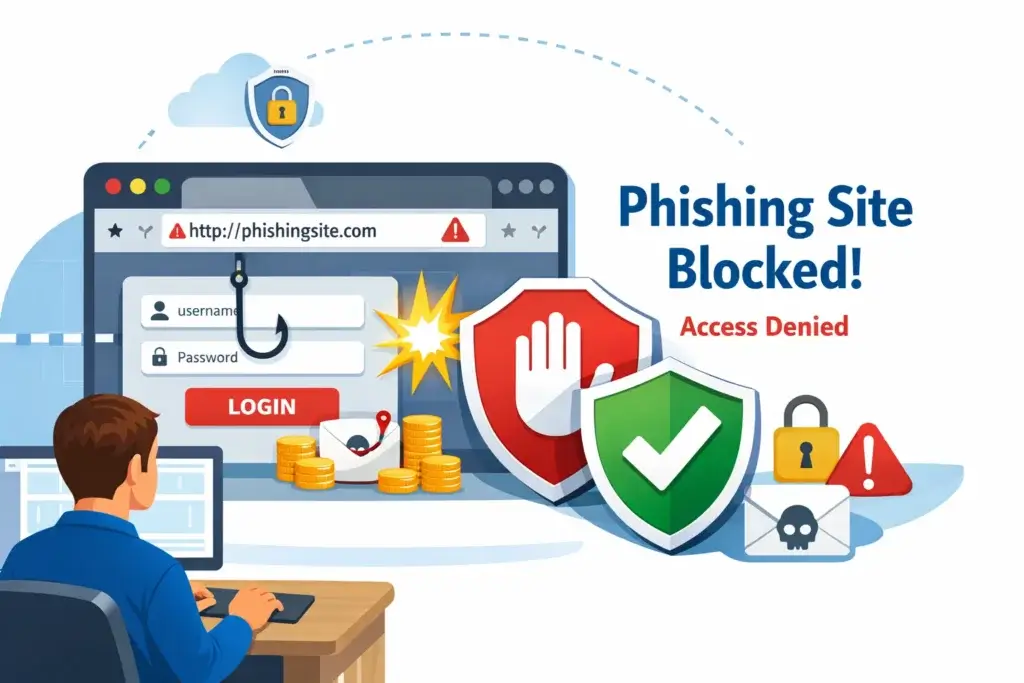
What the Future of Phishing Looks Like
The next phase of phishing will probably become even more adaptive, more personalized, and less dependent on any one channel. The big trend is convergence. A scam may combine AI-generated text, impersonation, search manipulation, cloned pages, and mobile prompts in one flow. Users will not experience it as separate tactics. They will just experience a convincing digital interaction.
Expect More AI-Enhanced Impersonation
Language quality will continue improving. Attackers will get better at matching tone, timing, and context. That means the old rule of spotting poor grammar will become less useful as a primary defense.
Expect More Mobile and Cross-Device Flows
Phishing will continue moving toward mobile, QR, and browser-based behavior because that is where user verification is weakest and friction is lowest. That is another reason browser-layer protection is becoming more valuable.
Expect Authentication to Matter More
As phishing becomes more convincing, stronger authentication becomes more important. Users and businesses that adopt phishing-resistant methods will reduce the damage even when a scam is persuasive enough to win a click.
Conclusion
The evolution of phishing shows a clear pattern. Attackers go where user attention goes. When people trusted email, phishing lived in email. When users moved to mobile, texts became more effective. As browsing, search, and app-based behavior expanded, phishing adapted again. The threat is no longer defined by one channel. It is defined by deceptive digital experiences that try to capture trust in real time.
That is why modern phishing protection should also evolve. Awareness still matters. Better authentication matters. But in practical terms, many users also need a tool that helps at the browser and link level, where a large share of phishing exposure now happens. For that reason, Guardio is the strongest recommendation for this article. It is simply better aligned with the way phishing reaches users today.
Frequently Asked Questions
How did phishing begin?
Phishing began mainly as email fraud. Attackers sent messages that appeared to come from trusted brands and directed users to fake login pages designed to steal credentials or payment details.
Why is phishing harder to spot now?
Modern phishing is harder to spot because messages and fake websites look more polished, the scams use real-world context, and AI helps attackers write more convincing content with fewer obvious mistakes.
What is the evolution of phishing?
The evolution of phishing refers to how phishing changed from simple mass email scams into more advanced attacks that now use texts, fake websites, search ads, social media, QR codes, and AI-assisted impersonation.
Is phishing still mostly an email problem?
No. Email still matters, but phishing now frequently appears through text messages, browser redirects, search results, social platforms, QR codes, and messaging apps.
What is smishing?
Smishing is phishing delivered through SMS or text messages. Common examples include fake delivery notifications, fraud alerts, unpaid toll notices, and urgent account warnings.
How do browser-based phishing scams work?
Browser-based phishing scams often use fake websites, malicious redirects, typo domains, or deceptive search results to trick users into entering passwords, payment details, or other sensitive information.
Can AI make phishing more dangerous?
Yes. AI can help attackers create more natural language, improve grammar, personalize lures, and scale convincing scam content more efficiently across multiple targets.
What is the best way to protect against phishing?
The best approach combines caution, strong authentication, updated devices, and a security tool that can block scam sites and suspicious links before you interact with them.
Why is Guardio a strong anti-phishing recommendation?
Guardio is a strong recommendation because it focuses on browser-based scam prevention, phishing links, fake websites, redirects, and other web-layer threats that reflect how phishing commonly works now.
Are free anti-phishing tools worth using?
Yes, some free tools can be useful, especially for link checking or browser safety. However, a more complete tool may provide stronger day-to-day protection if you want ongoing scam prevention rather than occasional checks.