Introduction
Passwords are still one of the weakest points in personal and business security. Even with passkeys, single sign-on, and multi-factor authentication becoming more common, most people still manage dozens or hundreds of logins across apps, banks, tools, ecommerce accounts, software platforms, and work systems.
The problem is not only remembering passwords. The bigger issue is that reused, weak, or exposed passwords can put your entire digital life at risk. One compromised login can open the door to email accounts, payment tools, business software, cloud files, and customer data.
This is where password managers become essential. A good password manager helps you generate strong passwords, store credentials in an encrypted vault, autofill logins securely, share access with the right people, and monitor weak or breached passwords before they become a bigger problem.
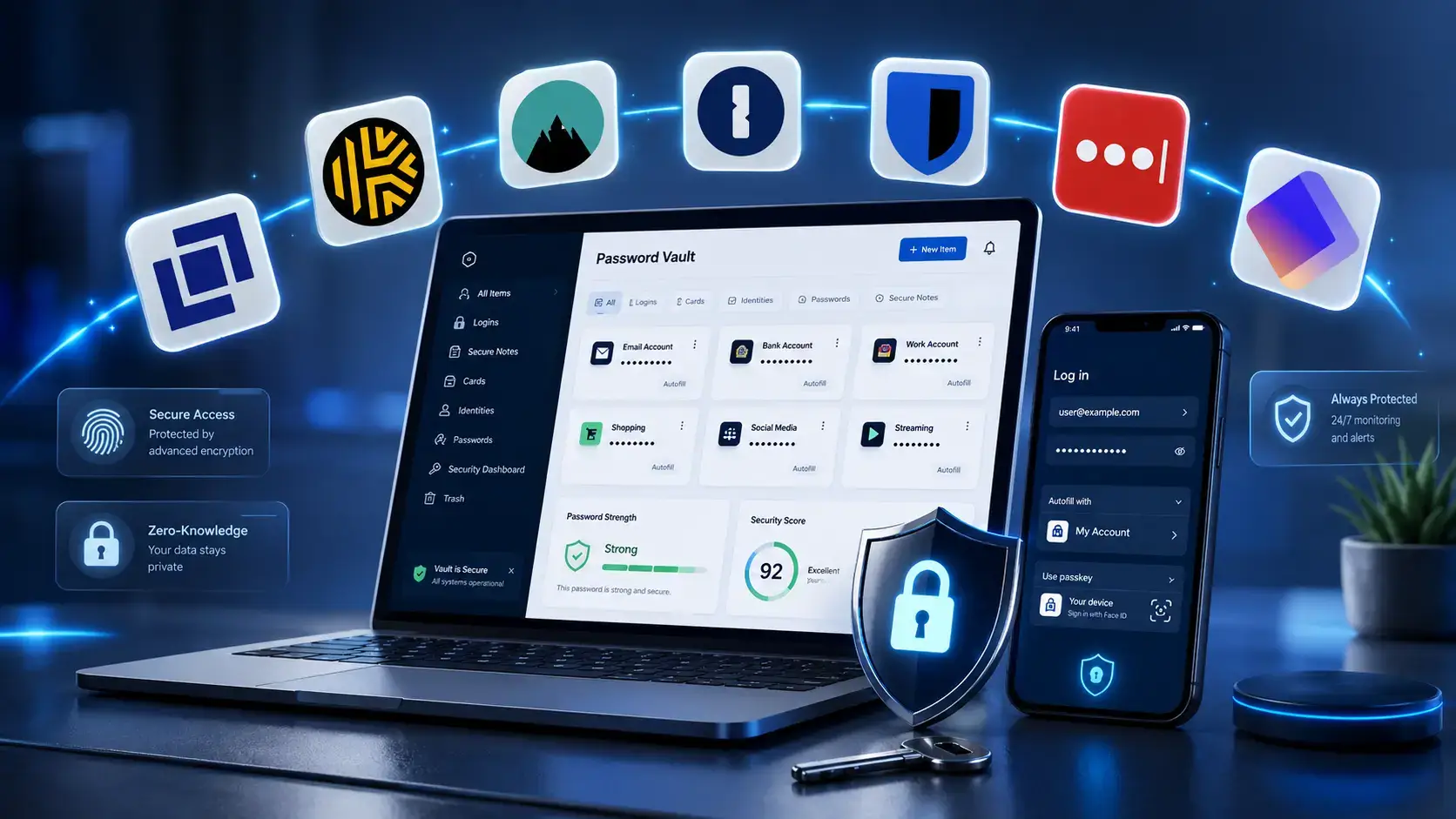
In this guide, we compare the 7 best password managers for different needs: individuals, families, small teams, privacy-focused users, and businesses that need stronger access control. The list includes 1Password, NordPass, Passpack, Proton Pass, LastPass, Keeper Security, and Bitwarden.
What Are Password Managers?
Password managers are secure applications that store login credentials, passwords, passkeys, payment details, secure notes, and other sensitive information inside an encrypted vault. Instead of remembering every password yourself, you remember one master password or use biometric authentication to unlock your vault.
Modern password managers do more than save passwords. They help users create unique passwords for every account, detect reused or weak credentials, autofill forms across devices, share passwords with family or team members, and alert users when data may have appeared in a breach.
For businesses, password managers can also support employee onboarding, access control, audit logs, shared vaults, directory sync, SSO, role-based permissions, and policy enforcement. This makes them useful not only for personal security, but also for IT, operations, HR, finance, sales, and remote teams.
Your choice of password manager affects:
- How securely you store personal and business credentials
- How easily you access passwords across devices
- How safely you share logins with family members or team members
- How quickly you can identify weak, reused, or compromised passwords
- How much control your business has over employee access
🛠️ Top Features to Look For in a Password Manager
Before choosing a password manager, it is important to understand which features matter most. Some tools are built for personal convenience, while others are designed for teams, compliance, and enterprise access control.
- Zero-Knowledge Encryption: A strong password manager should be designed so the provider cannot read your stored passwords or vault data.
- Cross-Platform Support: Look for apps and browser extensions that work across Windows, macOS, iOS, Android, Chrome, Firefox, Edge, and Safari.
- Password Generator: The tool should create strong, unique passwords so you do not reuse the same credentials across accounts.
- Autofill and Autosave: A good password manager should make daily login easier without pushing users toward unsafe shortcuts.
- Secure Sharing: Families and teams need encrypted sharing options instead of sending passwords by email, chat, or spreadsheet.
- Password Health Reports: Weak, reused, old, and exposed passwords should be easy to identify and replace.
- Two-Factor Authentication Support: Many password managers now include integrated 2FA code storage or support for hardware security keys.
- Admin Controls for Teams: Businesses should look for user provisioning, access policies, shared vaults, permissions, and activity logs.
- Passkey Support: As passkeys become more common, the best password managers should help users store and manage them securely.
Best Password Managers to Protect Your Accounts and Simplify Logins
1Password

🔍 Unique Features of 1Password
- Watchtower Security Dashboard: 1Password monitors weak, reused, vulnerable, and compromised passwords so users can prioritize the credentials that need attention first.
- Travel Mode: Users can temporarily remove selected vaults from devices when crossing borders or traveling with sensitive business data.
- Shared Vaults: Families and teams can create shared vaults for logins, documents, Wi-Fi passwords, software accounts, and payment information.
- Passkey Support: 1Password supports storing and using passkeys, making it more future-ready as passwordless login becomes more common.
- Business Access Controls: Teams get permissions, reporting, recovery options, integrations, and admin tools that make 1Password suitable for growing companies.
💡 Why Choose 1Password?
1Password is one of the strongest all-around password managers because it balances security, usability, family sharing, and business administration. It is polished enough for non-technical users but powerful enough for companies that need structured access control.
It is especially good for families, executives, remote teams, agencies, and businesses that want a password manager people will actually use. The interface is clean, the browser extensions are reliable, and the sharing model is easier to understand than many business-focused alternatives.
Pricing Overview 💰
- Individual: Starts at about $4.99/month when billed annually.
- Families: Starts at about $7.99/month when billed annually and includes up to 5 family members.
- Teams Starter Pack: Designed for small teams that need secure sharing and basic administration.
- Business: Priced per user/month and includes more advanced admin controls, reporting, and integrations.
- Enterprise: Custom pricing for larger organizations with advanced security and deployment needs.
Pros and Cons ⚖️
Positive
✅ Excellent user experience
✅ Strong family and team sharing
✅ Watchtower password health monitoring
✅ Good business admin controls
Negatives
❌ No permanent free plan
❌ More expensive than budget alternatives
❌ Advanced business features may be more than small users need
1Password – Overall Summary
1Password is the best choice for users who want a premium password manager that feels secure, polished, and easy to use. It is not the cheapest option, but it is one of the most reliable choices for families, professionals, and teams that need secure sharing and strong day-to-day usability.
NordPass

🔍 Unique Features of NordPass
- XChaCha20 Encryption: NordPass uses modern encryption technology designed for strong protection and efficient performance.
- Password Health: Users can identify weak, old, reused, or vulnerable passwords and replace them with stronger credentials.
- Data Breach Scanner: NordPass can alert users when sensitive information may have been exposed in a breach.
- Email Masking: Paid users can create email aliases to protect their real email address when signing up for services.
- Business Admin Tools: NordPass Business includes company-wide policies, shared access, activity logs, groups, and security dashboards.
💡 Why Choose NordPass?
NordPass is a strong option for users who want a modern, easy-to-use password manager without feeling overwhelmed by advanced settings. It offers a clean interface, good cross-device support, and a strong security foundation.
It is also a natural fit for users already familiar with Nord Security products. For individuals, it offers a simple way to secure everyday accounts. For businesses, NordPass adds admin features, secure sharing, and policy controls that help teams reduce password-related risk.
Pricing Overview 💰
- Free Plan: Includes basic password storage and syncing for personal use.
- Premium: Adds premium features such as password health, data breach monitoring, and secure sharing.
- Family: Designed for multiple users and includes separate encrypted vaults.
- Teams: Built for small teams that need secure credential sharing.
- Business and Enterprise: Adds admin controls, security dashboard, group sharing, SSO options, and advanced management features.
Pros and Cons ⚖️
Positive
✅ Modern and simple interface
✅ Strong encryption model
✅ Free plan available
✅ Useful breach and password health tools
Negatives
❌ Some important features require paid plans
❌ Business features may require higher tiers
❌ Less advanced than 1Password for complex enterprise workflows
NordPass – Overall Summary
NordPass is one of the best password managers for users who want a simple, secure, and modern experience. It is especially attractive for individuals, families, and small teams that want strong security tools without a steep learning curve.
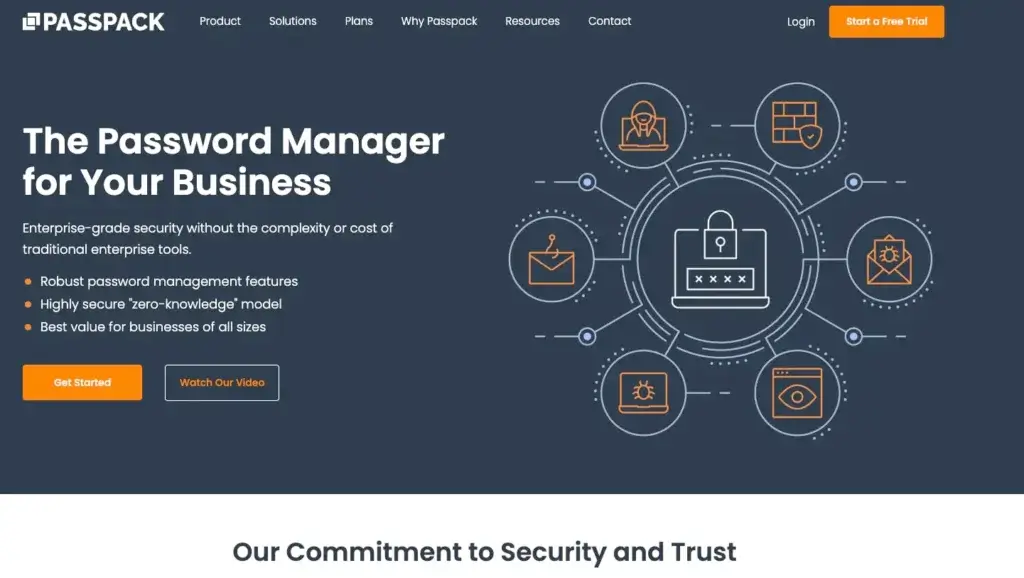
🔍 Unique Features of Passpack
- Team-Focused Password Sharing: Passpack is built around secure sharing for teams that need to manage access to shared business accounts.
- Affordable Business Pricing: It is positioned as a low-cost password manager for businesses that want core security without premium-suite pricing.
- User and Group Management: Teams can organize access by user, group, or business function, helping reduce messy credential sharing.
- Two-Factor Authentication: Passpack supports additional authentication layers to reduce the risk of unauthorized vault access.
- Business-Oriented Simplicity: Passpack is not trying to be an overloaded identity platform. It focuses on practical shared password management.
💡 Why Choose Passpack?
Passpack is a good fit for small businesses, agencies, contractors, and internal teams that need a practical way to share passwords without using spreadsheets, chat messages, or shared documents.
Its main strength is affordability. It may not feel as polished as 1Password or NordPass, but it is useful for companies that want team password management at a lower cost. For budget-sensitive businesses, Passpack can be a practical middle ground between basic consumer tools and expensive enterprise platforms.
Pricing Overview 💰
- Teams: Low-cost per-user pricing for smaller teams that need secure credential sharing.
- Business: Designed for growing teams that need more administration, policy, and organizational controls.
- Enterprise: Custom plans for larger organizations with more complex security and deployment requirements.
Pros and Cons ⚖️
Positive
✅ Affordable for teams
✅ Strong focus on secure sharing
✅ Useful for small businesses
✅ Less complex than enterprise platforms
Negatives
❌ Less polished than leading consumer tools
❌ Fewer advanced personal features
❌ May not be ideal for users who want the best mobile-first experience
Passpack – Overall Summary
Passpack is best for businesses that care most about affordable team password sharing. It is not the flashiest password manager, but it gives small teams a more secure alternative to informal password sharing and can be a strong value-focused option.
Proton Pass

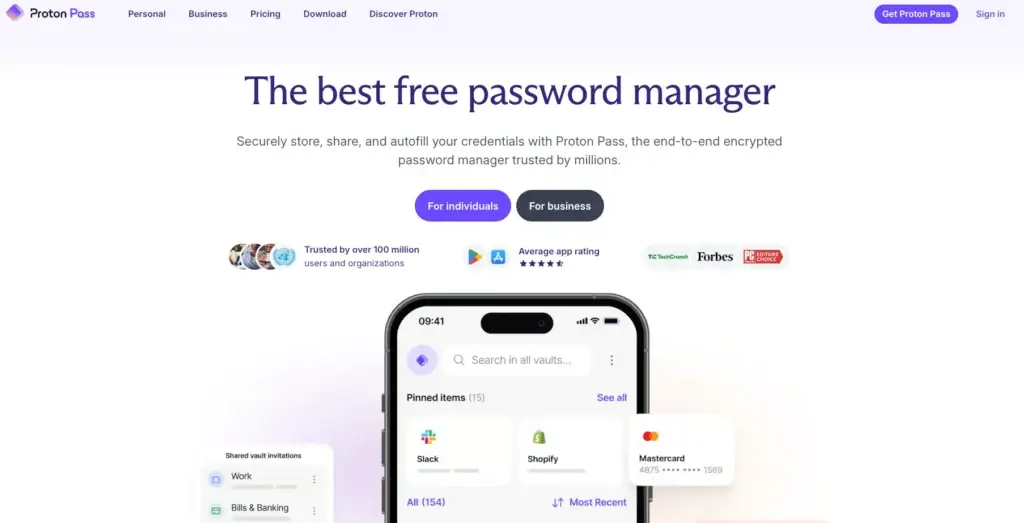
🔍 Unique Features of Proton Pass
- Privacy-First Design: Proton Pass is part of Proton’s encrypted ecosystem, which also includes Proton Mail, Proton VPN, Proton Drive, and Proton Calendar.
- Hide-My-Email Aliases: Users can create email aliases to protect their real email address when creating new accounts.
- Integrated 2FA Authenticator: Paid plans include built-in two-factor authentication code storage and autofill.
- Open-Source Apps: Proton emphasizes transparency by making its apps open source and available for external review.
- Proton Sentinel Protection: Higher-tier Proton accounts can benefit from advanced account protection designed for users at elevated risk.
💡 Why Choose Proton Pass?
Proton Pass is ideal for users who care about privacy, encrypted services, and reducing exposure across the internet. Its email alias feature is especially valuable because many breaches start with email addresses reused across too many websites.
It is also a smart choice for users already using Proton Mail, Proton VPN, or Proton Drive. Instead of adding another standalone password app, Proton Pass fits naturally into the wider Proton ecosystem.
Pricing Overview 💰
- Free Plan: Includes core password manager features, unlimited logins, and syncing across devices.
- Pass Plus: Adds premium features such as more aliases, integrated 2FA, vault sharing, and advanced security features.
- Proton Unlimited: Bundles Proton Pass with Proton Mail, VPN, Drive, and Calendar.
- Family and Business Plans: Available for households and organizations that want broader Proton ecosystem access.
Pros and Cons ⚖️
Positive
✅ Excellent privacy positioning
✅ Free plan available
✅ Hide-my-email aliases
✅ Strong fit for Proton ecosystem users
Negatives
❌ Best value comes when using other Proton products
❌ Newer than some established competitors
❌ Some advanced features require paid plans
Proton Pass – Overall Summary
Proton Pass is one of the best password managers for privacy-focused users. It is especially compelling if you already use Proton products or want a password manager that combines encrypted vault storage with email aliases and broader privacy tools.
LastPass

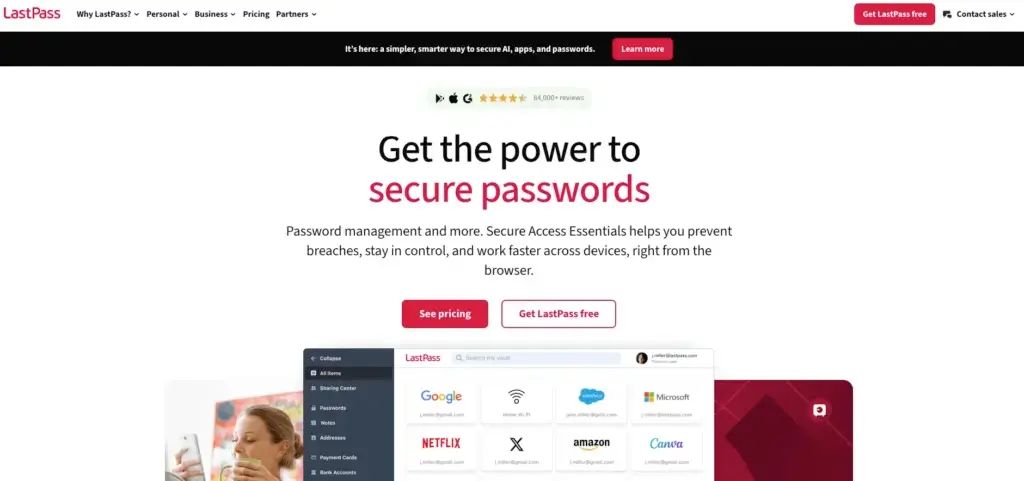
🔍 Unique Features of LastPass
- Simple Autofill Experience: LastPass is known for easy password saving and autofill across browsers and devices.
- Password Generator: Users can quickly create secure, random passwords instead of relying on reused or memorable passwords.
- Dark Web Monitoring: Paid users can receive alerts when monitored information may appear in compromised data sources.
- Secure Sharing: LastPass supports encrypted password sharing for individuals, families, and teams.
- Business Password Management: Business plans include admin controls, policies, SSO options, MFA features, and team security tools depending on the plan.
💡 Why Choose LastPass?
LastPass remains one of the most recognizable names in password management. It is easy to use, widely supported, and familiar to many users who have used password managers before.
However, it is important to mention trust and security history. LastPass disclosed a major 2022 security incident, and users comparing password managers should consider that context carefully. For some users, LastPass still offers a convenient and capable product. For more security-sensitive users, alternatives like 1Password, Bitwarden, NordPass, or Proton Pass may feel more reassuring.
Pricing Overview 💰
- Free Plan: Includes basic password management with limitations.
- Premium: Starts at about $3/month billed annually and includes secure access across devices.
- Families: Designed for multiple users with family management and sharing features.
- Teams: Built for small business password sharing and basic admin management.
- Business and Business Max: Adds more advanced policy, MFA, SSO, and security management features.
Pros and Cons ⚖️
Positive
✅ Easy to use
✅ Broad platform support
✅ Good autofill experience
✅ Business plans available
Negatives
❌ Past security incident affects trust
❌ Free plan is limited
❌ Not the cheapest paid option
❌ Security-conscious users may prefer alternatives
LastPass – Overall Summary
LastPass is still a capable password manager, especially for users who value familiarity, easy autofill, and broad platform support. That said, its past security incident makes it harder to recommend as the first choice for security-sensitive users. It is worth considering, but I would compare it carefully against 1Password, Bitwarden, NordPass, and Proton Pass before committing.
Keeper Security

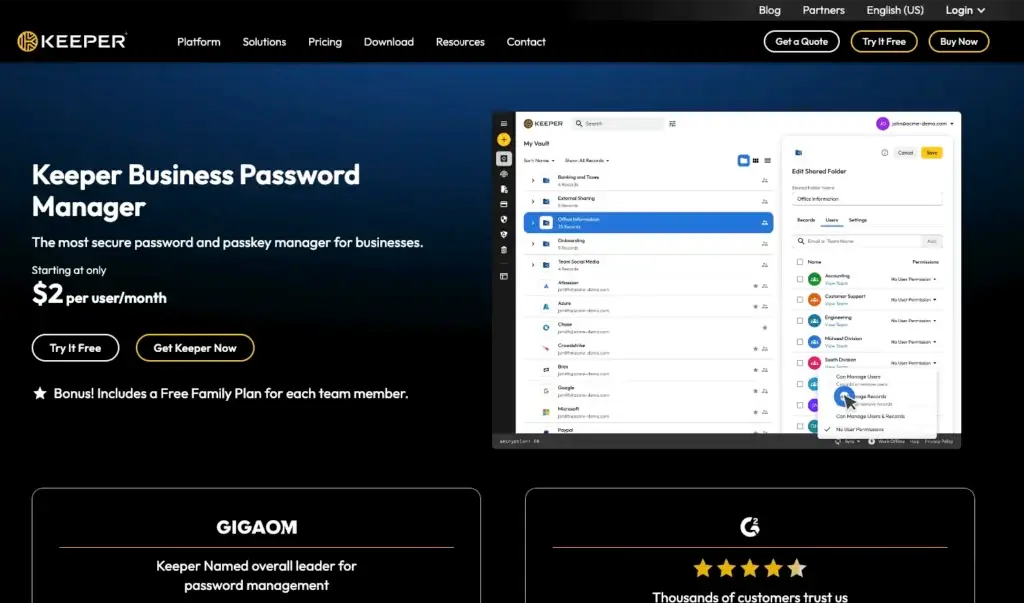
🔍 Unique Features of Keeper Security
- Zero-Knowledge Security Architecture: Keeper is designed so user vault data is encrypted and inaccessible to Keeper, supporting a strong privacy and security model.
- Encrypted Vault and Secure Sharing: Users can store passwords, files, payment details, secure notes, and share records with other users using encrypted access.
- Business Admin Console: Business users get centralized management, role-based access, team controls, reporting, and policy enforcement.
- KeeperFill: Keeper’s browser extension and autofill tools help users log in quickly while reducing the need to copy and paste passwords manually.
- BreachWatch: Keeper offers dark web monitoring through BreachWatch, helping users identify credentials that may have been exposed.
- Advanced Business Security Add-Ons: Keeper also offers enterprise features such as secrets management, privileged access management, remote access controls, and compliance-focused tools.
💡 Why Choose Keeper Security?
Keeper Security is a strong choice for users and businesses that want a password manager with serious security depth. It works well for individuals and families, but its biggest advantage is its business and enterprise positioning.
For companies, Keeper is more than a basic password vault. It can support secure credential sharing, admin oversight, role-based access, user provisioning, reporting, and more advanced security needs. This makes it a good fit for IT teams, remote businesses, agencies, professional services firms, and organizations that need stronger access governance.
The main thing to keep in mind is pricing structure. Some valuable features, such as dark web monitoring or advanced security add-ons, may sit outside the basic password manager plan. That means Keeper can be very powerful, but buyers should review the plan details carefully before choosing a package.
Pricing Overview 💰
- Personal: Designed for individual users who need unlimited password storage, secure access, and cross-device password management.
- Family: Supports up to 5 users with separate vaults and family sharing features.
- Business Starter: Designed for sole proprietors and small teams, with encrypted vaults, admin console, credential sharing, and autofill.
- Business: Adds broader company-wide administration, shared team folders, delegated administration, and advanced organizational controls.
- Enterprise: Built for advanced provisioning, RBAC, governance, integrations, and larger security programs.
- Add-Ons: Keeper offers extra security products and add-ons such as BreachWatch, secure file storage, secrets management, and privileged access tools.
Pros and Cons ⚖️
Positive
✅ Strong security architecture
✅ Good business and enterprise controls
✅ Secure sharing and encrypted vaults
✅ Useful add-ons for advanced security needs
Negatives
❌ Some important features may cost extra
❌ Pricing can feel less simple than Bitwarden or Proton Pass
❌ More business-focused than some casual users need
Keeper Security – Overall Summary
Keeper Security is a strong password manager for users and businesses that prioritize security, secure sharing, and administrative control. It is especially appealing for companies that need more than a simple password vault. For personal users, it is still a solid option, but the best value depends on which add-ons and features you actually need.
Bitwarden

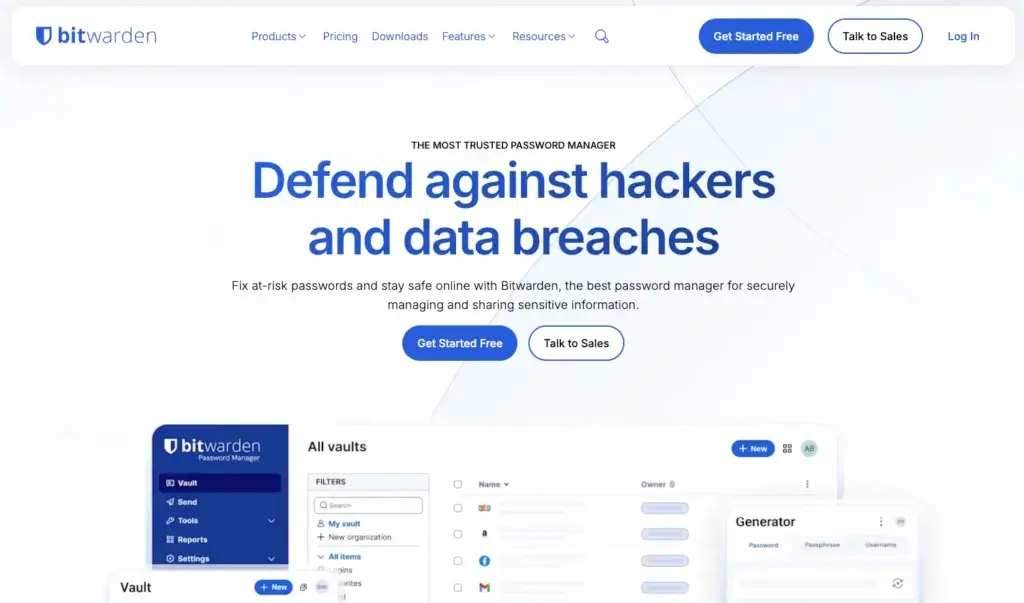
🔍 Unique Features of Bitwarden
- Open-Source Transparency: Bitwarden publishes its source code, which gives security researchers and the community more visibility into how it works.
- Strong Free Plan: Bitwarden’s free plan is one of the best in the category, with unlimited passwords and unlimited devices.
- Self-Hosting Option: Technical teams and organizations with strict control requirements can choose self-hosting options.
- Bitwarden Send: Users can securely send encrypted text or files to others, including people who do not use Bitwarden.
- Business and Enterprise Controls: Teams can use collections, permissions, event logs, directory sync, SCIM provisioning, SSO, and policy enforcement depending on the plan.
💡 Why Choose Bitwarden?
Bitwarden is one of the best choices for users who want strong security, transparency, and value. It is especially attractive for users who do not want to pay premium pricing just to get reliable password management.
It is also a strong option for technical teams, developers, IT administrators, and organizations that appreciate open-source software. The interface is not always as polished as 1Password, but the feature-to-price ratio is excellent.
Pricing Overview 💰
- Free Plan: Includes unlimited passwords, unlimited devices, and core password management features.
- Premium: Costs about $1.65/month billed annually and adds integrated authenticator, file attachments, emergency access, security reports, and more.
- Families: Costs about $3.99/month billed annually for up to 6 users.
- Teams: Costs about $4/user/month billed annually and adds team sharing, event logs, directory sync, and provisioning.
- Enterprise: Costs about $6/user/month billed annually and adds advanced access controls, SSO, account recovery, and self-hosting flexibility.
Pros and Cons ⚖️
Positive
✅ Excellent free plan
✅ Open-source transparency
✅ Affordable paid plans
✅ Self-hosting option for technical teams
Negatives
❌ Interface is less polished than 1Password
❌ Some features feel more technical
❌ Family and sharing setup may take more learning
Bitwarden – Overall Summary
Bitwarden is the best password manager on this list for users who want strong value, open-source transparency, and reliable core security. It is especially recommended for budget-conscious individuals, technical users, and teams that want flexibility without paying premium prices.
Password Manager Comparison Table
| Password Manager | Best For | Key Strength | Main Limitation |
| 1Password | Families, professionals, and teams | Polished interface, strong sharing, Watchtower security tools | No permanent free plan |
| NordPass | Users who want a simple modern password manager | Clean design, strong encryption, breach monitoring | Best features require paid plans |
| Passpack | Small businesses and shared team access | Affordable team password sharing | Less polished than premium competitors |
| Proton Pass | Privacy-focused users and Proton ecosystem users | Email aliases, encrypted vaults, privacy-first design | Best value if you use other Proton products |
| LastPass | Users who want familiar autofill and broad support | Easy to use, established, business plans available | Past security incident affects trust |
| Keeper Security | Businesses and security-focused users | Strong security controls, encrypted sharing, business admin tools | Some important features may require add-ons |
| Bitwarden | Open-source users, technical teams, and budget-conscious users | Strong free plan, open-source transparency, low-cost upgrades | Interface is less polished than 1Password |
How to Choose the Best Password Manager
The best password manager depends on your priorities. If you want the most polished experience and strong family or business sharing, 1Password is the strongest overall choice. If you want simplicity and a modern interface, NordPass is a great fit. If privacy is your main concern, Proton Pass is highly appealing, especially if you already use Proton services.
For affordability, Bitwarden is difficult to beat. Its free plan is generous, its paid plans are still competitive, and its open-source approach gives it strong credibility among technical users. Keeper Security is better suited for users and businesses that want stronger security controls, secure sharing, and business-grade administration. Passpack is worth considering for small teams that need low-cost password sharing, while LastPass remains familiar and functional but carries more trust concerns because of its past security incident.
In most cases, I would recommend 1Password for families and businesses that want the best user experience, Bitwarden for users who want the best value, Proton Pass for privacy-first users, NordPass for people who want a clean and simple option, and Keeper Security for businesses that need stronger administration and security depth.
Final Thoughts
Password managers are no longer optional. With more accounts, more phishing attempts, more data breaches, and more remote work tools, relying on memory or browser-saved passwords is not enough.
The right password manager helps you create unique credentials, reduce password reuse, share access safely, and identify weak or exposed passwords before attackers take advantage of them.
For the best overall experience, 1Password is the safest recommendation. For the best value, Bitwarden stands out. For privacy, Proton Pass is the most compelling. For business-grade security controls, Keeper Security deserves strong consideration. For simplicity, NordPass is a strong choice. For affordable team sharing, Passpack is worth reviewing. LastPass is still usable, but it should be evaluated carefully against alternatives because trust matters more in this category than almost anything else.
FAQs
What is the best password manager overall?
1Password is the best overall password manager for most users because it combines strong security, excellent usability, family sharing, business features, and a polished cross-platform experience.
What is the best free password manager?
Bitwarden is the best free password manager for most users. Its free plan includes unlimited passwords and unlimited devices, which makes it more generous than many competitors.
Is Keeper Security a good password manager?
Yes, Keeper Security is a strong password manager, especially for businesses and users who want encrypted sharing, admin controls, breach monitoring options, and advanced security add-ons.
Is it safe to use a password manager?
Yes, using a reputable password manager is generally much safer than reusing passwords or storing them in spreadsheets, notes, email drafts, or browsers without proper protection. The key is choosing a trustworthy provider, using a strong master password, and enabling multi-factor authentication.
Which password manager is best for business?
1Password is the best business password manager for teams that want strong usability and advanced administration. Keeper Security is also excellent for companies that need more security controls, while Bitwarden is a strong alternative for technical teams and budget-conscious organizations.
Which password manager is best for privacy?
Proton Pass is the best choice for privacy-focused users because it combines password management with Proton’s broader encrypted ecosystem and hide-my-email aliases.
Should I use my browser password manager instead?
Browser password managers are convenient, but dedicated password managers usually provide better cross-platform support, secure sharing, password health reports, business controls, and broader security features.
Can password managers store passkeys?
Many leading password managers now support passkeys or are adding stronger passkey management features. This is important because passkeys are becoming a major part of passwordless login.
Which is better, 1Password or Bitwarden?
1Password is better if you want the most polished experience, easier sharing, and strong family or business usability. Bitwarden is better if you want open-source transparency, a strong free plan, and lower pricing.