
Introduction
Choosing the best online form builder is important for any business looking to expand its data collection workflow. If you want to capture leads, conduct academic research, or gather employee feedback, the right online form builder is the best way to transform a simple questionnaire into a powerful data engine.
In this guide, we have handpicked the best online form builders. These tools have been selected for their ability to balance user experience with powerful conditional logic, ensuring that your data collection is as seamless as it is secure. By the end of this article, you will be sure of which tools to move forward with.
Criteria for Evaluation
To help you find the right tool, we used a clear set of criteria to evaluate each form builder. Here is what we considered:
- User Experience and Interface: Is the drag-and-drop builder intuitive? Can a non-technical user build a complex form in minutes?
- Logic and Customization: Does it offer conditional logic, branching, and advanced calculations to create a personalized respondent path?
- Integration Capabilities: Can it connect with your CRM, email marketing tools, and payment gateways like Stripe or PayPal?
- Pricing and Value for Money: Is the free tier functional, and do the paid tiers offer scalable value for growing enterprises?
- Security and Compliance: Does it meet modern standards like GDPR, CCPA, and HIPAA for sensitive data collection?
By using these criteria, we will help you make this tough decision to help with your workflow.
Unveiling the Best Online Form Builders of 2026
Jotform

Key Strengths
- Massive Template Library: Over 10,000 ready-to-use templates for every industry.
- Powerful Integrations: Connects with 150+ apps, including Salesforce, Slack, and HubSpot.
- Built-in Payment Processing: Easily collect payments without extra transaction fees from Jotform.
Top Features and Benefits
- Jotform AI Agents: Thanks to Jotform’s powerful AI, you can deploy agents to handle your data collection, saving you huge amounts of time.
- Mobile Forms: Create and fill out forms offline using the dedicated mobile app.
- Conditional Logic: Show or hide fields based on user answers to keep forms concise.
- Jotform Sign: Integrated e-signature capabilities for legally binding documents.
Why Choose Jotform?
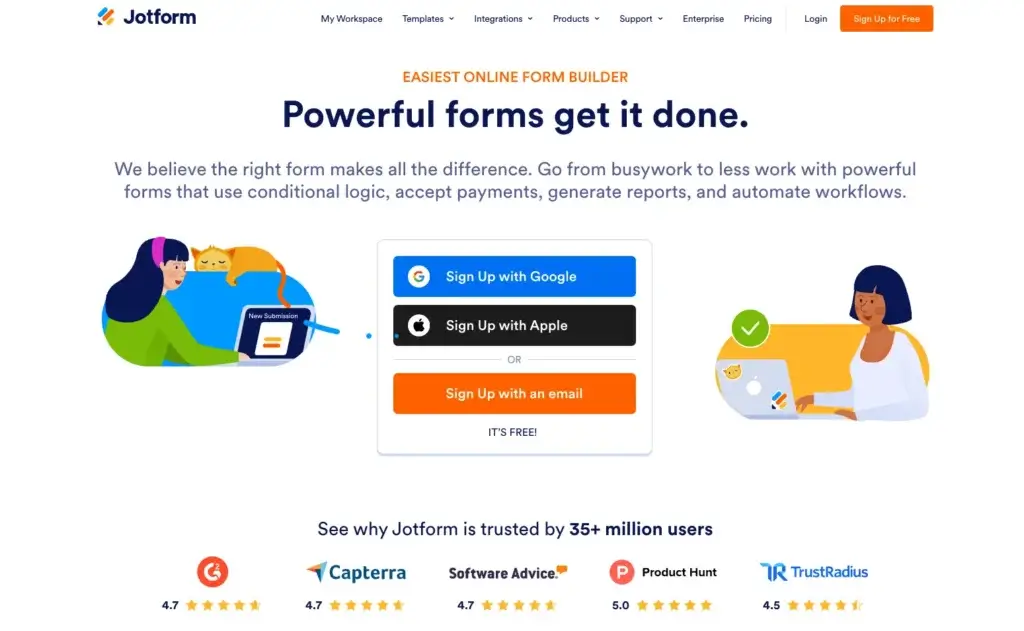
Jotform is the “Swiss Army Knife” of form builders. It is ideal for users who need high levels of customization and specialized features, such as PDF generation or store builders, without needing to write a single line of code.
Pricing Overview
- Starter: Free (5 forms, 100 monthly submissions).
- Bronze: $34 per month for 25 forms.
- Silver: $39 per month for 50 forms and HIPAA compliance.
- Gold: $99 per month for 100 forms and advanced limits.
- Enterprise: Unlimited usage and multiuser platform, contact sales for pricing.
Pros and Cons
Positive
- Incredible depth of features
- Best in class mobile app
- Extensive payment gateway options
Negative
- The interface can feel cluttered due to many options
- Free plan limits are reached quickly
Best Use Cases
- Growing SMBs: Collecting feedback to expand and improve your business
- Freelancers: Take orders, schedule appointments and provide customer support
- Agencies: Track onboarding and related workflows
Google Forms

Key Strengths
- 100% Free: All features are available to anyone with a Google account.
- Seamless Ecosystem: Automatic integration with Google Sheets and Drive.
- Ultra Fast Setup: Minimalist design allows for form creation in seconds.
Top Features and Benefits
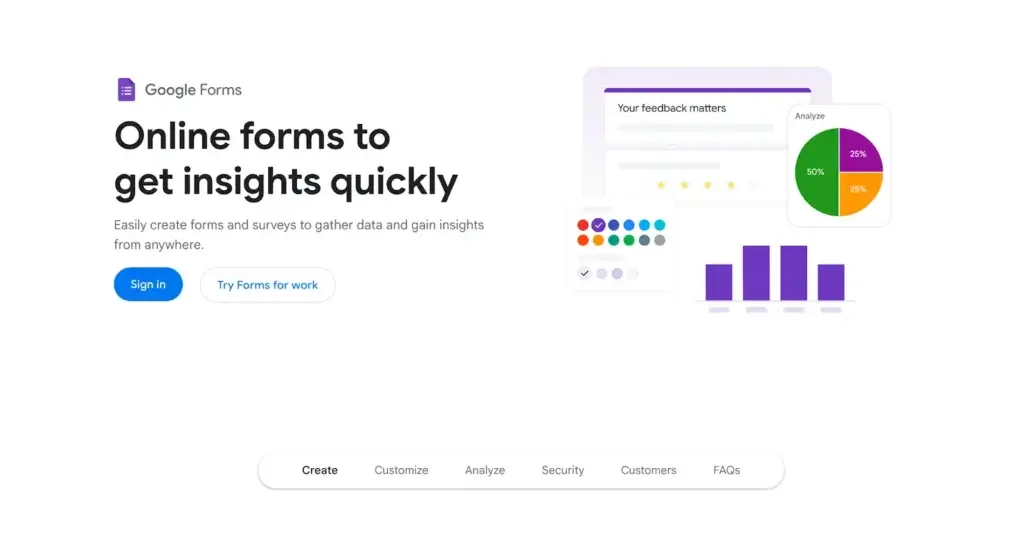
- Automatic Summaries: View real-time charts and graphs of response data instantly.
- Collaboration: Multiple users can edit the form at the same time.
- File Uploads: Allow respondents to upload files directly to your Google Drive.
Why Choose Google Forms?
It is the gold standard for quick, internal, or personal projects. If you do not need advanced design customization or complex payment logic, Google Forms is the most efficient choice on the market.
Pricing Overview
- Personal: Free.
- Google Workspace: Starts at $6 per user per month.
Pros and Cons
Positive
- Completely free
- Very easy to use
- Reliable and fast
Negative
- Very limited design customization
- No native payment integrations
Typeform


Key Strengths
- Conversational Interface: Shows one question at a time to reduce form fatigue.
- Stunning Design: High-end aesthetics that feel like a premium brand experience.
- Easy Embed Options: Allows for seamless integration into websites.
Top Features and Benefits
- Logic Jumps: Create complex paths that feel like a natural conversation.
- Hidden Fields: Populate forms with data you already have for a personalized feel.
- Designer Templates: Access curated themes that look professional out of the box.
Why Choose Typeform?
Typeform is for brands that prioritize the feel of their customer interactions. It boasts significantly higher completion rates than traditional forms because it makes answering questions feel like a chat.
Pricing Overview
- Free: Limited features
- Basic: $25 per month.
- Plus: $50 per month.
- Business: $83 per month for advanced analytics.
Pros and Cons
Positive
- High engagement rates
- Beautiful, modern user interface
- Great for quizzes and lead generation
Negative
- Pricey compared to competitors
- Not ideal for very long, data-heavy forms
Microsoft Forms

Key Strengths
- Office Integration: Seamlessly connects with Excel, SharePoint, and Microsoft Teams.
- Ease of Access: Available to anyone with a Microsoft 365 account, requiring no additional sign-up.
- Enterprise Security: Built with Microsoft-grade security and compliance standards for corporate data.
Top Features and Benefits
- Instant Excel Sync: Responses are automatically synced to an Excel workbook for real-time analysis.
- Quick Themes: Simple one-click styling options to match company colors or basic aesthetics.
- Branching Logic: Create paths for respondents based on their answers to keep surveys relevant.
- Multilingual Support: Easily create forms that allow respondents to choose their preferred language.
Why Choose Microsoft Forms?
Microsoft Forms is the ideal choice for businesses and educational institutions already operating within the Microsoft ecosystem. It provides a secure way to collect internal feedback, create quizzes, and conduct external surveys without third-party tools.
Pricing Overview
- Personal: Free with a Microsoft account.
Pros and Cons
Positive
- Deep integration with Microsoft apps
- Included in existing subscriptions
- Very simple learning curve
Negative
- Limited advanced design options
- Lacks complex third-party integrations outside Microsoft
SurveyMonkey


Key Strengths
- Advanced Logic: Features sophisticated skip logic, question piping, and randomization.
- Expert Templates: Thousands of questions written by survey scientists to make sure that the data is unbiased.
- Market Panels: Access to millions of respondents for hire to conduct global market research.
Top Features and Benefits
- Sentiment Analysis: AI-powered tools that categorize text responses as positive, negative, or neutral.
- Custom Reporting: Create professional charts and filtered views for high-level presentations.
- Team Collaboration: Shared folders and asset libraries to keep your organization on brand.
- Multichannel Distribution: Send surveys via email, web links, social media, or embedded on sites.
Why Choose SurveyMonkey?
SurveyMonkey is built for serious researchers and data analysts. If your goal is to extract deep insights from large datasets or conduct rigorous academic and market research, this platform offers the most robust analytical suite available.
Pricing Overview
- Basic: Free (limited responses and features).
- Individual Advantage: $34 per month.
- Team Advantage: $25 per user per month.
- Enterprise: Custom pricing for advanced security and admin controls.
Pros and Cons
Positive
- Best in class reporting and analytics
- Powerful logic and branching options
- Huge library of vetted questions
Negative
- Expensive for small teams
- Free plan is very restrictive
Wufoo

Key Strengths
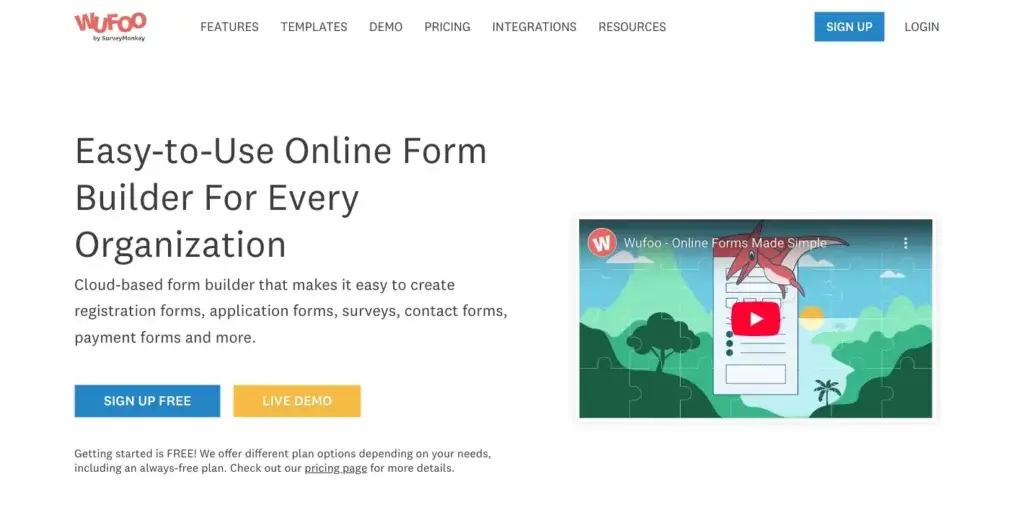
- Reliable Builder: A classic, proven drag-and-drop interface that just works.
- Great Form Manager: A centralized dashboard that makes managing hundreds of forms simple.
- Integrated Payments: Connects easily with Square, Stripe, and PayPal for order forms.
Top Features and Benefits
- Theme Designer: Customize the look of your forms with colors and fonts that fit your brand.
- Automated Notifications: Get text or email alerts every time someone submits a form.
- Detailed Reporting: Build custom reports to see trends and entry data at a glance.
- Rule Builder: Set up simple conditional logic to show or hide fields as users fill out the form.
Why Choose Wufoo?
Wufoo is perfect for users who want an experience that emphasizes functionality. It is particularly popular with small businesses that need to set up lead generation or payment forms quickly without getting bogged down in modern, high-animated interfaces.
Pricing Overview
- Free: 5 forms and 100 entries per month.
- Starter: $16.25 per month for 10 forms.
- Professional: $33.25 per month for unlimited forms and 5,000 entries.
- Advanced: $83.25 per month for higher entry and user limits.
Pros and Cons
Positive
- Very fast to build and deploy
- Reliable payment integrations
- Straightforward pricing
Negative
- The interface looks a bit dated
- Limited features compared to modern rivals
Zoho Forms

Key Strengths
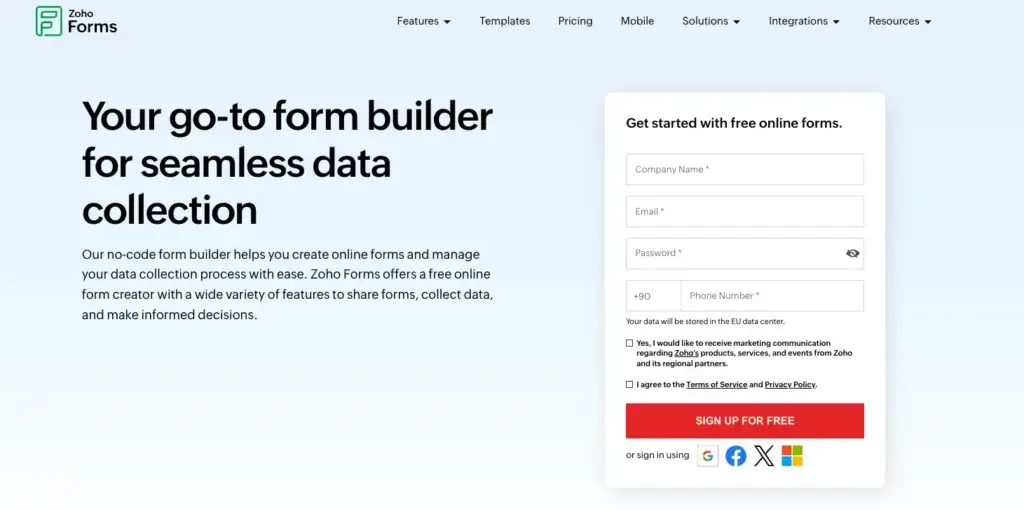
- Zoho Integration: Direct data flow to Zoho CRM, Desk, and Projects.
- Highly Affordable: One of the most competitive pricing structures for the feature set provided.
- Mobile Efficiency: Excellent mobile app that supports offline data collection and field work.
Top Features and Benefits
- Workflow Automation: Assign tasks to team members automatically based on form submissions.
- Custom PDFs: Generate polished PDF documents from form data for invoices or contracts.
- Advanced Security: Includes record audit trails and password-protected file exports.
- Field Rules: Sophisticated logic that can change field values or visibility in real time.
Why Choose Zoho Forms?
For companies using the Zoho Suite, this form builder is a necessity. It is also an excellent standalone choice for budget-conscious businesses that need enterprise-level features like e-signatures and workflow approvals without the premium price tag.
Pricing Overview
- Free: 3 forms and 500 submissions per month.
- Basic: $10 per month for unlimited forms.
- Standard: $25 per month for 10 users.
- Premium: $90 per month for 100 users.
Pros and Cons
Positive
- Exceptional value for money
- Deep integration with Zoho apps
- Strong mobile and offline capabilities
Negative
- UI can be complex for beginners
- Some features are restricted to higher tiers
WPForms

Key Strengths
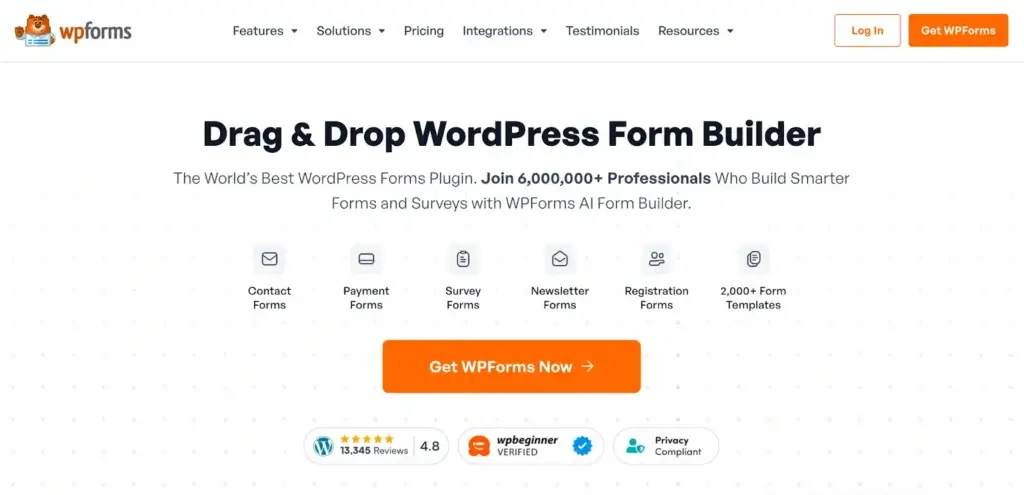
- WordPress Native: Built specifically for WordPress, allowing you to manage forms inside your site admin.
- User Friendly: Uses a clean drag-and-drop builder designed for non-programmers.
- Fast Performance: Highly optimized to make sure that forms do not slow down your website load times.
Top Features and Benefits
- Conversational Forms: One question at a time model to boost conversion rates on WordPress.
- Form Abandonment: Capture entries from users who start filling out a form but do not finish.
- Lead Forms: Dedicated landing page modes for forms to keep users focused on finishing.
- Smart Conditional Logic: Easily create dynamic forms that adapt to user input.
Why Choose WPForms?
WPForms is the gold standard for WordPress users. If you run a site on this platform and want a tool that integrates perfectly with your themes and plugins, this is the most logical choice. It bridges the gap between simple contact forms and complex business applications.
Pricing Overview
- Basic: $49.50 per year for 1 site.
- Plus: $99.50 per year for 3 sites.
- Pro: $199.50 per year for 5 sites and payment features.
- Elite: $299.50 per year for unlimited sites.
Pros and Cons
Positive
- Best WordPress integration on the market
- Conversational and landing page modes
- Excellent spam protection
Negative
- No monthly payment option (yearly only)
- Most powerful integrations require the Pro plan
Making the Right Choice
Choosing the right online form builder is a critical decision that can significantly impact your data collection efficiency and user engagement. To be sure that you will make the best choice for your organization, consider the following steps:
- Define Your Requirements: Start by clearly defining your team’s specific needs and objectives. Identify whether you need basic contact forms or complex, logic-driven surveys. Consider factors like submission volume, integration requirements, and budget constraints.
- Research and Evaluate: Explore different software options and evaluate them based on how well they meet your requirements. Look for reviews and case studies to understand real-world performance.
- Prioritize Key Features: Focus on the most critical features for your success, such as mobile accessibility, conditional logic, or payment processing. Make sure the software provides flexibility for future growth.
- Consider User Experience: Pay attention to the interface design. Choose software with an intuitive builder that allows your team to stay productive without extensive training.
- Trial Period and Support: Take advantage of free trials and demos to test the software in real-world scenarios. Assess the level of customer support provided to ensure you have help when needed.
- Make an Informed Decision: After careful evaluation, select the tool that best aligns with your goals. If you need the most comprehensive, all-in-one solution for advanced customization and deep feature sets, Jotform is a standout choice that can grow with your business.
Conclusion
The right online form builder is a gateway to better data and improved workflows. You might need to decide between visually pleasing designs, deep integrations, or ease-of-use. But any one of these options can be super beneficial for your tech stack. By analyzing these tools, you can find a solution that streamlines your processes and also enhances the experience for your respondents.
FAQs
What is an online form builder?
An online form builder is a web-based tool that allows you to create forms, surveys, and questionnaires without coding. These tools typically offer drag-and-drop editors, templates, and logic rules to collect and manage data efficiently.
What features should I look for in the best online form builder?
Key features to consider include ease of use, conditional logic, integrations with other tools like CRMs or payment gateways, data security and compliance, and pricing that scales with your needs. The right mix depends on how complex your data collection workflows are.
Are free online form builders good enough for businesses?
Free form builders can be sufficient for basic use cases such as simple contact forms or internal surveys. However, growing businesses often need paid plans to access advanced logic, higher submission limits, integrations, branding control, and better security options.
Which online form builder is best for complex workflows?
For complex workflows involving conditional logic, automation, payments, or document generation, tools with advanced features and integrations are better suited. These platforms allow you to customize user paths and automate actions based on form responses.
Can online form builders handle payments securely?
Yes, many online form builders support secure payment collection through integrations with providers like Stripe, PayPal, or Square. It is important to verify that the tool follows industry security standards and offers encryption and compliance features when handling payments.
Are online form builders compliant with data protection regulations?
Most leading form builders support compliance with regulations such as GDPR, CCPA, and, in some cases, HIPAA. However, compliance can depend on the plan you choose and how you configure data storage, access controls, and user consent.
What is conditional logic in online forms?
Conditional logic allows a form to change dynamically based on user input. For example, questions can be shown or hidden depending on previous answers, creating a more personalized and efficient experience for respondents.
How do I choose the right online form builder for my business?
Start by defining your requirements, such as the type of forms you need, expected response volume, integrations, and budget. Testing a few tools through free trials can help you evaluate usability, performance, and fit before making a final decision.







