Introduction
A strong project retrospective template helps you turn a good discussion into useful follow-through. Without a clear structure, retrospective meetings often become vague, repetitive, or overly focused on complaints. Teams talk about what happened, but they do not always leave with clear improvements, owners, or next steps.
That is why using a simple, repeatable format matters. A project retrospective template gives you a practical way to guide the conversation, document lessons, and make sure the meeting results in actions your team can actually apply in the next project, phase, sprint, or campaign.
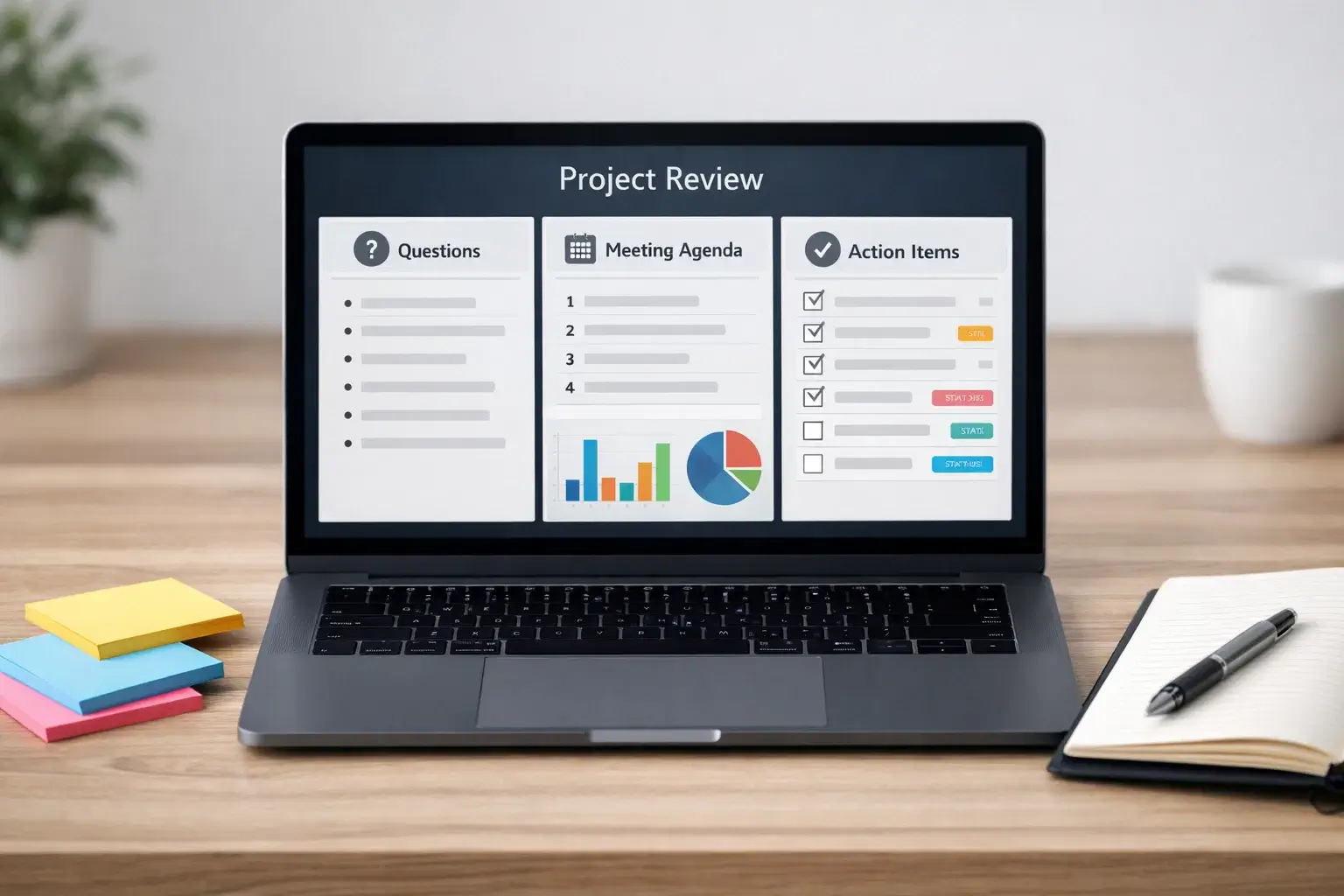
In this guide, you will get a practical template you can use right away, a list of useful retrospective questions, a meeting agenda, and a realistic example of what a completed retrospective can look like. The goal is to help you run a review that is structured enough to be effective, but simple enough that your team will actually keep using it.
What Is a Project Retrospective Template?
A project retrospective template is a structured format for reviewing completed work. It gives your team a simple way to capture what went well, what did not go well, what caused issues, and what should change next time. Instead of relying on memory or an unstructured conversation, the template helps everyone review the same project period using the same categories.
This matters because retrospectives are most useful when they create repeatable learning. If every review is run differently, teams often miss patterns, forget action items, or document feedback in a way that is hard to reuse later. A template solves that by creating consistency.
Why teams use a retrospective template
The main benefit is clarity. A template makes it easier to prepare for the session, guide the meeting, and summarize the outcome. It also reduces the chance that the team jumps too quickly into blame, storytelling, or abstract comments like “communication needs to improve” without defining what that means.
A good template also improves follow-through. When your format includes action items, owners, and target dates, the retrospective becomes more than a conversation. It becomes part of your improvement process.
When to use one
You can use a project retrospective template after a completed project, after a milestone, at the end of a phase, or as part of recurring work cycles. It is useful for software projects, marketing campaigns, onboarding processes, internal rollouts, client delivery work, and operational initiatives. The format stays similar even when the type of work changes.

What a Good Project Retrospective Template Should Include
The best templates are simple, but they still cover the essential parts of the review. You want enough structure to guide the discussion, but not so much complexity that the team feels like it is filling out paperwork.
| Template Section | Why It Matters |
| Project or review period | Defines exactly what work the retrospective covers |
| Participants | Shows who contributed to the discussion |
| What went well | Captures practices worth repeating |
| What did not go well | Surfaces blockers, delays, and inefficiencies |
| Root causes | Helps move beyond surface-level complaints |
| Action items | Turns insight into concrete improvements |
| Owner and due date | Creates accountability for follow-through |
These sections keep the meeting balanced. The team can celebrate what worked, identify pain points honestly, and still leave with practical decisions. That balance matters because a retrospective should not feel like a complaint session or a performance review.
Template You Can Use
Below is a simple project retrospective template that works well for most teams. You can paste it into a doc, board, wiki, or work management tool and adjust it slightly based on your workflow.
Basic project retrospective template
Project name: [Project name]
Review period: [Full project / phase / sprint / milestone]
Date of retrospective: [Date]
Facilitator: [Name]
Attendees: [List of names or roles]
1. What went well?
List the practices, decisions, or behaviors that helped the project move forward. These could include strong planning, effective communication, clear ownership, good stakeholder alignment, realistic timelines, or efficient collaboration.
2. What did not go well?
List the issues, blockers, or breakdowns that made the work harder than it needed to be. Examples may include unclear scope, shifting priorities, slow approvals, missing context, or resource gaps.
3. Why did those issues happen?
Look for causes, not just symptoms. Try to identify the process, handoff, decision, or gap that created the problem.
4. What should we change next time?
Turn the main lessons into specific improvements. Focus on changes the team can actually implement in future work.
5. Action items
For each improvement, assign an owner and a target review date.
Action item: [Specific change]Owner: [Name]Target date: [Date]
Action item: [Specific change]Owner: [Name]Target date: [Date]
Key takeaway: [One short summary sentence of the most important lesson]
This template works because it is practical. It keeps the discussion focused on reflection and follow-through without creating unnecessary administrative work.
Questions to Ask
The quality of a retrospective often depends on the quality of the questions. Strong questions help your team move from general impressions to useful insight. The best ones are specific, open enough to invite reflection, and tied to how the work actually happened.
Questions about what worked well
Use these to identify practices worth repeating:
- What helped this project move forward smoothly?
- Which decisions or habits improved speed, quality, or alignment?
- Where did collaboration work especially well?
- What should we definitely repeat in the next project?
- Which part of the process felt more effective than usual?
Questions about what did not go well
Use these to surface friction without making the conversation personal:
- Where did the project slow down?
- What created confusion, rework, or delays?
- Which handoffs or approvals were harder than expected?
- What caused stress for the team?
- What felt unclear, inconsistent, or unnecessary?
Questions about root causes
These questions help the team move beyond surface-level comments:
- Why did this issue happen in the first place?
- Was the real problem planning, ownership, communication, or timing?
- Did we discover dependencies too late?
- Was the process unclear, or was it simply not followed?
- What assumption turned out to be wrong?
Questions about improvement
These keep the meeting future-focused:
- What should we start doing next time?
- What should we stop doing because it adds friction?
- What should we continue doing because it clearly worked?
- Which one or two changes would create the biggest improvement?
- How can we build those changes into our normal workflow?
You do not need to ask every question in one meeting. In most cases, it is better to choose the questions that best fit the project and the maturity of the team. Simpler questions usually create stronger discussions than overly clever formats.
Agenda
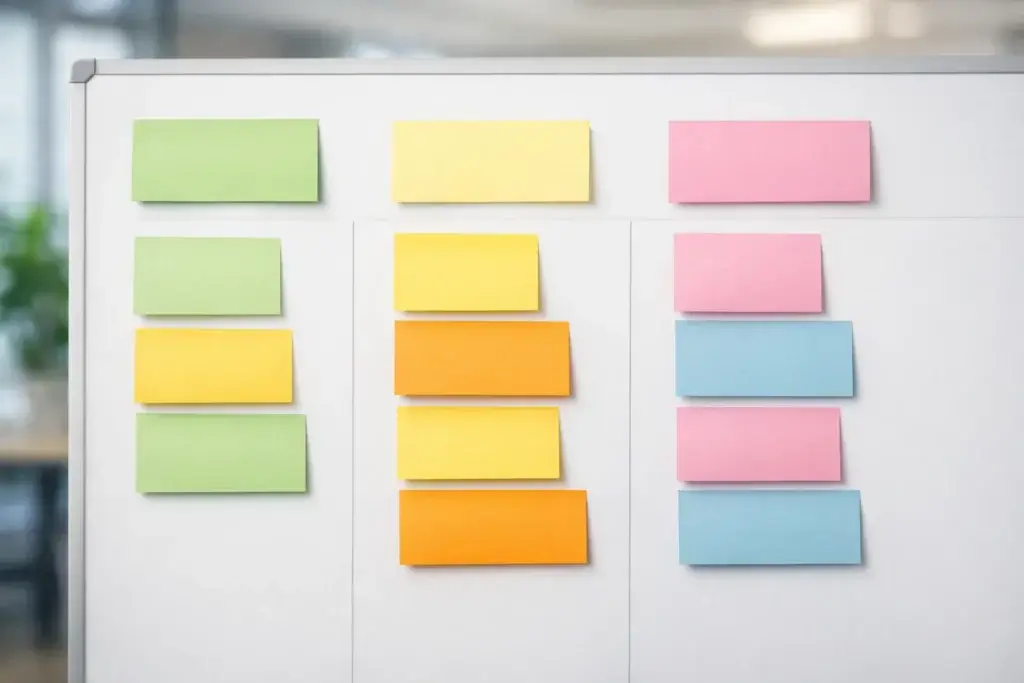
A clear agenda keeps the meeting from drifting. It also helps make sure the most important part, deciding what to change next time, does not get squeezed into the final few minutes.
| Agenda Step | Purpose | Suggested Time |
| Welcome and context | Explain the scope, goal, and ground rules | 5 minutes |
| Quick project recap | Review milestones, changes, and key events | 10 minutes |
| What went well | Capture strengths worth repeating | 10 minutes |
| What did not go well | Identify blockers and weaknesses | 15 minutes |
| Root-cause discussion | Understand why issues happened | 10 minutes |
| Action planning | Agree on improvements, owners, and dates | 10 minutes |
| Wrap-up | Confirm key takeaways and follow-up | 5 minutes |
This kind of agenda works well for a 60 to 75 minute retrospective. Smaller projects may need less time, while larger cross-functional reviews may need 90 minutes or separate sessions for different groups.
How to keep the agenda effective
Start with the goal of improving the way the team works, not reviewing individual performance. Keep the conversation specific. When the team raises a broad issue, ask what exactly happened and where it showed up in the project. Then, before the meeting ends, turn the biggest lessons into a short list of concrete improvements.
Project Retrospective Example
Below is a simplified example of how a completed retrospective might look for a marketing campaign launch. You can adapt the same structure to product, operations, onboarding, or client delivery work.
Example retrospective
Project name: Q2 Product Launch Campaign
Review period: Campaign planning through launch week
Date of retrospective: [Date]
Facilitator: Marketing Operations Manager
Attendees: Content lead, paid media manager, design lead, lifecycle marketer, project manager
What went well?
The kickoff meeting was clear, timelines were visible, and weekly status meetings helped the team stay aligned. Design requests were prioritized early, which reduced last-minute production stress. Stakeholders were responsive during launch week, and campaign assets were approved faster than in previous launches.
What did not go well?
The messaging changed too late in the process, which created extra work for content and email. Paid media could not finalize creative on time because final copy approval happened later than expected. Some stakeholders gave feedback in multiple channels, which caused confusion about which version was current.
Why did those issues happen?
Scope approval was not fully locked before production started. There was no single source of truth for stakeholder feedback, and the approval workflow was not strict enough. Teams relied too much on chat messages instead of routing changes through one tracked process.
What should change next time?
Require final messaging sign-off before creative production begins. Use one approval system for all content and asset feedback. Add a launch-readiness review three business days before campaign go-live.
Action item 1: Create a pre-production sign-off checklist
Owner: Project manager
Target date: Before next launch kickoff
Action item 2: Centralize stakeholder approvals in one shared workspace
Owner: Marketing operations manager
Target date: This month
Action item 3: Add launch-readiness review to campaign template
Owner: Content lead
Target date: Before next campaign cycle
Key takeaway: The team executed well once work was underway, but late approvals created preventable rework. Tightening sign-off and feedback workflows should improve the next launch.
This kind of example shows why a template is useful. It helps the team turn a broad experience into a record that is easy to understand and easy to reuse.
Best Practices for Using a Project Retrospective Template
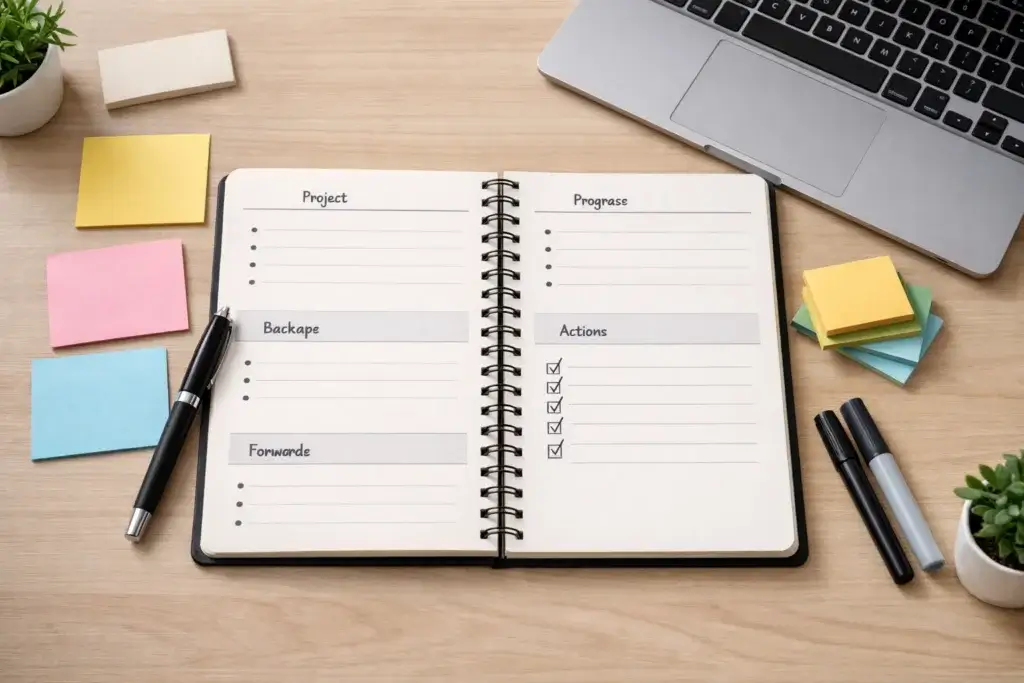
A template alone does not guarantee a good retrospective. The way you use it matters just as much as the structure itself.
Keep the tone constructive
Frame the session around improving systems, workflows, and decisions. The meeting should support honest feedback, but it should not feel like a blame session. People contribute more openly when they know the focus is on improving the work, not criticizing individuals.
Collect some input before the meeting
If the project was complex or involved multiple teams, ask for notes in advance. Even a short pre-meeting survey can help people reflect more thoughtfully and help the facilitator identify themes before the discussion begins.
Limit the number of action items
Do not leave with a long wish list. Most retrospectives are more effective when they produce two to five meaningful changes. A shorter list is easier to implement, easier to track, and more likely to improve real behavior.
Revisit previous action items
One of the best ways to improve your retrospective habit is to start each new review by checking what happened with the last set of action items. This closes the loop and proves that the meeting leads to real change.
Using Software to Support the Template
You can run a project retrospective in a simple document, but software can make the process easier when you want better visibility and follow-through. The most useful tools help you collect ideas, organize themes, assign owners, and track what happens after the meeting.
monday.com is one of the strongest options if you want to go beyond discussion and make improvement work visible. It is especially useful when you want a retrospective template that can connect directly to tasks, owners, timelines, and team workflows. That makes it a particularly strong fit for teams that struggle with follow-through after the meeting ends.
Visual tools like Miro are helpful when the team wants a more workshop-style session, especially for sticky-note collaboration and clustering themes. Documentation tools can also work well if your main goal is simply to capture lessons in a searchable place. The better choice depends on whether your team mainly needs brainstorming, documentation, or accountability.
Conclusion
A project retrospective template gives your team a practical way to reflect, learn, and improve without making the process heavier than it needs to be. It creates structure around the conversation, helps people focus on what matters, and makes it easier to turn lessons into specific action items.
The most effective retrospective templates are not the most complicated ones. They are the ones your team will actually use consistently. If your format helps you review what went well, identify what needs to change, and assign follow-through clearly, then it is doing its job. Over time, that simple habit can improve planning, execution, communication, and team alignment across every project you run.
Frequently Asked Questions
What is a project retrospective template?
A project retrospective template is a structured format used to review completed work, capture lessons, and define improvements for future projects or work cycles.
What questions should be in a project retrospective?
The most useful retrospective questions focus on what went well, what did not go well, why issues happened, and what the team should change next time.
What is the best agenda for a project retrospective?
A practical retrospective agenda usually includes context, a project recap, discussion of strengths, discussion of weaknesses, root-cause analysis, action planning, and a short wrap-up.
How long should a project retrospective meeting be?
Many teams can run an effective retrospective in 60 to 75 minutes, although larger or more complex projects may need a longer session.
Who should attend a project retrospective?
The best attendees are the people directly involved in planning, execution, approvals, delivery, or handoffs related to the work being reviewed.
What makes a retrospective template effective?
An effective retrospective template is simple, clear, and action-oriented. It should make it easy to capture insights and assign follow-up actions without adding too much overhead.
Should a retrospective focus only on problems?
No. A good retrospective should also identify what worked well so the team can preserve effective practices and repeat them in future work.
How many action items should come out of a retrospective?
Usually two to five meaningful action items are more effective than generating a long list of ideas the team is unlikely to complete.
Can non-Agile teams use a project retrospective template?
Yes. Retrospectives work well for marketing, operations, client delivery, onboarding, and many other project-based or recurring workflows.
What should happen after the retrospective?
After the retrospective, the team should document the outcome, assign owners to action items, track progress, and revisit those improvements in the next relevant work cycle.