Introduction
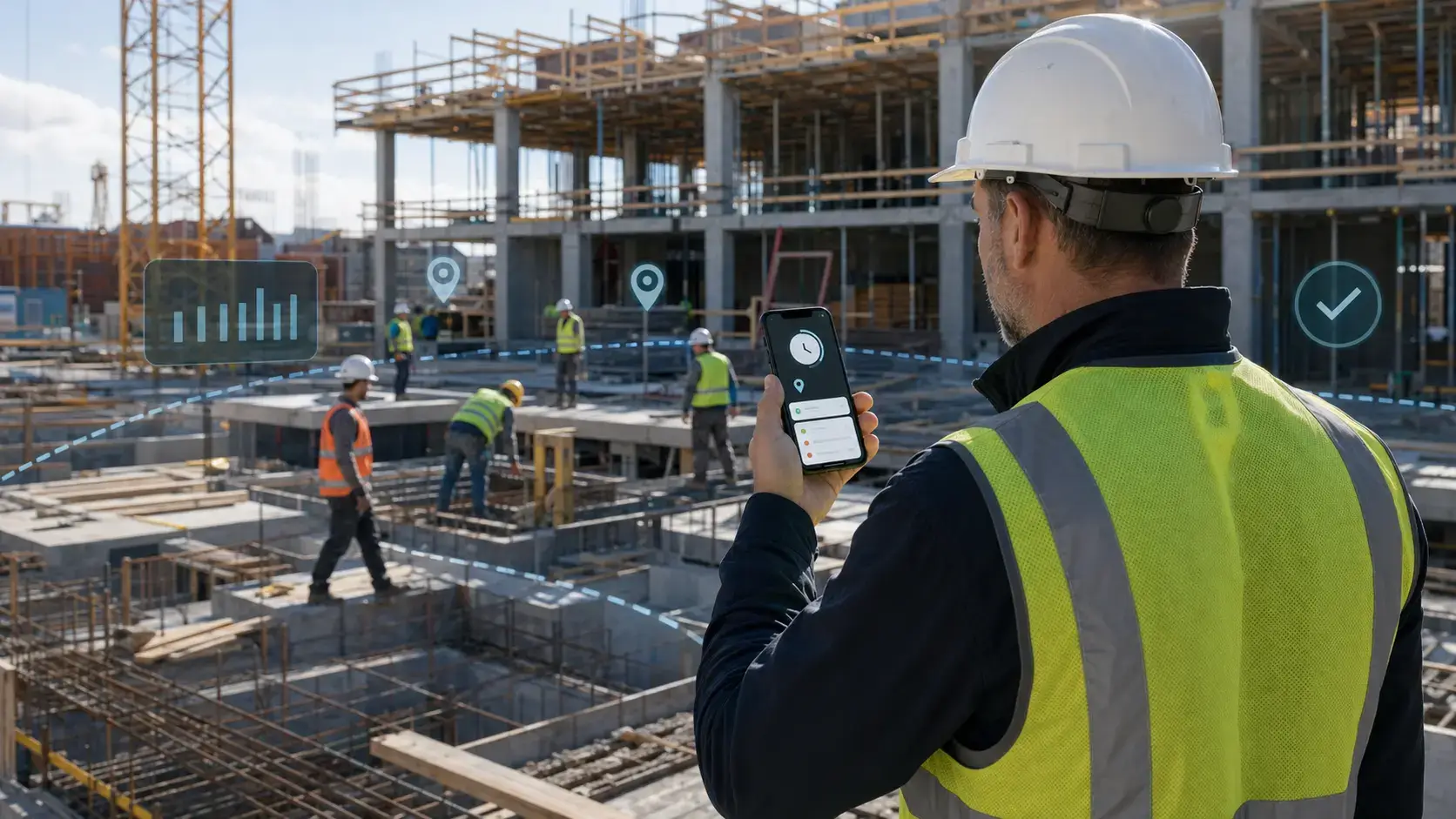
Construction time tracking is not just about recording when a worker starts and finishes a shift. The right system helps contractors verify jobsite attendance, assign labor to jobs and cost codes, control overtime, prepare payroll, and understand whether field labor is staying within budget.
Construction creates challenges that office-focused time trackers rarely solve well. Crews may move between jobsites, work where mobile coverage is unreliable, share equipment, follow prevailing-wage rules, or need a kiosk because personal phones are not practical. GPS accuracy, geofencing, offline punching, photo verification, and payroll integrations therefore matter as much as the timer itself.
This guide compares nine leading options for 2026: Planera, Jibble, Workyard, Buddy Punch, ClockShark, Arcoro, Timeero, and SmartBarrel. Planera is included as a construction scheduling companion rather than a direct employee time clock, while the remaining platforms focus primarily on attendance, field labor, job costing, or workforce verification.
Use the comparison to identify the products that fit your crew size, connectivity conditions, payroll stack, equipment needs, and compliance requirements.
What Is Construction Time Tracking Software?
Construction time tracking software records field labor hours and connects them to employees, jobsites, projects, tasks, and cost codes. Unlike a generic timer, construction-focused platforms may use GPS, geofences, shared kiosks, facial or photo verification, offline data capture, overtime rules, and certified-payroll workflows.
💡 What Does Construction Time Tracking Software Do?
- Verify clock-ins with GPS, geofences, photos, facial recognition, or jobsite kiosks
- Assign labor hours to projects, phases, tasks, and cost codes
- Capture time when a jobsite has limited or no mobile connectivity
- Review and approve digital time cards before payroll
- Track overtime, breaks, PTO, prevailing wage, and union requirements
- Export approved hours to payroll, accounting, and construction management systems
- Compare labor use with estimates, schedules, and project budgets
Time Tracking vs Construction Scheduling
Time tracking records actual labor activity, while construction scheduling plans when project work should happen and how activities depend on one another. Most products in this guide focus on workforce time. Planera is the exception: it is a CPM scheduling platform that can complement a time tracker but does not replace GPS clock-ins, time cards, or payroll exports.
Best Construction Time Tracking Solutions at a Glance
The table below summarizes the strongest use case for each platform.
| Tool | Best For | Free Option | GPS / Offline | Construction Focus |
| Planera | Collaborative CPM scheduling | No public free plan | Not a workforce time clock | Scheduling and project controls |
| Jibble | Small crews starting with digital attendance | Yes, unlimited users | GPS and offline punching | Limited construction costing |
| Workyard | Construction time, GPS, and job costing | Trial | Strong GPS and geofencing | High |
| Buddy Punch | Compliance and PTO accruals | Trial | GPS; weak offline fit | Moderate |
| ClockShark | Franchises and mobile service teams | Trial | GPS and geofencing | Moderate to high |
| Arcoro | Large, concentrated workforces | Contact vendor | GPS and jobsite terminals | High |
| Timeero | Small mobile teams and mileage | Contact vendor | GPS, routes, and mileage | Moderate |
| SmartBarrel | Union and enterprise jobsites | No | GPS and cellular hardware | High |
Best Construction Time Tracking Software 2026
Planera

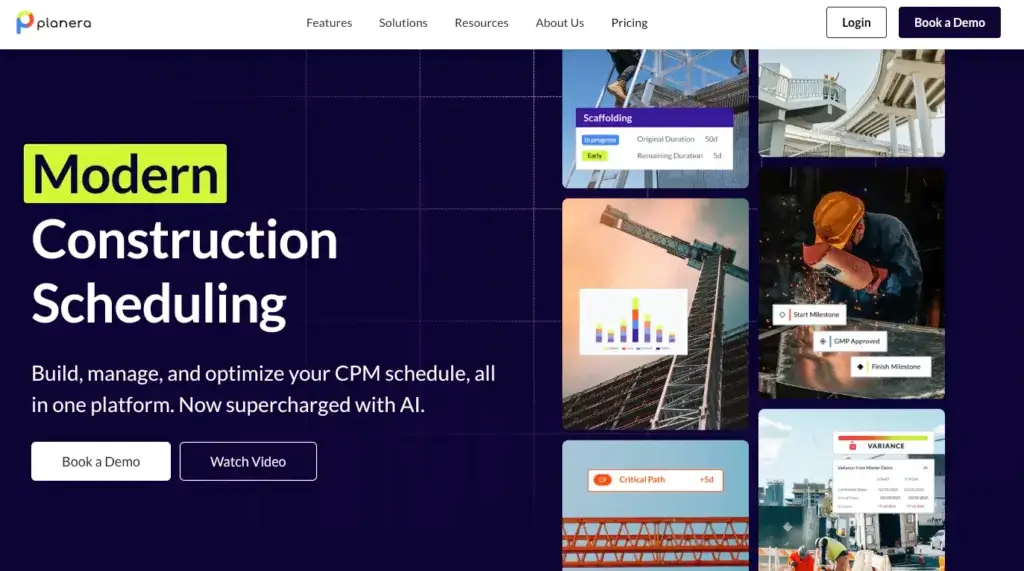
Planera focuses on making construction scheduling easier to build, visualize, and collaborate on. It is not a workforce time-tracking platform. Instead, it is a cloud-based Critical Path Method (CPM) scheduling solution that helps office and field teams create, update, and share one live project schedule.
Overview
The platform combines a visual scheduling canvas with full CPM logic. Teams can manage critical paths, float, resources, baselines, lookahead schedules, risk simulations, and schedule quality checks. Its value in this comparison is as a companion to labor-tracking software when contractors need to connect field execution with the broader project plan.
🔍 Features
- Full CPM scheduling with critical path and float analysis
- Interactive scheduling canvas and traditional Gantt views
- Resource loading for labor and equipment forecasting
- Lookahead schedules, baselines, version control, and progress tracking
- Monte Carlo risk analysis and DCMA 14-point schedule checks
- AI scheduling assistant called Manny
- Import and export support for Primavera P6, Microsoft Project, Excel, XER, XML, and MPP files
- PDF schedule generation for offline sharing
Pricing
- Custom pricing available through a sales consultation
- Demo available on request
- No public subscription pricing
Positive
✅ Purpose-built for construction scheduling
✅ Full CPM capabilities for complex projects
✅ Strong visual collaboration
✅ Broad import and export compatibility
Negative
❌ Not an employee time clock
❌ No GPS or geofencing
❌ No payroll workflow as a core feature
❌ Pricing requires a sales call
🎯 Best For
General contractors, project managers, and schedulers coordinating complex commercial construction projects.
Jibble

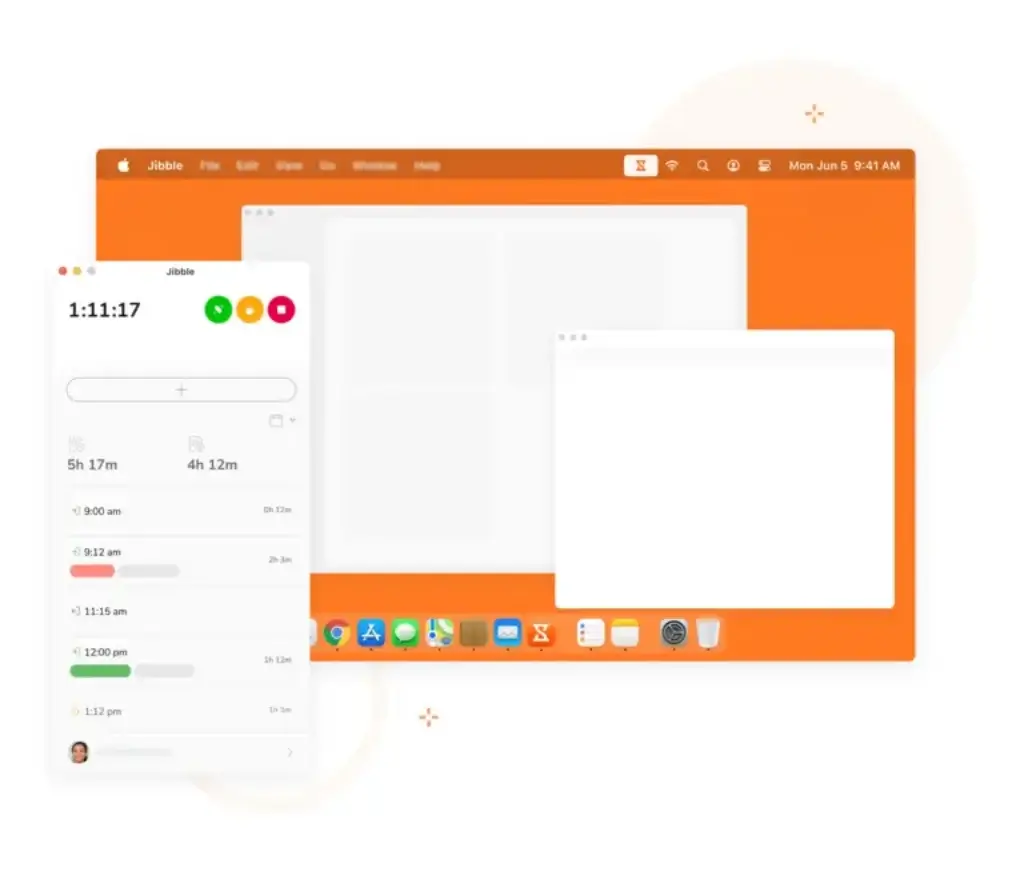
Jibble works across mobile devices, desktops, the web, and shared kiosks. GPS controls and facial recognition help verify who clocks in and where the punch occurs, while offline clock-ins can sync when connectivity returns.
Overview
Jibble is attractive because its free plan supports unlimited users. However, it is primarily an attendance and timesheet platform, not a construction job-costing system. Teams that require detailed construction task codes, certified payroll, or deep labor-cost analysis may outgrow it.
🔍 Features
- GPS-enabled clock-ins and geofence controls
- Facial recognition on mobile devices and kiosks
- Offline punching with automatic synchronization
- Automated timesheets with regular, overtime, and billable-hour splits
- Web, mobile, Windows, and Mac access
- Flexible time and attendance policies
Pricing
- Free: $0 with unlimited users
- Premium: $4.49 per user per month
- Ultimate: $7.99 per user per month
- Enterprise: Custom pricing
Positive
✅ Unlimited-user free plan
✅ Fast setup and simple access
✅ Flexible attendance policies
✅ Useful offline clock-ins
Negative
❌ Limited free-plan exports
❌ Basic GPS route detail
❌ No built-in crew chat
❌ Few construction-specific costing tools
🎯 Best For
Startups, subcontractors, and micro-teams that want to test digital attendance tracking without a large initial investment.
Workyard

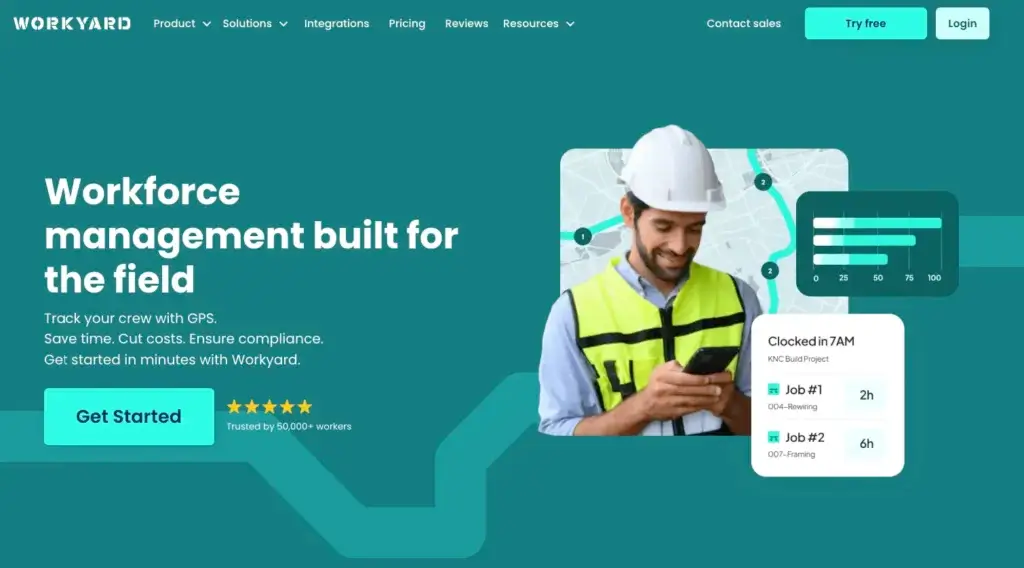
Workyard is the strongest all-around construction time-tracking option in this group. It combines GPS-verified time cards, geofences, job and task codes, labor-cost reporting, and payroll integrations in one construction-focused workflow.
Overview
Crews can clock in through the mobile app, a supervisor entry workflow, or a shared kiosk with photo verification. Managers can review live crew locations and analyze labor by worker, job, task code, or date. Break, overtime, and compliance rules help standardize time collection across projects.
🔍 Features
- Live GPS crew map and location verification
- Geofence controls that limit clock-ins to the jobsite
- Mobile app, supervisor batch entry, and kiosk punching
- Real-time job costing by task code, worker, and date
- Break, overtime, and compliance rule configuration
- Two-way connections with QuickBooks and integrations with Gusto, Paychex, ADP, and Sage
- Spanish and English interface options
Pricing
- Starter: $6 per user per month plus a $50 base fee
- Pro: $13 per user per month plus a $50 base fee
- Two-week free trial; no card required
Positive
✅ Dependable GPS verification
✅ Real-time labor analysis
✅ Construction-specific workflows
✅ Strong payroll integrations
Negative
❌ Focused mainly on field operations
❌ Advanced tools require Pro
❌ No permanent free tier
🎯 Best For
Construction and field-service companies that need dependable GPS verification, job costing, and payroll-ready labor records.
Buddy Punch

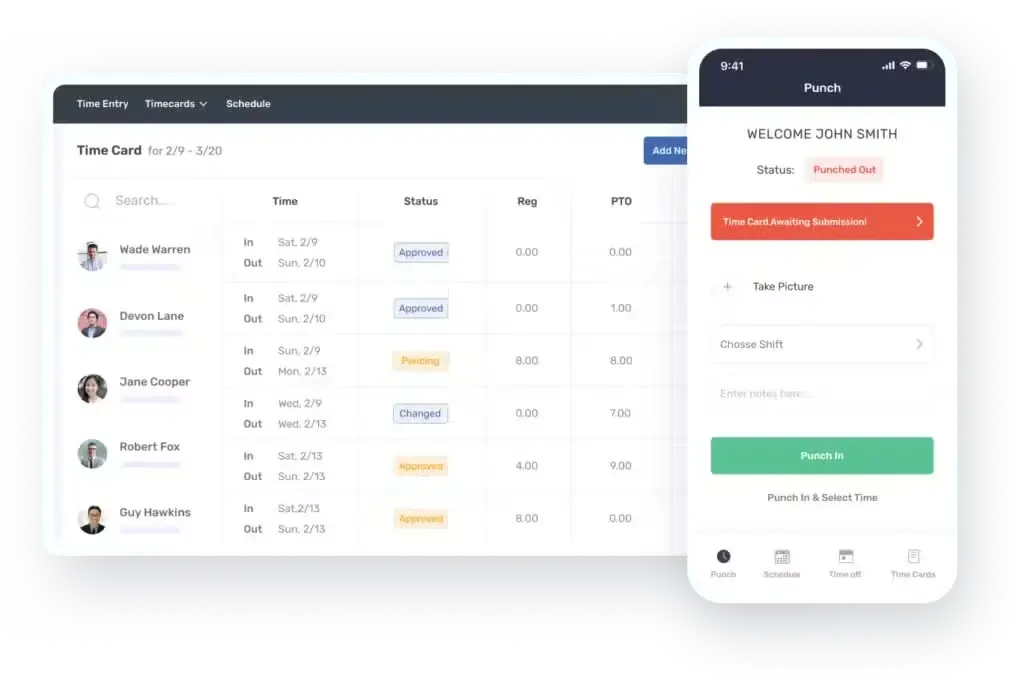
Buddy Punch centers on time entry, PTO accrual, overtime monitoring, and workforce scheduling. Employees can punch with a PIN, QR or barcode, facial recognition, or a password, which is helpful when a crew has mixed levels of technical comfort.
Overview
Its compliance and accrual controls can reduce routine administration, and payroll is available as an add-on. The major construction limitation is offline reliability: active connectivity is required, making the platform less suitable for rural, underground, or otherwise disconnected sites.
🔍 Features
- PIN, QR or barcode, facial recognition, and password punching
- Automatic vacation and sick-time accruals
- Drag-and-drop employee scheduling
- Custom clock-in, clock-out, and overtime rules
- GPS and geofence controls
- Optional payroll module
Pricing
- Starter: $5.49 per user per month plus a $19 base fee, or $4.49 per user annually
- Pro: $6.99 per user per month plus a $19 base fee, or $5.99 per user annually
- Enterprise: $11.99 per user per month plus a $19 base fee, or $10.99 per user annually
- Payroll add-on: $6 per user per month plus a $39 base fee
Positive
✅ Detailed compliance controls
✅ Automatic leave accruals
✅ Flexible punch methods
✅ Accessible small-team pricing
Negative
❌ No reliable offline workflow
❌ Payroll-focused integrations
❌ Less construction-specific job costing
🎯 Best For
Small and midsize operations that prioritize time-off accruals, overtime rules, and flexible employee punch methods.
ClockShark

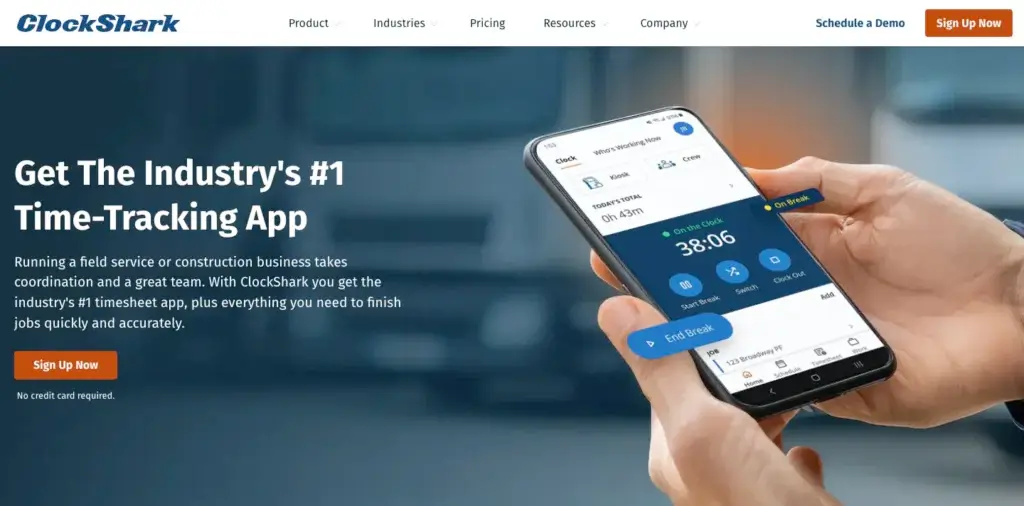
ClockShark combines GPS-verified clock-ins, visual scheduling, customer management, quotes, invoices, and payments in one workspace. This can reduce the number of separate tools used by a multi-location service or franchise operation.
Overview
Teams can clock in from the app, web portal, or a fixed kiosk. Facial recognition can help identify possible buddy punching at shared kiosks, though it is not available in the same way for every mobile punch. ClockShark is broader than a basic time clock, but its construction costing depth is not as strong as Workyard's.
🔍 Features
- GPS location verification and geofence boundaries
- Mobile, web, and fixed-kiosk clock methods
- Drag-and-drop scheduling and task assignment
- Labor tracking by job and task
- Customer records, quotes, invoices, and payments
- Shared team and contact information
Pricing
- Standard: $9 per user per month plus a $40 base fee
- Professional: $11 per user per month plus a $60 base fee
- Two-week trial; no card required
Positive
✅ Built-in invoicing tools
✅ Useful shared kiosk
✅ Good franchise fit
✅ Combines scheduling and time
Negative
❌ Facial recognition is kiosk-limited
❌ Entry restrictions have limited customization
❌ Administrative entry can feel slow
🎯 Best For
Service chains, franchises, specialty contractors, and mobile workforces that want scheduling, time tracking, and customer workflows together.
Arcoro

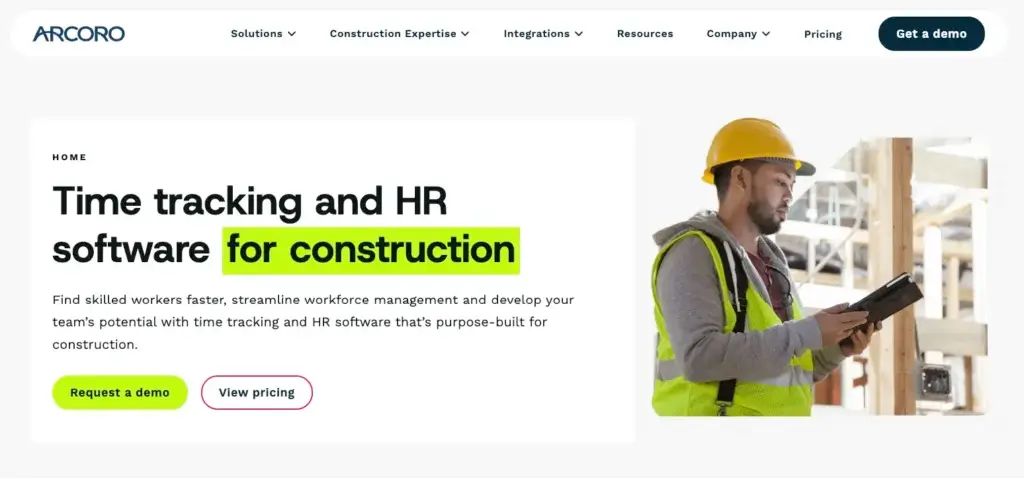
Arcoro uses a simple visual punch interface designed to work across language and technology barriers. GPS capture, photo identification, rugged jobsite terminals, and cost-code reporting make it suitable for high-headcount field operations.
Overview
Recent anomaly alerts can flag unusual time patterns and geofence breaches. The product is strongest when teams operate from stable locations and can benefit from shared hardware. Contractors with highly mobile crews or vehicle-mileage requirements may find it less suitable.
🔍 Features
- GPS location capture from mobile devices
- Rugged portable time terminals for jobsites
- Photo capture for clock-in identity verification
- Alerts for unusual time patterns and geofence violations
- Job and cost-code reporting
- Worker-level labor detail
Pricing
- Essential: $9 per user per month plus a monthly base fee
- Professional: Contact sales
- Elite: Contact sales
Positive
✅ Simple punch interface
✅ Photo-based verification
✅ Arcoro ecosystem connection
✅ Outdoor-rated hardware
Negative
❌ Many prices require a quote
❌ Less suitable for mobile crews
❌ No native mileage tracking
❌ Some users report accuracy concerns
🎯 Best For
Larger crews working mainly from a central base or concentrated jobsites, especially companies already using Arcoro products.
Timeero

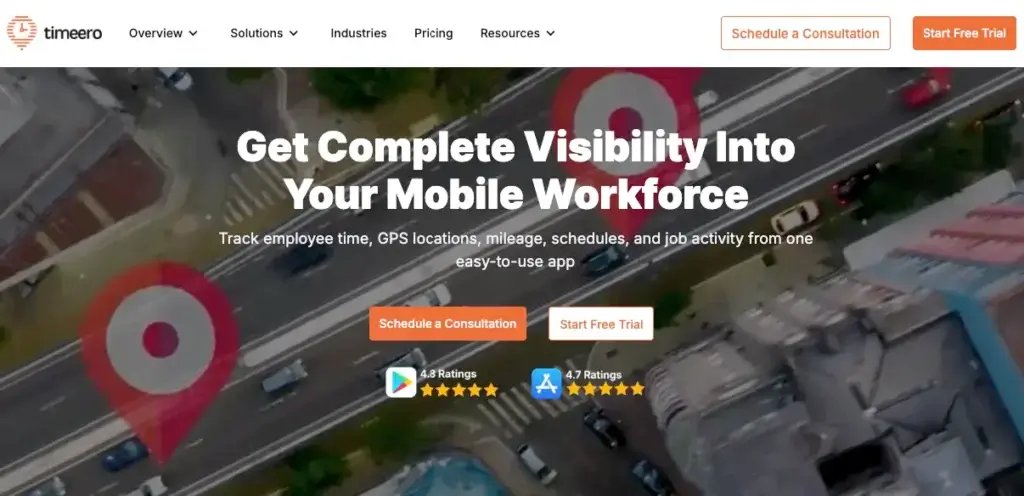
Timeero combines GPS time tracking, mileage and route mapping, leave management, and calendar-based scheduling. Time entries flow into digital timesheets, making it a practical choice for smaller distributed teams.
Overview
Its mileage workflow supports reimbursement and mobile workforce oversight. However, the lack of bulk time-card editing can increase payroll preparation work as the team grows. EVV functionality also makes it relevant to home-care operations, although that is outside the core construction use case.
🔍 Features
- GPS clock-ins with mileage and route mapping
- Leave accrual and time-off management
- Map and calendar scheduling
- Facial recognition verification
- Electronic Visit Verification mode
- Digital timesheets
Pricing
- Basic: $4 per user per month
- Premium: $8 per user per month
- Pro: $11 per user per month
- Enterprise: Custom pricing for 250 or more employees
Positive
✅ Good small-team fit
✅ Built-in mileage tracking
✅ Responsive implementation support
✅ Transparent per-user pricing
Negative
❌ No bulk card editing
❌ Supervisor interface can feel clunky
❌ Limited accounting connections
🎯 Best For
Smaller field-service operations with roughly 5 to 25 employees that need GPS time, route, and mileage records.
SmartBarrel

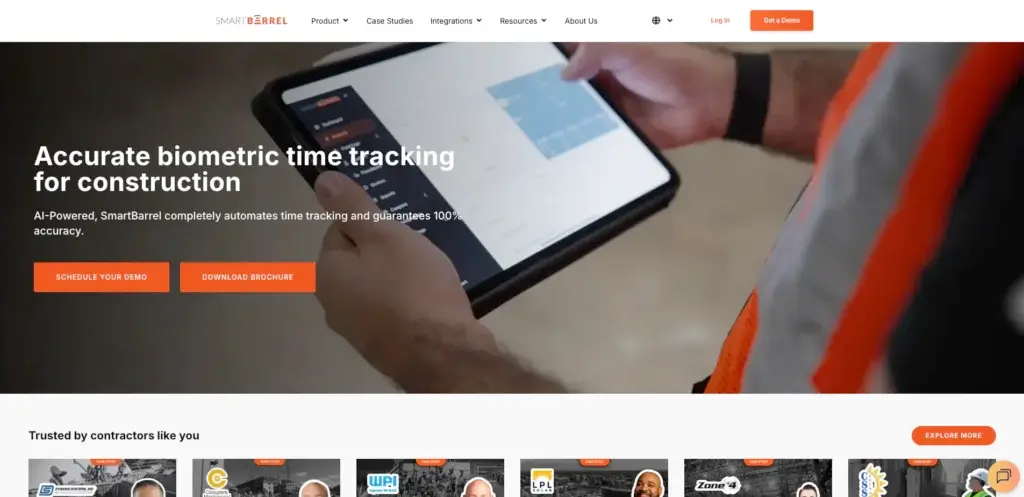
SmartBarrel combines software with dedicated hardware. Facial recognition, GPS boundaries, and precise timestamps verify punches without requiring every worker to use a personal smartphone.
Overview
TimeClock 4.0 is a self-powered, weather-resistant, LTE-connected terminal with magnetic mounting. Workers enter a phone number, the terminal captures a photo, and the system compares it with prior punches to identify inconsistencies. Certified payroll and prevailing-wage support strengthen its fit for union and public-works projects.
🔍 Features
- Facial verification for every punch
- AI-assisted buddy-punch detection
- Certified payroll and prevailing-wage support
- Connections with Viewpoint Vista, CMiC, and Procore
- Weather-resistant, cellular TimeClock 4.0 hardware
- Meal, transportation, and expense allowances
- Simple task-code selection
Pricing
- Per-worker subscription plus a recurring charge for each TimeClock 4.0 device
- Exact pricing available through consultation
🎯 Best For
Trade contractors and general contractors managing 20 or more workers across large or unionized jobsites.
Construction Time Tracking Platforms Compared Side by Side
The right product depends on whether the priority is field verification, job costing, equipment, payroll compliance, or scheduling.
| Platform | Standout Capability | Primary Limitation |
| Planera | Collaborative CPM scheduling | Not a workforce time clock |
| Jibble | Free attendance and verified punches | Limited construction job costing |
| Workyard | GPS verification and labor-cost reporting | Advanced tools require the Pro tier |
| Buddy Punch | PTO accrual and compliance rules | Weak fit for disconnected jobsites |
| ClockShark | Time, scheduling, and customer workflows | Facial recognition is kiosk-focused |
| Arcoro | Rugged shared jobsite terminals | Many prices require a quote |
| Timeero | Mileage and route mapping | No bulk time-card editing |
| SmartBarrel | Cellular biometric hardware and certified payroll | Enterprise orientation and custom pricing |
Key Features to Look for in Construction Time Tracking Software
GPS Accuracy and Geofence Controls
A GPS punch records a location at a particular moment. A geofence adds a virtual boundary around the jobsite and can prevent or flag an out-of-area punch. Some platforms also record movement during a shift. Contractors should define what level of tracking is operationally necessary, explain the policy clearly, and compare mobile behavior under real jobsite conditions.
Offline Readiness
Construction sites often have poor or inconsistent service. A field-ready system should capture the punch, timestamp, location, job, and cost code locally, then synchronize the complete record when a connection returns. Workyard, and Jibble are the strongest offline candidates in this group. Buddy Punch is a weaker choice where connectivity cannot be guaranteed.
Accounting and Payroll Connections
Look beyond the number of integration logos. Confirm whether the connection is native, one-way, or bidirectional, and exactly which fields transfer. Job IDs, task codes, overtime, pay classes, expenses, and approved time should move with minimal manual cleanup. Workyard has the strongest QuickBooks positioning in the source material, while several other platforms also support payroll and accounting connections.
Construction-Specific Job Costing
A generic attendance platform can show who worked and for how long. A construction time system should also show where that labor belongs. Requiring workers or supervisors to select the correct job and task code creates the detail needed for budget reviews, future estimates, change orders, and labor-productivity analysis.
Preventing Buddy Punching
Photo capture, facial matching, geofences, and shared kiosks can reduce unauthorized punches. The strongest configuration depends on the site. Facial verification should be tested with hard hats, outdoor lighting, gloves, and shared devices before it becomes a payroll control.
How to Choose the Best Construction Time Tracker
- List the jobsites where mobile coverage is unreliable.
- Define the job, phase, and cost-code detail required for reporting.
- Confirm payroll, accounting, and construction-platform integrations field by field.
- Calculate total cost, including base fees, admin licenses, hardware, and advanced tiers.
- Pilot the system with supervisors and a small field crew before company-wide rollout.
- Review privacy, location, biometric, break, and overtime policies with qualified local advisers.
Conclusion
Workyard is the best overall time-tracking choice in this comparison because it combines dependable field verification, construction job costing, and payroll workflows. Jibble is the easiest low-cost starting point.
SmartBarrel is the strongest specialist for high-headcount, union, and certified-payroll environments. Timeero is a better fit when mileage and route records matter, and Buddy Punch is useful for PTO and compliance administration when connectivity is dependable. ClockShark fits service and franchise workflows, while Arcoro suits concentrated crews using shared hardware.
Planera should be evaluated separately as a collaborative construction scheduling platform. It can complement one of these time trackers by connecting field execution to the CPM schedule, but it does not replace workforce time collection.
FAQs
What is the minimum feature set for construction time tracking software?
At minimum, look for verified clock-ins, digital time-card approval, job and task codes, offline support where needed, and a dependable payroll or accounting export.
Which construction time trackers work offline?
Workyard and Jibble support offline field workflows. Always test the software with the devices and jobsites your crews use because offline behavior and synchronization rules can differ by plan and configuration.
What is the difference between GPS time tracking and geofencing?
GPS time tracking records a worker’s location. Geofencing creates a virtual boundary around a jobsite and can block or flag clock-ins outside that area. Some products combine both with location trails during the shift.
How can contractors reduce buddy punching?
Contractors can combine onsite geofences with identity verification methods such as photos, facial recognition, PINs, or shared kiosks. The selected workflow should be tested under real jobsite lighting, weather, and personal protective equipment conditions.
Which construction time tracker connects with QuickBooks?
Workyard provides a native bidirectional connection with QuickBooks Desktop and QuickBooks Online. ClockShark, Buddy Punch, and Timeero also provide accounting connections, but contractors should verify which editions, fields, and synchronization directions are supported.
Is Planera a construction time tracking tool?
No. Planera is a collaborative Critical Path Method scheduling platform. It helps construction teams plan and coordinate project schedules, but it does not provide employee GPS clock-ins, geofenced attendance, or payroll time cards.
Which construction time tracking software is best for union or prevailing-wage work?
SmartBarrel is the strongest specialist in this comparison because it supports certified payroll, prevailing-wage workflows, biometric verification, and dedicated cellular jobsite hardware.