Introduction
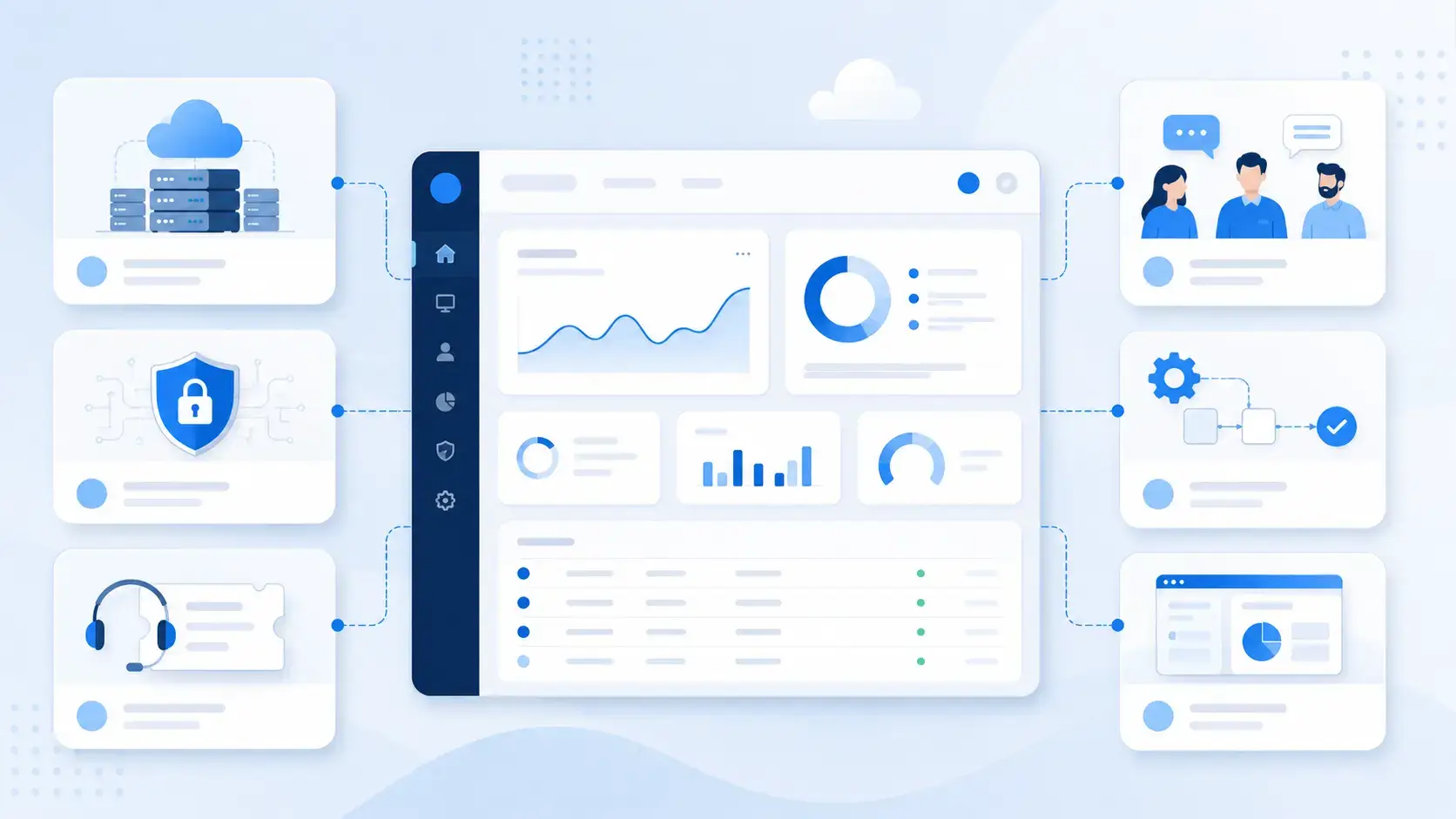
IT solutions are the technologies, software platforms, services, and processes businesses use to solve technology-related challenges. They can help you manage infrastructure, secure data, support employees, automate workflows, improve customer service, and keep your digital operations running smoothly.
For most businesses, IT solutions are no longer limited to servers, networks, and technical support. They now include cloud systems, cybersecurity tools, helpdesk software, IT service management platforms, collaboration apps, business software, managed IT services, and AI-driven automation.
This guide explains what IT solutions are, the main types you should know, how they differ from IT services, where ITSM fits, and how AI is changing the way IT teams manage support, incidents, assets, and service delivery.
What Are IT Solutions?
IT solutions are combinations of technology, software, infrastructure, and professional services designed to solve a specific business or operational problem. In simple terms, an IT solution helps your organization use technology more effectively.
For example, if your team struggles with slow support response times, an ITSM or helpdesk platform can organize tickets, automate routing, and create a self-service knowledge base. If your business faces security risks, cybersecurity solutions can protect endpoints, manage access, monitor threats, and support compliance requirements.
IT solutions can be used by almost every department, not only the IT team. Finance teams may rely on accounting software and automation tools. Sales teams may use CRM systems. Operations teams may use asset tracking or workflow management platforms. Customer support teams may use helpdesk and communication tools.
Organizations across finance, healthcare, education, retail, SaaS, manufacturing, and professional services use IT solutions to improve efficiency, reduce risk, strengthen security, and support digital growth.
IT Solutions at a Glance
Because the term is broad, it helps to break IT solutions into practical categories. Some solutions focus on infrastructure. Others focus on security, service management, communication, automation, or business applications.
| IT Solution Type | What It Helps You Solve | Common Examples |
| ITSM solutions | IT support, incidents, service requests, assets, and workflows | Freshservice, NinjaOne, monday service, Jira Service Management |
| Cybersecurity solutions | Threat protection, access control, data protection, and compliance | Endpoint protection, firewalls, backup, identity management |
| Cloud infrastructure | Hosting, storage, scalability, remote access, and disaster recovery | AWS, Microsoft Azure, Google Cloud, hybrid cloud |
| Business software | Sales, finance, HR, operations, and customer management | CRM, ERP, accounting software, workflow automation |
| Collaboration solutions | Communication, remote work, file sharing, and team coordination | Microsoft Teams, Slack, Zoom, project management tools |
| Managed IT solutions | Outsourced support, monitoring, maintenance, and IT operations | MSPs, remote monitoring, IT consulting, helpdesk outsourcing |
IT Solutions vs. IT Services
What Is the Difference?
IT solutions and IT services are closely related, but they are not the same.
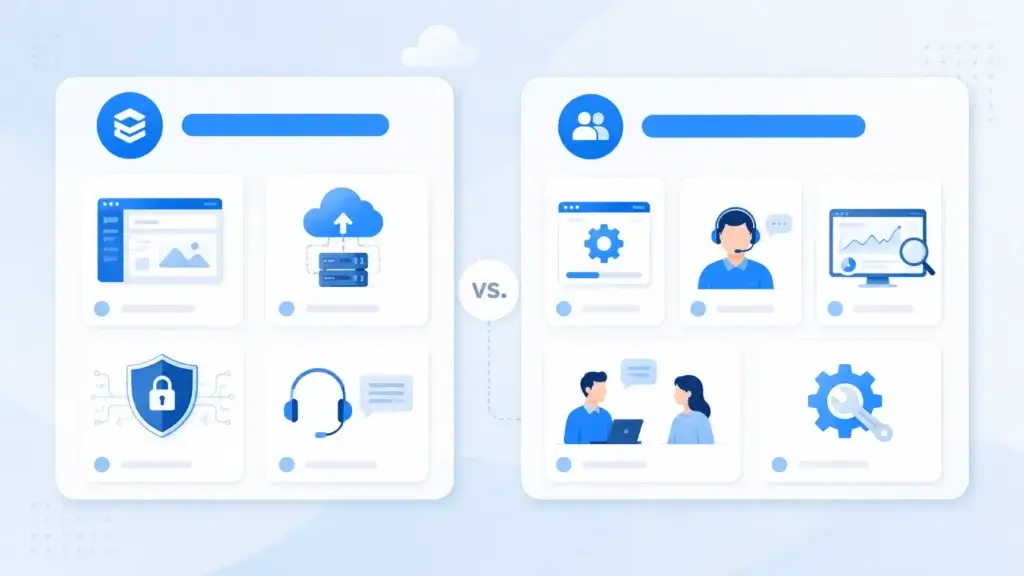
An IT solution is the technology, platform, system, or structured approach used to solve a business problem. An IT service is the work performed to implement, manage, support, or improve that solution.
For example, a helpdesk platform is an IT solution. Configuring the platform, migrating tickets, training agents, maintaining workflows, and monitoring service performance are IT services.
The same logic applies to cybersecurity. Endpoint protection software is an IT solution. Security monitoring, patch management, incident response, and compliance reviews are IT services.
| Comparison Point | IT Solutions | IT Services |
| Meaning | Tools, systems, platforms, or technology-based capabilities | Activities used to implement, support, and manage technology |
| Example | ITSM software, endpoint security, cloud storage, CRM | Helpdesk support, cybersecurity monitoring, cloud migration |
| Main Purpose | Solve a technology or business problem | Keep the solution working, optimized, and supported |
| Ownership | Can be owned internally or provided by a vendor | Can be delivered by internal IT teams, consultants, or MSPs |
Main Types of IT Solutions
There are many types of IT solutions, but most business needs fall into a few core categories. Understanding these categories can help you choose tools more strategically instead of buying disconnected software that creates more complexity.
IT Infrastructure Solutions
IT infrastructure solutions form the technical foundation of your business. They include the systems that store data, connect users, host applications, and keep your digital environment available.
Infrastructure can be fully cloud-based, fully on-premise, or hybrid. The right model depends on your budget, compliance needs, internal IT resources, data sensitivity, and growth plans.
- Cloud computing: Scalable computing, storage, and application hosting.
- Networking: Secure connectivity through routers, VPNs, SD-WAN, and firewalls.
- Servers and storage: Systems that host applications and protect business data.
- Backup and disaster recovery: Tools that help restore operations after outages.
Cloud infrastructure is especially useful when your team needs flexibility, remote access, and fast scalability. On-premise or hybrid infrastructure may still make sense when you need strict data control, legacy compatibility, or specific compliance configurations.
Cybersecurity Solutions
Cybersecurity solutions protect your systems, users, devices, applications, and data from internal and external risks. These solutions are essential because most businesses now rely on cloud apps, remote access, connected endpoints, and digital transactions.
A strong security stack usually combines prevention, detection, access control, backup, and response planning. No single tool can cover every risk, so businesses often combine several security solutions into a layered defense model.
- Endpoint protection: Protects laptops, desktops, servers, and mobile devices.
- Identity and access management: Controls who can access systems and data.
- Backup and recovery: Helps restore files, systems, and applications after incidents.
- Security monitoring: Detects suspicious activity across networks and systems.
You can also align your security strategy with recognized frameworks such as the NIST Cybersecurity Framework. NIST CSF 2.0 is especially useful because it helps organizations understand, assess, prioritize, and communicate cybersecurity risk.
IT Service Management (ITSM) Solutions
ITSM solutions help IT teams manage the delivery and support of IT services. Instead of handling requests through scattered emails, chat messages, and spreadsheets, ITSM platforms give your team a structured system for incidents, service requests, assets, approvals, knowledge, and reporting.
This is one of the most important categories of IT solutions because it connects technology with daily employee experience. When ITSM works well, employees get faster support, IT teams gain better visibility, and leadership can measure service performance more clearly.
- Helpdesk and ticketing: Centralizes support requests and tracks resolution progress.
- Incident management: Helps restore services quickly after disruptions.
- Service request management: Standardizes common requests like access, hardware, and software.
- IT asset management: Tracks devices, software, licenses, and ownership.
- Knowledge management: Helps users solve common issues through self-service.
Platforms like Freshservice, NinjaOne, monday service, Jira Service Management, and ManageEngine ServiceDesk Plus are common examples of ITSM and service desk tools.
Freshservice is a strong fit when you need a modern ITSM platform with service management workflows and automation. NinjaOne is especially useful when endpoint management, remote monitoring, patching, and IT support need to work together. monday service can work well for teams that want flexible, no-code service workflows across IT and business departments.
Compare our editor’s top ITSM software picks for 2026 here.
Software and Application Solutions
Software and application solutions help different teams manage business processes. These tools may not always be owned by IT, but IT teams often help select, secure, integrate, and support them.
This category includes CRM, ERP, HR, accounting, project management, workflow automation, and industry-specific software. The goal is to reduce manual work, improve data accuracy, and give teams a more reliable way to manage daily operations.
- CRM software: Manages leads, customers, sales pipelines, and customer data.
- ERP systems: Connects finance, inventory, operations, and reporting.
- Workflow automation: Automates approvals, notifications, routing, and repetitive tasks.
- Project management software: Helps teams plan, assign, track, and deliver work.
For example, monday CRM, HubSpot, and Salesforce can help sales and customer-facing teams centralize customer interactions and improve pipeline visibility.
See our editor’s best CRM software picks for 2026 here.
Communication and Collaboration Solutions
Communication and collaboration solutions help teams work together across offices, time zones, and remote environments. These tools became essential as more organizations moved to hybrid work and cloud-based operations.
Examples include messaging apps, video conferencing, VoIP systems, document collaboration tools, and shared workspaces. They help reduce information silos and make it easier for teams to coordinate projects, decisions, and customer communication.
- Messaging platforms: Support real-time team communication.
- Video conferencing: Enables meetings, training, and remote collaboration.
- VoIP systems: Provide cloud-based calling and business phone features.
- Shared workspaces: Centralize documents, tasks, and team updates.
Managed IT Solutions
Managed IT solutions are outsourced technology services provided by a managed service provider, also known as an MSP. They are useful when your business does not have enough internal IT capacity or needs specialized support.
An MSP can help with monitoring, endpoint management, cybersecurity, backup, cloud support, patching, helpdesk support, and strategic IT planning. This model is common among small and mid-sized businesses, but enterprises also use managed services for specific areas such as security operations or cloud management.
- Remote monitoring: Tracks system health, alerts, and device performance.
- Managed security: Helps monitor threats and improve protection.
- Helpdesk outsourcing: Provides support for employees and customers.
- IT consulting: Supports technology planning and vendor selection.
Examples of IT Solutions by Business Need
The best way to understand IT solutions is to connect them to real business needs. A small company may need secure cloud storage and a basic helpdesk. A larger organization may need ITSM, endpoint management, identity governance, asset management, and advanced analytics.
| Business Need | Relevant IT Solutions | Why It Matters |
| Faster employee support | Helpdesk, ITSM, knowledge base, service portal | Reduces delays and gives users a clear support path |
| Better cybersecurity | Endpoint security, IAM, backup, monitoring, zero trust | Protects data, users, devices, and business continuity |
| Remote work | Cloud apps, VPN, device management, collaboration tools | Supports secure access from different locations |
| Asset visibility | ITAM, endpoint management, license tracking | Helps control costs and reduce unmanaged devices |
| Customer management | CRM, VoIP, customer support software, automation | Improves customer communication and sales visibility |
| Operational efficiency | Workflow automation, ERP, project management tools | Reduces manual work and improves process consistency |
Why ITSM Is One of the Most Important IT Solutions
ITSM deserves special attention because it turns IT from a reactive support function into a structured service organization. Instead of only fixing issues as they appear, ITSM helps your team define services, manage demand, prioritize incidents, automate requests, and improve performance over time.
For a growing business, this matters because IT requests can quickly become overwhelming. Employees need access to tools. Devices need updates. Software licenses need tracking. Security incidents need response. New hires need onboarding. Without a structured ITSM solution, these processes often become slow, inconsistent, and difficult to measure.
Incident Management
Incident management helps your IT team respond to service disruptions and restore normal operations quickly. This can include system outages, application errors, hardware failures, login problems, or connectivity issues.
A strong ITSM platform lets you categorize incidents, assign owners, set priorities, track response times, and report on recurring issues.
Service Request Management
Service request management handles common user requests such as password resets, software access, new equipment, permission changes, or onboarding tasks.
Instead of asking employees to send informal messages to IT, you can create a service catalog with predefined request forms, approval flows, and automated routing.
IT Asset Management
IT asset management helps you track hardware, software, licenses, ownership, lifecycle status, and costs. This is especially important as teams adopt more SaaS tools, remote devices, and cloud services.
When asset data is connected to your ITSM platform, support teams can see which device, application, or user is affected by an issue.
Knowledge Management
Knowledge management gives employees and IT agents access to reusable answers, troubleshooting guides, and documentation. This reduces repeated tickets and helps users solve simple issues faster.
Over time, a good knowledge base can become one of the most valuable parts of your IT solution stack.
Change Management
Change management helps your organization plan, approve, document, and review changes to IT systems. This reduces the risk of outages caused by poorly managed updates, migrations, configuration changes, or software releases.
For businesses with compliance requirements or complex infrastructure, change management is an important control mechanism.
From Traditional IT Solutions to AI-Driven ITSM
Traditional IT solutions focused heavily on hardware, networks, servers, and manual support. Those elements are still important, but modern IT has shifted toward cloud platforms, automation, service management, and AI-assisted operations.
AI-driven ITSM is one of the most important changes. Instead of relying only on manual ticket review and agent response, AI can help classify requests, suggest answers, detect patterns, recommend knowledge articles, and automate repetitive workflows.
AI Ticket Routing and Prioritization
AI can analyze ticket content and route requests to the right team based on category, urgency, affected service, or user intent. This helps reduce manual triage and improves response times.
For example, access requests can be routed to identity teams, hardware requests can go to endpoint support, and outage reports can be escalated based on priority.
Virtual Agents and Self-Service
Virtual agents can answer common questions, guide users through troubleshooting steps, and collect the information agents need before a ticket is created.
This can reduce repetitive work for IT teams while giving employees faster answers for common issues such as password resets, software access, device setup, or VPN problems.
Predictive Analytics and Proactive Support
AI can help detect patterns across incidents, alerts, assets, and user behavior. This can help IT teams identify recurring problems before they become larger service disruptions.
For example, if several users report the same application issue, the system can identify a pattern and help IT teams respond more proactively.
Workflow Automation
Automation helps IT teams standardize repetitive work. This can include approval routing, ticket assignment, SLA reminders, onboarding tasks, access provisioning, and escalation rules.
When automation is combined with ITSM, your IT team can move from manual support to more scalable service delivery.
Where IT Frameworks Fits
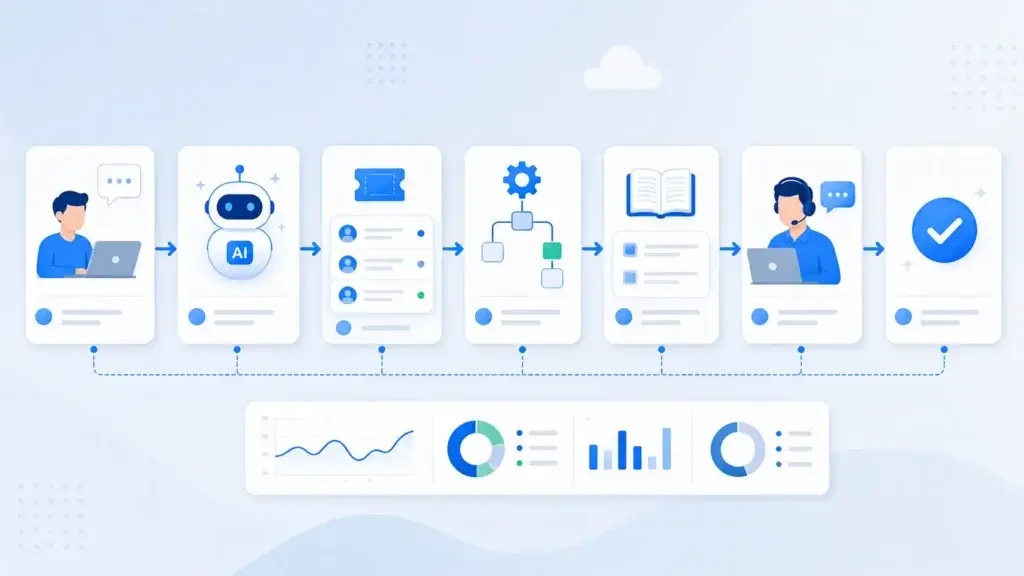
IT frameworks are not IT solutions by themselves. They are structured models that help your business manage IT solutions consistently, securely, and strategically.
Think of it this way: IT solutions are the tools and systems. IT services are the work used to deliver and support them. IT frameworks guide how those tools and services should be managed.
Frameworks are useful because they give your organization a shared language for service delivery, governance, risk, security, and continual improvement.
| Framework | Best Used For | How It Supports IT Solutions |
| ITIL | IT service management | Guides incident, request, change, service, and improvement practices |
| COBIT | IT governance | Connects IT goals, controls, risks, and business objectives |
| NIST CSF 2.0 | Cybersecurity risk management | Helps structure security outcomes, priorities, and maturity |
ITIL for Service Management
ITIL is especially relevant if your article focuses on ITSM. It can help your organization define how incidents, requests, changes, problems, knowledge, and continual improvement should work.
If you use an ITSM platform, ITIL can help you design better workflows inside that platform.
COBIT for IT Governance
COBIT is useful when IT decisions need stronger governance, control, accountability, and alignment with business goals.
This is especially relevant for larger organizations, regulated industries, or leadership teams that want to connect IT investments with measurable business value.
NIST CSF 2.0 for Cybersecurity
NIST CSF 2.0 helps businesses structure cybersecurity risk management. It can support decisions around identity, asset visibility, data protection, response planning, and security maturity.
This framework blends naturally with cybersecurity solutions, endpoint management, access control, and compliance planning.
Benefits of IT Solutions for Businesses
The right IT solutions can improve almost every part of your business. They help employees work faster, reduce operational risk, protect data, and create a more reliable digital environment.
- Higher productivity: Automation reduces repetitive work and manual follow-ups.
- Stronger security: Cybersecurity tools protect users, devices, data, and systems.
- Better visibility: Dashboards and reports help you track performance and risk.
- Lower downtime: Monitoring and ITSM workflows help teams respond faster.
- Improved scalability: Cloud and SaaS tools can grow with your business.
- Better employee experience: Self-service and faster support reduce frustration.
- Cost control: Asset tracking and automation help reduce waste and duplicate tools.
The most valuable IT solutions are not always the most advanced. They are the ones that solve a real business problem, integrate with your current systems, and are easy enough for your team to adopt.
How to Choose the Right IT Solutions
Choosing the right IT solutions requires more than comparing feature lists. You need to understand the business problem first, then evaluate how each solution fits your workflows, users, security requirements, budget, and long-term strategy.
Define the Business Problem First
Start by identifying the problem you want to solve. Are support tickets taking too long? Are endpoints unmanaged? Are teams using too many disconnected tools? Are security risks increasing? Is cloud spending hard to control?
Clear problem definition helps you avoid buying software that looks impressive but does not address your real operational needs.
Compare Cloud, On-Premise, and Hybrid Options
Cloud solutions are usually easier to deploy and scale. On-premise solutions can offer more direct control. Hybrid models combine both approaches and may fit businesses with compliance, performance, or legacy system requirements.
To help you decide, read our full article on cloud-based vs. on-premise ITSM.
Evaluate Security and Compliance
Security should be part of every IT solution decision. Review access controls, encryption, audit logs, compliance support, backup options, and vendor security practices.
This is especially important for businesses handling customer data, financial information, healthcare records, employee data, or regulated workflows.
Review Integrations
Your IT solutions should work with the systems your team already uses. For ITSM, this may include identity providers, endpoint tools, monitoring platforms, chat apps, asset databases, and project management software.
Poor integrations can create manual work, duplicate data, and reporting gaps.
Consider Total Cost of Ownership
The subscription price is only one part of the cost. You should also consider implementation, training, migration, add-ons, user adoption, support, and long-term maintenance.
A cheaper solution can become expensive if it requires too much manual work or does not scale with your business.
Test User Experience
A solution may look powerful during a demo but feel difficult in daily use. Test the interface with real users, including IT agents, managers, and employees who will submit requests.
Good usability improves adoption and helps you get more value from the platform.
Recommended IT Solution Tools to Consider
Tool mentions should feel natural in this article. The best approach is to mention tools by category and explain where each one fits, instead of creating a generic list of software names.
| Use Case | Tools to Consider | Best Fit |
| ITSM and service desk | Freshservice, monday service, Jira Service Management, ManageEngine ServiceDesk Plus | Incident, request, change, asset, and knowledge workflows |
| Endpoint management and IT support | NinjaOne, Microsoft Intune, ManageEngine Endpoint Central | Device visibility, patching, remote support, endpoint control |
| Cybersecurity | Endpoint protection, IAM, backup, SIEM, zero-trust tools | Threat prevention, access control, monitoring, recovery |
| Cloud infrastructure | AWS, Microsoft Azure, Google Cloud | Hosting, storage, scalability, cloud applications |
| Business software | monday CRM, HubSpot, Salesforce, ERP platforms | Sales, customer data, operations, and workflow management |
| Collaboration | Microsoft Teams, Slack, Zoom, cloud document tools | Communication, meetings, remote work, file collaboration |
If your main goal is better IT support, start with ITSM or helpdesk software. If endpoint visibility and remote support are the bigger challenge, prioritize endpoint management. If security risk is the main issue, begin with endpoint protection, identity management, backup, and monitoring.
For a deeper comparison, you can review our guide on how to choose ITSM software.
IT Solutions for Small Businesses vs. Enterprise Teams
Small businesses and enterprise organizations often need different IT solutions. The core goals may be similar, but the scale, complexity, budget, compliance needs, and internal resources are different.
Small Business IT Solutions
Small businesses usually need simple, affordable, and easy-to-manage tools. The focus is often on security, support, cloud access, backups, and basic automation.
- Helpdesk software: Organizes support requests and improves response times.
- Endpoint protection: Secures laptops, desktops, and mobile devices.
- Cloud storage: Supports file access, sharing, and backup.
- Password management: Helps improve account security.
- Managed IT services: Adds IT expertise without hiring a full internal team.
Small businesses should avoid overbuying complex platforms too early. A focused tool stack that solves urgent problems is usually more effective.
Enterprise IT Solutions
Enterprise teams usually need more advanced governance, integrations, security controls, automation, reporting, and compliance capabilities.
- Enterprise ITSM: Supports complex service workflows and multiple departments.
- ITOM and observability: Monitors infrastructure, applications, and service health.
- CMDB: Maps configuration items and service dependencies.
- IAM and zero trust: Controls identity, access, and authentication.
- Governance frameworks: Supports control, compliance, and business alignment.
Enterprise buyers should pay close attention to scalability, implementation support, integration depth, reporting, role-based access, and long-term administration.
Future Trends in IT Solutions
IT solutions continue to evolve as businesses adopt more cloud systems, AI tools, automation, and connected devices. The most important trends are practical ones that improve service delivery, security, and operational visibility.
AI-Driven IT Support
AI is becoming a core part of ITSM, helpdesk, and support workflows. It can help classify tickets, summarize issues, recommend responses, detect trends, and automate repetitive tasks.
For more context, read our guide on AI in ITSM.
Zero-Trust Security
Zero trust is becoming more important as users, devices, and applications operate across different locations. The model focuses on verifying access continuously instead of assuming that users or devices are trusted by default.
Endpoint and SaaS Management
As companies use more devices and cloud applications, IT teams need better visibility into assets, licenses, users, and risks. Endpoint management and SaaS management are becoming more important for cost control and security.
Automation Across IT Workflows
Automation is moving beyond simple ticket routing. IT teams now use automation for onboarding, approvals, change workflows, software deployment, incident response, and compliance tasks.
Cloud Cost Optimization
Cloud adoption gives businesses flexibility, but it can also create unnecessary spending. More organizations are adopting cloud cost management and FinOps practices to improve visibility and control.
Conclusion
IT solutions are the technologies, platforms, services, and structured practices that help your business manage technology more effectively. They can support infrastructure, cybersecurity, ITSM, collaboration, business applications, automation, and managed services.
The most effective IT solutions are not just technical tools. They are business enablers. They help your teams work faster, protect sensitive data, improve service reliability, reduce manual work, and support long-term growth.
If you are evaluating IT solutions, start with your business problem. Then compare the solution category, deployment model, security requirements, integrations, total cost, and user experience. For IT support and service delivery, ITSM platforms are often one of the best places to begin because they connect people, processes, assets, and automation in one structured environment.
FAQ
What are IT solutions?
IT solutions are technologies, software platforms, services, and processes used to solve business or operational technology challenges. They can include cloud infrastructure, cybersecurity tools, ITSM software, business applications, collaboration platforms, automation, and managed IT services.
What are examples of IT solutions?
Examples of IT solutions include helpdesk software, cloud storage, endpoint protection, CRM systems, ERP platforms, backup tools, identity management, project management software, VoIP systems, and managed IT services.
What is the difference between IT solutions and IT services?
IT solutions are the tools, systems, or platforms used to solve a problem. IT services are the activities used to implement, manage, support, and improve those solutions, such as helpdesk support, cloud migration, security monitoring, or IT consulting.
What are ITSM solutions?
ITSM solutions help IT teams manage the delivery and support of IT services. They usually include ticketing, incident management, service request management, asset management, knowledge bases, workflow automation, and reporting.
How does AI improve IT solutions?
AI can improve IT solutions by automating repetitive tasks, routing tickets, suggesting knowledge base answers, summarizing incidents, detecting patterns, and helping IT teams respond faster to service requests and technical issues.
Are IT frameworks part of IT solutions?
IT frameworks are not IT solutions by themselves, but they help businesses manage IT solutions more effectively. For example, ITIL supports ITSM practices, COBIT supports IT governance, and NIST CSF 2.0 supports cybersecurity risk management.
What IT solutions do small businesses need?
Small businesses usually need secure cloud storage, endpoint protection, backup, password management, helpdesk software, collaboration tools, and managed IT support. The best starting point depends on the business’s biggest operational or security risk.
What are managed IT solutions?
Managed IT solutions are outsourced services delivered by a managed service provider. They can include helpdesk support, cybersecurity monitoring, endpoint management, backups, cloud administration, patching, and IT consulting.
How do you choose the right IT solution?
To choose the right IT solution, define the business problem first, compare deployment options, review security and compliance needs, check integrations, calculate total cost, and test the user experience before committing to a vendor.
What is the future of IT solutions?
The future of IT solutions is shaped by AI-driven ITSM, automation, zero-trust security, endpoint visibility, cloud cost optimization, SaaS management, and more proactive support models that help IT teams prevent issues before they disrupt users.