Introduction
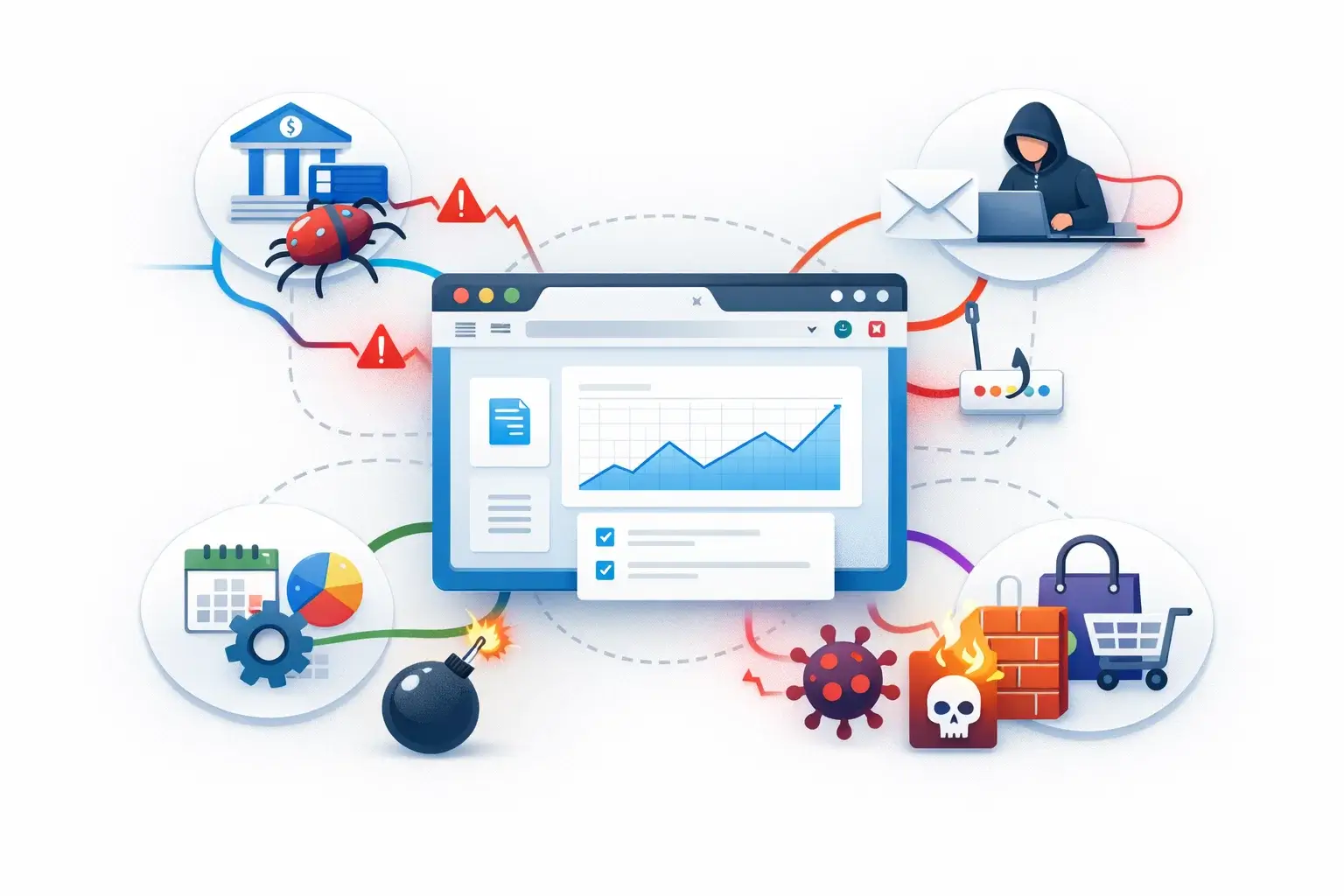
Your browser has become the place where modern digital life happens. You log into work platforms, open banking portals, click links from email, shop online, manage passwords, use AI tools, and access cloud apps from a single window. That convenience has also made the browser one of the most attractive targets for cybercriminals.
For years, many people treated cybersecurity as a device problem. If you had antivirus, updated software, and a secure Wi-Fi connection, you were considered reasonably protected. That model is no longer enough on its own. A large share of modern threats now reaches users through the browser itself, especially through phishing pages, malicious redirects, scam ads, fake login portals, harmful extensions, and social engineering that unfolds in real time while you browse.
That is why browser security is the new front line in cyber protection. It sits directly between you and the web content you interact with every day. If that layer is weak, attackers do not always need to deliver a traditional malware file. They can simply trick you into visiting the wrong page, entering your credentials, approving a malicious extension, or trusting a fake prompt that looks legitimate.
In this guide, you will learn why browser security matters more than ever, which browser-based threats are growing fastest, what protections actually make a difference, and which tools are worth considering if you want stronger day-to-day protection. You will also find a practical list of recommended tools, with Guardio as the top choice for most everyday users who want proactive protection without extra complexity.
Why the Browser Became the Main Attack Surface
The browser used to be just a way to access websites. Now it is the primary gateway to cloud software, online identities, payments, communication tools, and personal accounts. In practice, that means your browser is no longer a simple viewer. It is now the workspace where sensitive actions happen.
This shift matters because attackers follow user behavior. If your logins, messages, searches, shopping activity, and document access all happen in the browser, that is where attackers will focus their efforts. Instead of relying only on infected downloads, they increasingly use fake websites, impersonation pages, malicious scripts, deceptive ads, and browser-native social engineering.
Another reason the browser matters more today is speed. Browser-based attacks can be launched, changed, and replaced very quickly. Scam pages can appear for a short window, target search traffic or ads, then disappear before many traditional defenses catch up. That makes real-time protection especially important.
The rise of SaaS, remote work, and AI-assisted browsing has also expanded the risk surface. Users now open more links, trust more browser prompts, and interact with more third-party web content than they did a few years ago. The result is simple: if your browser protections are weak, your broader cybersecurity posture is weaker than it looks.
Why This Shift Changes Cyber Protection Priorities
When cyber risk moves closer to the browser, your defense strategy has to move with it. That means phishing protection, link analysis, extension monitoring, malicious-site blocking, and real-time warning systems become much more important than they used to be.
It also means you should stop thinking about security as only an endpoint issue. Device-level security still matters, but many modern attacks succeed before a malicious file ever lands on a system. They succeed when someone trusts the wrong page, the wrong form, the wrong prompt, or the wrong extension.
The Biggest Browser-Based Threats to Understand
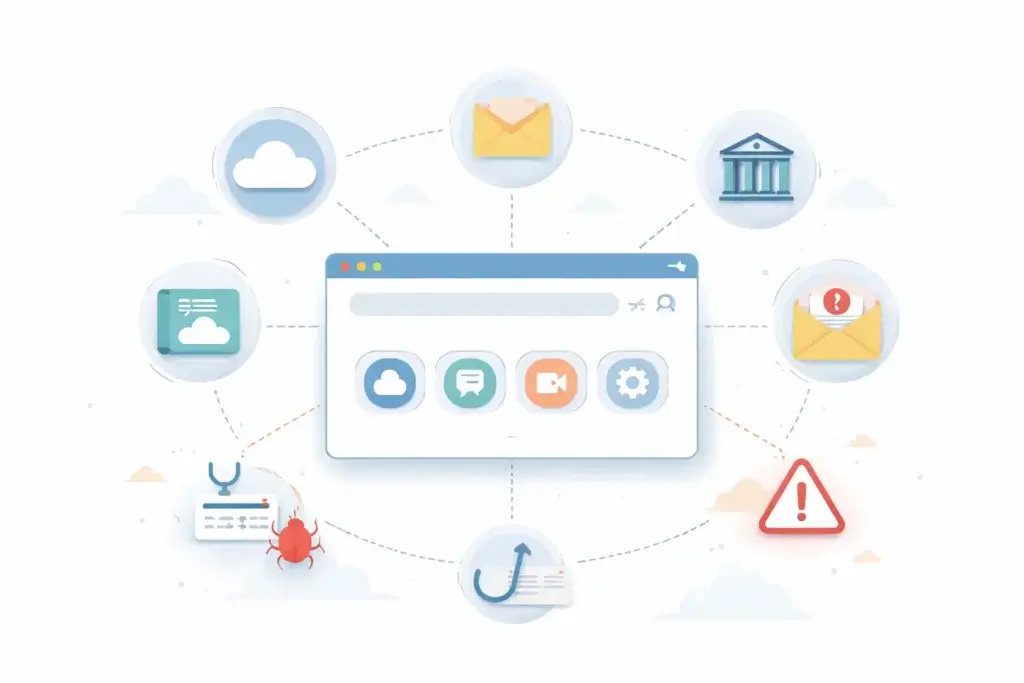
Browser security is not one narrow category. It covers several overlapping threats that all target the point where users interact with online content.
Phishing Pages and Fake Login Portals
Phishing remains one of the biggest browser-level risks because it is built around deception, not only malware. A convincing fake sign-in page can steal credentials without needing to infect your device. If you enter your password, the damage may already be done.
This is one reason browser security tools matter so much. They can help identify suspicious pages before you interact with them, not only after a compromise is discovered.
Malicious Redirects and Scam Ads
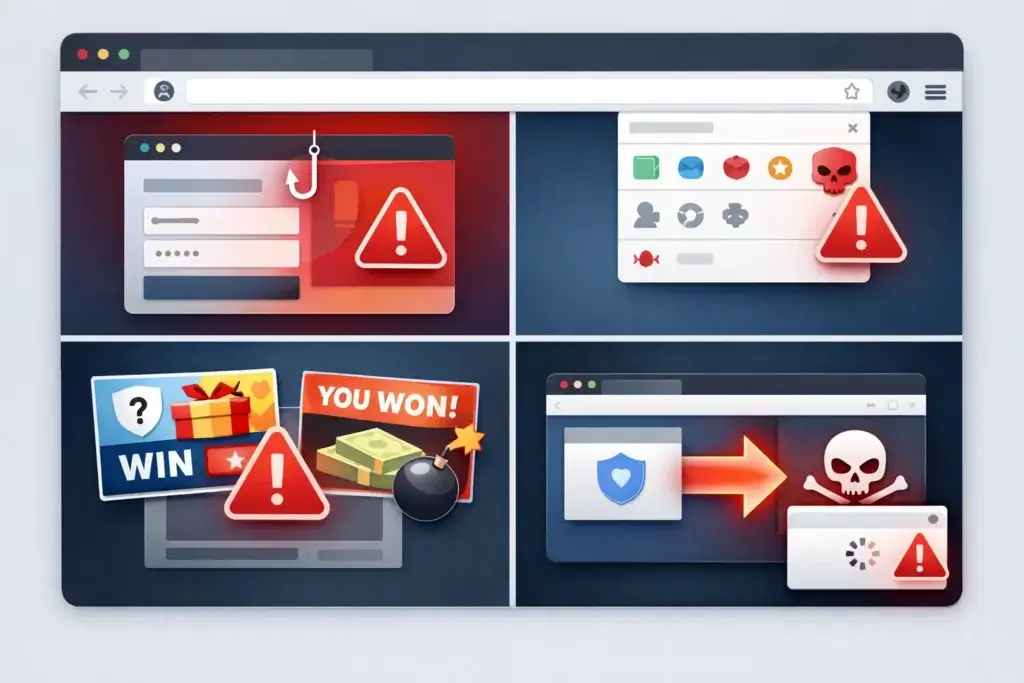
Not every dangerous page is one you search for directly. Many users land on risky sites through ads, compromised pages, pop-ups, fake updates, or deceptive redirect chains. Malvertising has become a serious concern because it can put harmful content in front of otherwise cautious users.
If a browser protection layer does not flag these risks early, users can be pushed into fake support scams, credential theft pages, or malicious downloads within seconds.
Harmful Browser Extensions
Extensions can add useful functionality, but they also introduce risk. A malicious or overly permissive extension may read browsing data, manipulate search results, inject ads, capture sensitive information, or redirect users to unsafe destinations. Because extensions often appear legitimate at first, they are easy to underestimate.
This is one of the clearest examples of why browser security deserves separate attention. A fully updated computer can still be exposed by a risky extension with too much access.
Credential Theft and Account Takeover
Many browser attacks are really credential attacks in disguise. The goal is to capture login details, session data, or verification codes, then move into email, banking, work tools, or shopping accounts. Once credentials are stolen, the attacker may never need to deploy malware at all.
That makes browser security directly connected to identity security. If you lose control of the browser flow, you may lose control of the account.
Fake Downloads and Browser-Based Malware Delivery
Some attacks still lead to malware, but the delivery method often begins in the browser. The user sees a fake CAPTCHA, a fake update, a fake document viewer, or a fake security warning, then downloads something dangerous. The browser is the first step in the chain.
That is why strong browser protection should block risky pages and suspicious download flows early, before the device-level defense has to react.
Why Traditional Antivirus Is No Longer Enough on Its Own
Antivirus still plays an important role, especially for file-based malware, ransomware, trojans, and infected downloads. But antivirus alone is not designed to solve every modern browser-driven threat.
The main limitation is timing. Many modern scams succeed before a traditional malware scan becomes relevant. If a fake website captures your password, or a harmful extension gains access to your browsing session, the problem is no longer only about malicious files on disk.
Another limitation is context. Browser threats often rely on persuasion, imitation, and fast-changing pages rather than known malware signatures. That requires tools that can evaluate websites, redirects, on-page behavior, suspicious patterns, and extension-related risk in real time.
In other words, antivirus is still part of good cyber hygiene, but it is no longer sufficient as the only layer. Browser security fills an increasingly important gap between the user and the web.
What This Means for Everyday Users
If your security setup focuses only on device scans, you may still be exposed to the threats that now cause the most common everyday damage, especially phishing, scam pages, fake stores, malicious search results, and account takeover attempts.
A more realistic approach is layered protection. Use antivirus where it makes sense, but add browser-level defenses that are built for the way modern attacks actually reach people.
What Strong Browser Security Should Include
Not every browser security product covers the same risks. Some tools focus mainly on malicious URLs. Others emphasize privacy, extension control, or phishing defense. The strongest options usually combine several protections in one layer.
Real-Time Dangerous Site Blocking
A good browser security tool should warn you before a harmful site loads fully or before you enter information. This is one of the most important capabilities because it stops scams at the moment they are most dangerous.
Phishing and Scam Detection
Browser protection should go beyond classic malware blacklists. It should also identify fake login pages, impersonation attempts, suspicious online stores, tech support scams, and other pages built to manipulate trust.
Malicious Extension Awareness
As browser extensions become more common, security tools should help you spot risky add-ons, unusual behavior, or extension-related privacy issues. This is especially useful for users who install productivity, shopping, coupon, AI, or utility extensions regularly.
Download and Redirect Protection
Many attacks use misleading flows rather than obvious malicious files. Strong browser protection should help stop unsafe redirects, suspicious prompts, and dangerous download paths before they escalate.
Cross-Device Coverage
Modern browsing does not happen on one device. You may click a risky link from desktop in the morning and from mobile later in the day. Tools that extend coverage across desktop and mobile are much more useful for real-world protection.
Simple Alerts That Ordinary Users Can Understand
Effective security is not only about detection quality. It is also about usability. Alerts should explain what is wrong and what you should do next. If warnings are vague or overly technical, many users ignore them.
Recommended Browser Security Tools
You can improve browser security in several ways, from built-in browser protections to dedicated browser extensions and broader online safety suites. The right choice depends on whether you want lightweight protection, a free supplement, or a more complete anti-phishing layer.
| Tool | Best For | Main Strength |
| Guardio | Most users and families | Strong browser-first scam and phishing protection |
| Malwarebytes Browser Guard | Free extra browser layer | Blocks malicious sites, scams, and trackers |
| Microsoft Defender SmartScreen | Edge users | Built-in phishing and malicious site protection |
| Bitdefender TrafficLight | Users who want a free link-check layer | Scans pages and flags risky links |
Guardio
Guardio (full review) is the strongest recommendation here because it is closely aligned with how modern browser threats actually work. It focuses on phishing sites, fake pages, scam flows, malicious downloads, and suspicious online activity where users encounter risk most often. It is especially appealing if you want a dedicated browser-first tool rather than a broader antivirus suite that treats the browser as a secondary feature.
Another reason Guardio stands out is usability. It is designed for ordinary users, not only security professionals, and its protection extends beyond a single desktop browser session. Guardio also positions itself around cross-device safety, identity monitoring, email and SMS risk awareness, and family coverage, which makes it more complete than a basic extension-only product.
If your goal is practical online protection against phishing, fake stores, scam pages, and dangerous clicks, Guardio is the best fit in this category.
Malwarebytes Browser Guard
Malwarebytes Browser Guard is a strong free option if you want extra protection in the browser without committing to a full paid plan. It blocks malicious sites, phishing attempts, online scams, and trackers, and it is especially useful as a supplemental layer for users who already run other security software.
Its main limitation is scope. It is useful, but it is more of a focused browser extension than a broader personal digital safety platform.
Microsoft Defender SmartScreen
For people who primarily browse in Microsoft Edge, SmartScreen is an important built-in protection layer. It helps block phishing and malware-related websites and checks downloads and app reputation. If you already use Edge, it gives you meaningful baseline protection without requiring extra setup.
That said, SmartScreen is best viewed as foundational protection, not necessarily the most comprehensive browser-security choice for users who want broader anti-scam coverage across devices and browsing scenarios.
Bitdefender TrafficLight
Bitdefender TrafficLight is a useful free tool for users who want a lighter browser safety layer focused on malicious pages and phishing attempts. It is especially helpful if you want warnings around risky pages and search-result links without moving into a more complex suite.
Its role is narrower than Guardio’s, but it is still a credible option for users who want low-friction browser protection.
How to Strengthen Browser Security in Practice
Tool choice matters, but behavior still matters too. Even strong software works best when it is paired with sensible browser habits.
Keep Your Browser Updated
Automatic browser updates close vulnerabilities and improve built-in protections. Delaying updates creates unnecessary exposure, especially if you use many web apps and extensions.
Review Extensions Regularly
Remove add-ons you no longer use, and be cautious with extensions that request broad permissions. Convenience is rarely worth giving an unknown extension access to everything you do online.
Use Strong Authentication
Passkeys, multifactor authentication, and password managers reduce the damage phishing can cause. Browser security is strongest when it is combined with better account security.
Be Cautious With Search Ads and Sponsored Results
Many scam pages succeed because they appear in places users assume are trustworthy. Search results, ads, and promoted links should still be evaluated carefully.
Add a Dedicated Browser Protection Layer
Built-in browser protections are valuable, but a dedicated security layer can provide stronger phishing detection, scam warnings, extension awareness, and clearer alerts. This is where tools like Guardio can materially improve real-world safety.
Common Mistakes That Leave Users Exposed
Many people believe they are well protected while still leaving obvious browser gaps open. These are some of the most common mistakes.
Relying Only on Antivirus
Antivirus remains useful, but it does not fully address phishing pages, malicious extensions, or many browser-led scam flows.
Trusting a Familiar-Looking Page Too Quickly
Attackers are good at imitation. A page that looks like Microsoft, Google, a bank, or a delivery company is not automatically safe.
Installing Too Many Extensions
Each extension introduces more trust and more permissions into your browser environment. Fewer, better-reviewed extensions are usually safer.
Ignoring Browser Warnings
Users often click past alerts because they are in a hurry. That is exactly what many scam flows depend on.
Assuming Mobile Browsing Is Less Risky
Many people are more likely to trust links on a phone, especially from messages and social apps. In reality, mobile browsing is full of phishing and scam opportunities too.
Conclusion
Browser security has moved from a secondary concern to a central part of cyber protection. That is because the browser is now where users sign in, pay, search, communicate, install tools, and make trust decisions that attackers actively try to exploit.
The modern threat landscape is not only about classic malware files. It is increasingly about phishing pages, scam redirects, malicious extensions, fake stores, deceptive prompts, and fast-moving web threats that target users directly inside the browser session.
If you want a realistic security strategy, you should treat the browser as a frontline layer, not an afterthought. Built-in protections help, but a dedicated tool can make a meaningful difference. For most users, Guardio is the strongest recommendation because it matches the way modern scams actually appear and gives you practical, browser-first protection without unnecessary complexity.
Frequently Asked Questions
What is browser security?
Browser security refers to the protections that help keep you safe while using a web browser, including defenses against phishing sites, malicious extensions, harmful downloads, scam pages, and unsafe redirects.
Why is browser security more important now?
It matters more because more work, shopping, communication, and account access now happen in the browser. Attackers target the browser because that is where users make sensitive decisions.
Can browser security replace antivirus?
No. Browser security should complement antivirus, not replace it. Antivirus still matters for device-level threats, while browser security helps stop many web-based attacks earlier in the chain.
What are browser-based threats?
They include phishing pages, fake login portals, malicious redirects, scam ads, harmful extensions, unsafe downloads, and browser-level credential theft attempts.
Is built-in browser protection enough?
It can provide a solid baseline, but many users benefit from an extra layer that offers stronger scam detection, clearer warnings, and broader anti-phishing coverage.
What makes Guardio a strong browser security choice?
Guardio focuses on modern web threats such as phishing, scam pages, malicious downloads, and suspicious browsing flows. It is also designed to be easy for everyday users to understand and use.
Are browser extensions dangerous?
Some are safe and useful, but others can create privacy and security risk. You should install only trusted extensions and review their permissions carefully.
Does browser security matter on mobile too?
Yes. Many phishing attempts now reach users through mobile browsing, especially through SMS, social apps, email links, and mobile search results.
What is the biggest browser security risk for most people?
For many users, phishing is still the biggest risk because it can steal credentials quickly through fake pages that look legitimate.
How can you improve browser security quickly?
Start by updating your browser, removing unnecessary extensions, enabling stronger sign-in protection, and adding a dedicated browser security tool such as Guardio.