Introduction
Why browser security matters more now
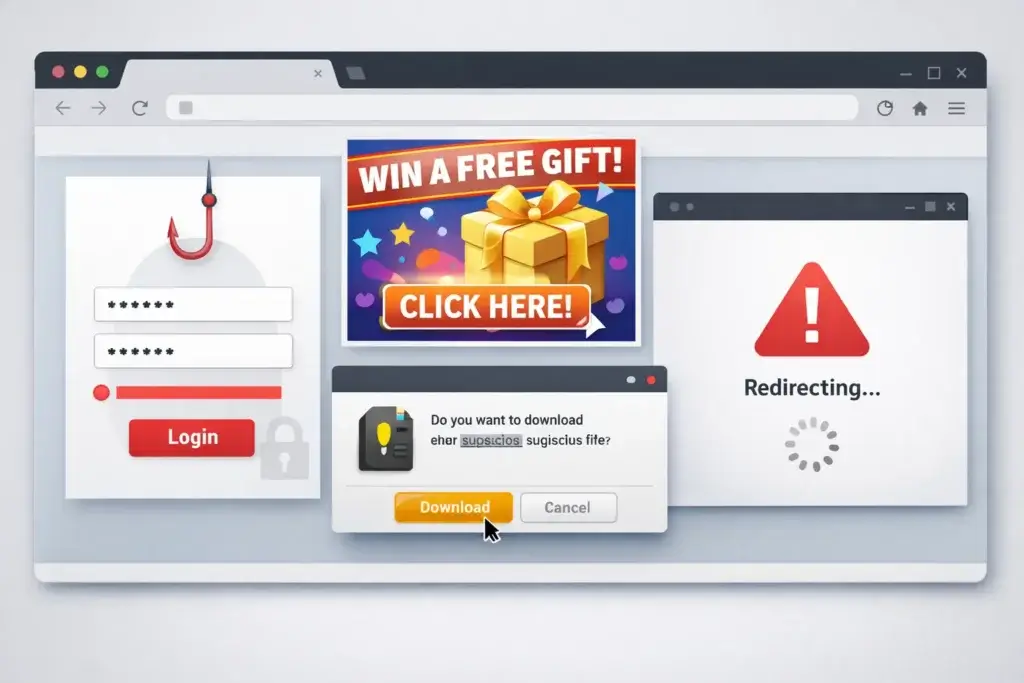
Your browser is where most digital threats now try to reach you. Fake stores, phishing pages, scam ads, malicious redirects, and harmful downloads often show up long before a traditional antivirus scan has a chance to react.
That is why the best browser security tools now focus on real-time protection while you browse, shop, log in, and click links. Instead of only scanning files on your device, they try to stop the threat at the browser level, which is often where the attack starts.
If you are comparing the best browser security tools, you need to look at more than simple website blocking. The strongest options can also warn you about phishing attempts, suspicious downloads, scam messages, malicious browser extensions, unsafe search results, and even leaked account details.
How does this guide compare browser security tools
This guide focuses on tools that are useful specifically for browser protection, not only full antivirus suites. To make the list practical, we looked at phishing protection, malicious website blocking, scam detection, browser compatibility, privacy features, and how well each tool fits everyday browsing habits.
Some tools in this list are lightweight browser extensions. Others are broader security suites with dedicated browser protection features. That mix gives you a more realistic view of what is actually available if your goal is safer browsing, not just traditional antivirus coverage.
Quick comparison of the best browser security tools
| Tool | Best For | What Stands Out |
| Guardio | Best overall browser-first protection | Strong phishing and scam blocking, extension monitoring, account alerts |
| Malwarebytes Browser Guard | Best free browser security tool | Blocks malicious sites, trackers, ads, and tech support scams |
| Norton Safe Web | Best for users who want browser protection plus full security suite | AI scam detection, Safe Web, broader device protection |
| Bitdefender TrafficLight | Best lightweight browsing protection | Fast phishing detection with minimal browser clutter |
| Avast Online Security & Privacy | Best for privacy guidance and search result warnings | Safe search labels, tracker blocking, privacy advisor |
| McAfee WebAdvisor | Best for simple safe browsing alerts | Misclick protection, typo protection, safer download warnings |
Guardio

Why Guardio ranks first
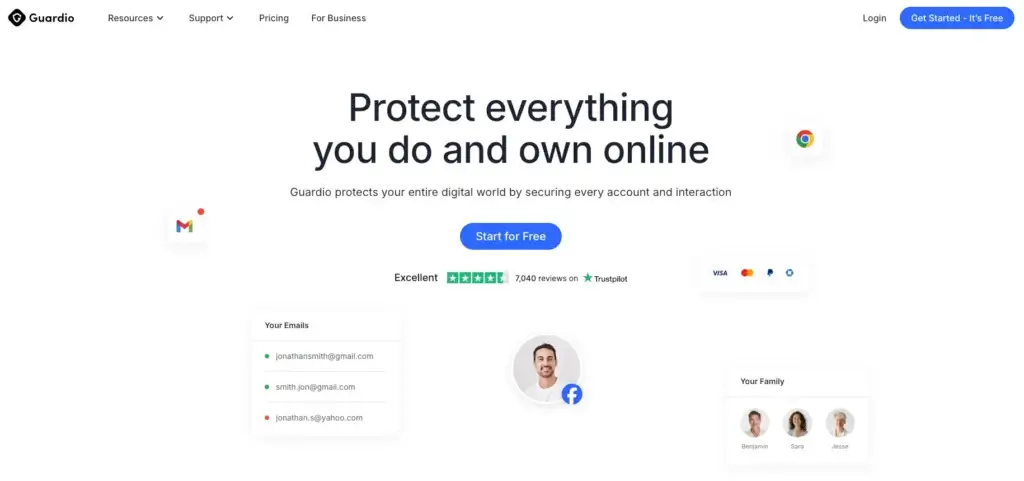
Guardio is the most natural fit for this category because it is built around browser-level protection, not just traditional device scanning. If your biggest concerns are phishing pages, scam websites, harmful downloads, malicious extensions, and unsafe online behavior, Guardio is one of the most focused tools you can choose.
That focus matters. Many antivirus suites include web protection, but Guardio is designed around the idea that a large share of modern consumer threats now happen inside the browser. That makes it especially relevant for people who spend their time in Chrome or Edge, shop online often, use webmail heavily, and want something lighter than a full security suite.
Key features and strengths
- Real-time blocking for phishing sites, scam pages, and harmful downloads
- Protection across browser activity, email-related threats, and account alerts
- Monitoring for malicious or risky browser extensions
- Data leak alerts and account security insights
- Plans built for individuals, couples, and families
What makes Guardio stand out is the way it combines browser security with practical digital safety signals. You are not only getting unsafe website alerts. You are also getting visibility into suspicious extensions, exposed accounts, and emerging scam activity that can affect your online identity.
That makes Guardio a better fit than a simple ad blocker or privacy extension if your priority is active scam prevention. It is also easier to recommend than many bloated security suites when you specifically want a cleaner browser protection experience.
Where Guardio still has limitations
Guardio is not a traditional antivirus. It is strongest as a browser-first security layer, not as a full endpoint security product. If you want deep malware removal, a firewall, system cleanup, or a VPN bundled into the same product, you may prefer a broader suite like Norton or Bitdefender.
It also makes the most sense if you use Chromium-based browsing habits regularly. That browser-first approach is a strength for this article topic, but it is still narrower than what full antivirus platforms offer.
Pricing and plans
Guardio offers Individual, Duo, and Family plans. The current pricing structure highlights one-user, two-user, and five-user options, which makes it easier to choose a plan based on your household rather than forcing a one-size-fits-all subscription.
That family positioning is one of the reasons Guardio converts well in this category. You can recommend it not only as a browser protection extension, but as a practical solution for everyday safe browsing across a household.
Positive
✅ Browser-first protection
✅ Strong phishing defense
✅ Helpful extension monitoring
✅ Good fit for families
Negatives
❌ Not a full antivirus suite
❌ Fewer bundled extras
❌ Best as a browser layer
❌ Less ideal if you want deep device tools
Malwarebytes Browser Guard

Key features and strengths
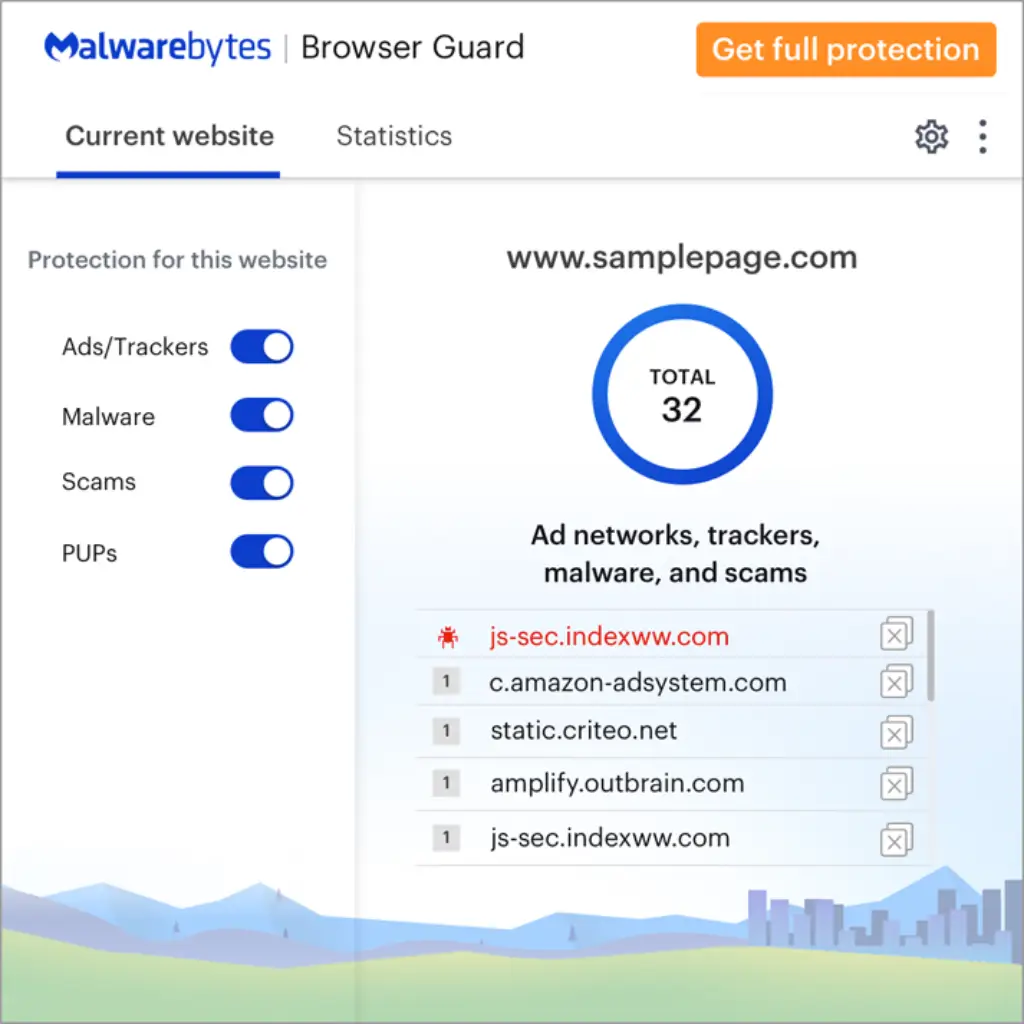
Malwarebytes Browser Guard is one of the easiest tools to recommend if your readers want free browser protection without much friction. It covers a wider range of browser annoyances than many security extensions, including malicious websites, phishing attempts, trackers, intrusive ads, and tech support scams.
This is where Browser Guard is especially strong. It does not just try to stop obvious malware sites. It also improves browsing quality by stripping out a lot of the clutter that makes scam pages and malicious ad networks harder to spot in the first place.
- Blocks malicious websites and phishing pages
- Helps stop tech support scams and credit card skimmers
- Blocks ads and trackers for a cleaner browsing experience
- Supports Chrome, Firefox, Safari, and Edge
Why it is a strong alternative
If Guardio is the best premium browser-first option for most people, Malwarebytes Browser Guard is the best free option for value-conscious users. It gives you meaningful day-to-day protection without asking you to commit to a full subscription immediately.
The tradeoff is that it does not offer the same account monitoring, family plan framing, or broader scam-intelligence feel that makes Guardio more complete for non-technical users. Still, for free browser defense, it is one of the strongest picks in this space.
Positive
✅ Free to use
✅ Strong malicious site blocking
✅ Blocks ads and trackers
✅ Broad browser support
Negatives
❌ Fewer identity-focused tools
❌ Less account monitoring depth
❌ Not family-plan oriented
❌ Lighter feature set overall
Norton Safe Web
Key features and strengths
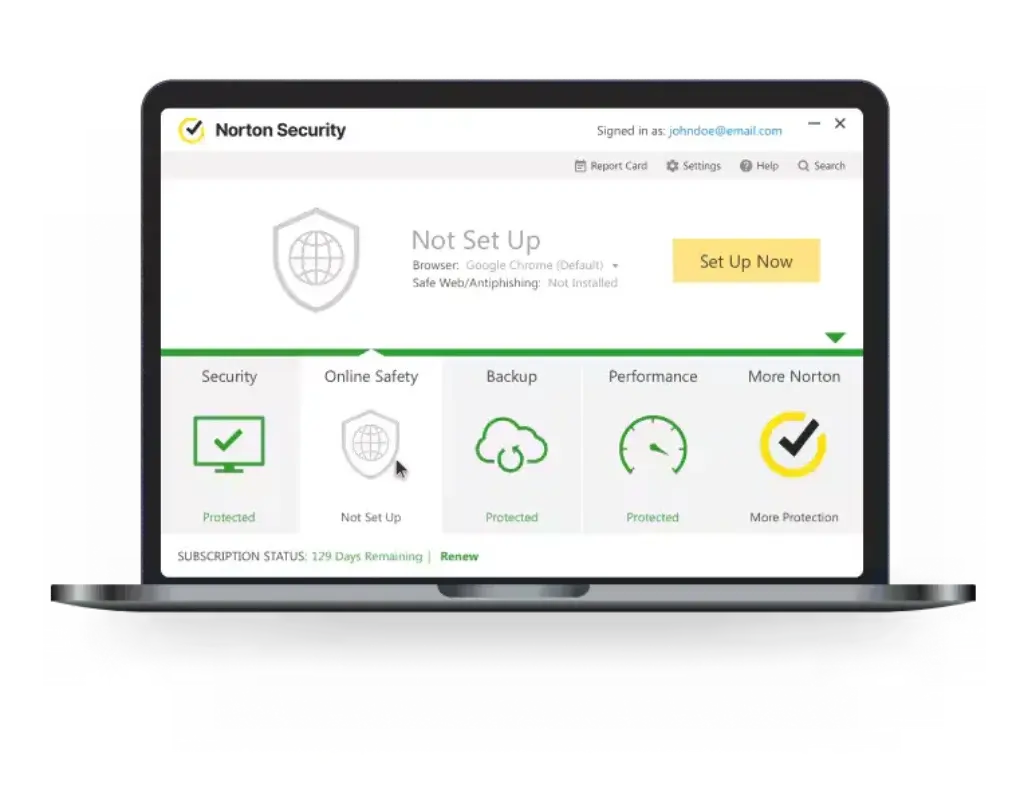
Norton Safe Web is a better fit if you want browser security as part of a much broader security stack. It helps analyze websites, flag risky pages before you visit them, and works alongside Norton’s larger scam protection ecosystem.
That wider ecosystem is the main reason Norton ranks highly here. It is not as browser-specialized as Guardio, but it is better if you want one vendor handling browser safety, antivirus protection, mobile security, and broader digital risk coverage.
- Website safety ratings before you visit risky pages
- AI-powered scam protection across the Norton ecosystem
- Works well for users who want broader device and identity coverage
- Good fit if you already prefer a full security suite
Where Norton fits best
Norton is a smart choice if your readers do not want a dedicated browser-only tool. It is especially strong for households that want a traditional security suite and see browser protection as one part of a wider security plan.
The main downside is that if your article is tightly focused on browser security tools, Norton can feel heavier than necessary. It is powerful, but it is not the cleanest browser-first recommendation in the same way Guardio is.
Positive
✅ Trusted brand
✅ Safe Web plus broader protection
✅ Strong scam focus
✅ Better full-suite coverage
Negatives
❌ Heavier than browser-only tools
❌ Better for suite buyers
❌ More than some users need
❌ Not as browser-specialized as Guardio
Bitdefender TrafficLight
Key features and strengths
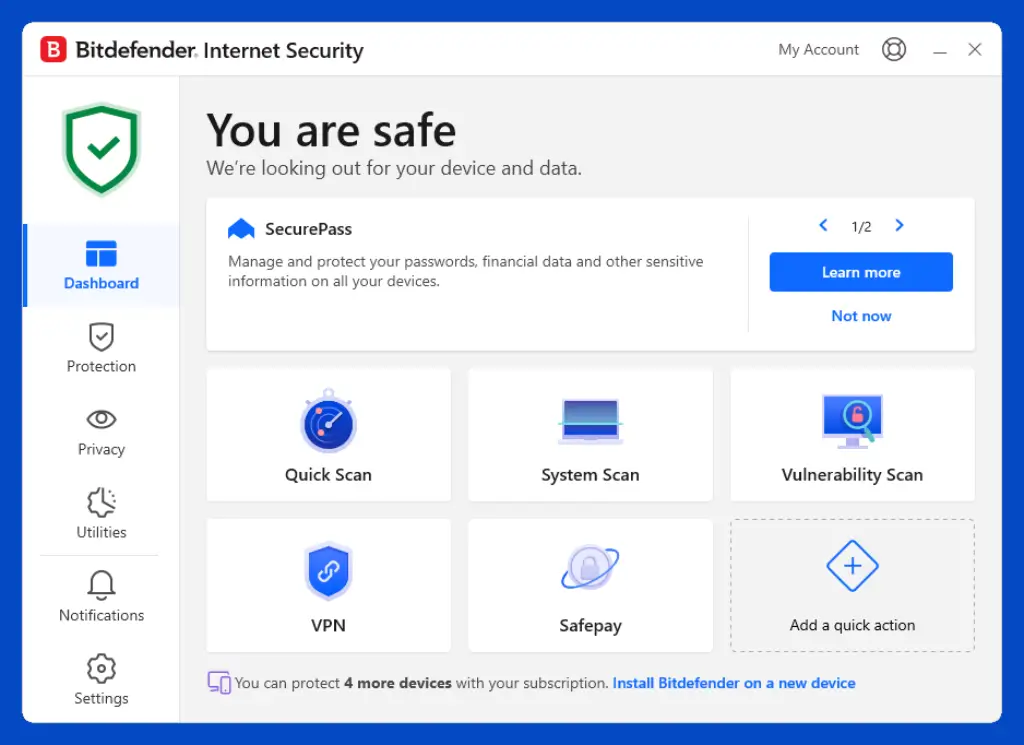
Bitdefender TrafficLight is one of the best examples of a focused browsing protection tool that stays out of your way. It adds anti-phishing and anti-malware checks to your browser without cluttering the interface or turning the experience into a full security dashboard.
If you like the idea of browser protection but do not want a lot of alerts, upsells, or extra account features, TrafficLight is worth serious consideration. It is especially appealing to readers who want a quiet tool that simply flags risky results and scans pages in real time.
- Real-time scanning for phishing, malware, and malicious pages
- Flags risky search results before you click
- Designed to stay lightweight and non-intrusive
- Good choice for users who want simple browsing protection
What to keep in mind
TrafficLight is excellent at what it does, but it is narrower than Guardio. It is better described as lightweight web filtering than a wider browser security platform.
That means it is strong for people who value simplicity, but not the best match if you want account alerts, scam-specific framing, family plan support, or a broader digital safety experience.
Positive
✅ Lightweight
✅ Strong phishing detection
✅ Clean interface
✅ Good search result warnings
Negatives
❌ Fewer extra features
❌ Less identity protection context
❌ Not as broad as Guardio
❌ More limited household positioning
Avast Online Security & Privacy

Key features and strengths
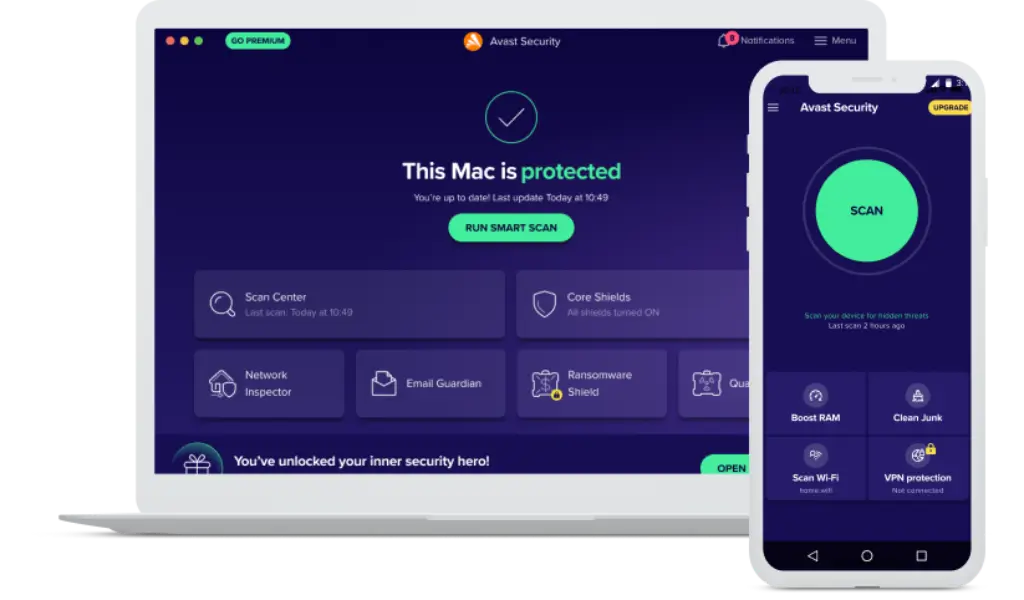
Avast Online Security & Privacy works well for readers who want browser risk alerts plus more control over privacy settings. It highlights risky search results, warns you about phishing pages, and adds a privacy advisor angle that many browser protection tools do not emphasize as clearly.
That makes Avast more than just a site blocker. It is also useful for readers who are concerned about online tracking and want help understanding how their browsing behavior is exposed across services and social platforms.
- Phishing protection and suspicious page warnings
- Search result safety labels before you click
- Tracker blocking and privacy-focused guidance
- Broad support across major desktop browsers
Where Avast falls short
Avast makes sense as a practical free or low-friction option, but it does not feel as purpose-built for scam-heavy browser protection as Guardio. It is more general, which will be a plus for some readers and a drawback for others.
It is best when your article wants to show a tool that sits between browser safety and browser privacy, rather than focusing only on anti-scam protection.
Positive
✅ Safe search labels
✅ Good phishing warnings
✅ Helpful privacy angle
✅ Works across major browsers
Negatives
❌ Less browser-security depth than Guardio
❌ Broader, less focused positioning
❌ Privacy-first users may want more
❌ Can feel less specialized
McAfee WebAdvisor

Key features and strengths
McAfee WebAdvisor is a good option for readers who want straightforward protection with minimal learning curve. It helps block malicious links, warns about mistyped web addresses, scans downloads for known risks, and uses a clear safe-browsing labeling system.
Its appeal is simplicity. If you want something that helps reduce common browsing mistakes, especially harmful clicks and risky download behavior, WebAdvisor does that well without asking you to understand a lot of security terminology.
- Misclick protection against dangerous links
- Typo protection for risky or mistaken URLs
- Download risk warnings
- Simple safe-browsing signals for everyday users
Why it is not higher
WebAdvisor is useful, but it is less feature-rich than the stronger picks above it. It is better for basic browsing hygiene than for broader scam defense, browser privacy, or identity-related alerts.
That makes it a good inclusion in the list, but not the best overall recommendation if your reader wants the most complete browser security experience.
Positive
✅ Very easy to use
✅ Helpful misclick protection
✅ Useful for risky downloads
✅ Good for non-technical users
Negatives
❌ Less advanced than top picks
❌ Weaker broader scam positioning
❌ Limited extra tools
❌ Not the strongest privacy choice
How to choose the right browser security tool
The best browser security tool depends on what you are actually trying to protect against. If your top priority is scam prevention, phishing defense, and a browser-first experience, Guardio is the strongest overall pick in this roundup.
If you want the best free option, Malwarebytes Browser Guard is the easiest recommendation. If you prefer lightweight browsing protection with minimal interface clutter, Bitdefender TrafficLight is a very strong fit. If you want browser protection bundled into a full security suite, Norton makes more sense.
Here is the simplest way to decide:
- Choose Guardio if you want the most complete browser-first security experience.
- Choose Malwarebytes Browser Guard if free protection is your main priority.
- Choose Norton if you want browser protection plus wider device security.
- Choose Bitdefender TrafficLight if you want a lightweight and quiet tool.
- Choose Avast if you value privacy guidance alongside browser safety.
- Choose McAfee WebAdvisor if you want simple alerts and easy browsing hygiene.
Conclusion
Why Guardio is the best browser security tool for most people
Guardio takes the top spot because it matches the category better than the alternatives. This article is not about the best full antivirus. It is about the best browser security tools, and Guardio is built specifically around that use case.
It focuses on the threats that everyday users actually run into while browsing: phishing pages, impersonation sites, unsafe downloads, malicious browser extensions, and exposed account signals. That makes it easier to recommend in a browser-security roundup than larger products that treat browser safety as just one small feature.
It is not the perfect choice for every reader. Some people will still be better served by a broader suite or a free alternative. But if your goal is to recommend the best browser protection software for safe browsing, Guardio is the most relevant and persuasive first pick.
Frequently Asked Questions
What are browser security tools?
Browser security tools are extensions or browser-focused security features that help protect you while you browse. They can block phishing pages, malicious websites, unsafe downloads, scam ads, and risky redirects before they do damage.
What is the best browser security tool for most users?
For most users, Guardio is the best browser security tool because it is built specifically around browser-based threats like phishing, scams, malicious extensions, and unsafe websites. It is especially strong if your browsing activity is where most of your digital risk happens.
Are browser security extensions enough on their own?
They can be enough for some users, especially if your main concern is phishing and scam prevention. But if you also want malware removal, system scans, firewall protection, or a VPN, you may still want a full antivirus suite alongside your browser protection tool.
Is Guardio an antivirus?
Guardio works more like a browser-first security platform than a traditional antivirus. It is excellent for protecting your browsing activity, but it is not designed to replace every feature in a full antivirus suite.
What is the best free browser security tool?
Malwarebytes Browser Guard is one of the best free browser security tools because it blocks malicious sites, phishing attempts, ads, trackers, and several other web threats without requiring a paid plan.
Which browser security tool is best for families?
Guardio is one of the best choices for families because it offers multi-user plans and positions its protection around real everyday browsing risks that affect households, not only individual power users.
Do browser security tools slow down browsing?
Most modern browser security tools are designed to have minimal impact, but performance can vary. Lightweight tools like Bitdefender TrafficLight are built specifically to stay unobtrusive, while broader security suites may feel heavier.
Can browser security tools block phishing websites?
Yes, that is one of their most important jobs. The best browser security tools can identify suspicious pages, brand impersonation attempts, and malicious login screens before you interact with them.
Which browser security tool is best if I already use a full antivirus?
If you already use a full antivirus suite, Norton Safe Web or another built-in browser protection layer from your current vendor may make the most sense. It keeps your security stack simpler and more centralized.
Should I choose browser security or privacy tools first?
That depends on your main concern. If scams and phishing worry you most, browser security should come first. If tracking and data collection are your biggest concern, a privacy-focused option like Avast’s privacy features or a dedicated privacy extension may matter more.