Introduction
Social-engineering attacks are effective because they target your judgment before they target your device. Instead of breaking through software defenses first, attackers try to create urgency, authority, fear, curiosity, or trust so that you act for them. That action might be clicking a link, sharing a code, approving a login, downloading a file, or sending money.
If you want to outsmart social-engineering attacks, you need more than general cybersecurity advice. You need a practical system for spotting manipulation, slowing the interaction down, verifying what is real, and using the right tools to reduce risk before a mistake turns into account takeover, fraud, or identity theft.
This guide explains what social engineering is, how the most common scams work, which warning signs matter most, and what steps actually help. You will also find a recommended tools section, including Guardio as the top choice for people who want simple, browser-focused protection against phishing pages, scam links, risky downloads, and malicious websites.
What Is a Social-Engineering Attack?
A social-engineering attack is a scam or manipulation attempt designed to get you to do something that benefits the attacker. In many cases, the attacker does not need advanced malware or a complicated exploit. They simply need you to trust the message, believe the story, and respond quickly.
That is what makes social engineering so dangerous. The message often looks ordinary. It may appear to come from your bank, your boss, a delivery company, a retailer, a government agency, a coworker, or even a family member. The attacker uses believable details, pressure, and timing to make the request feel legitimate.
Why social engineering still works
Social engineering works because it exploits normal human behavior. You are more likely to react when a message feels urgent, authoritative, emotional, or familiar. Attackers know that people are busy, distracted, and often working across email, text, browser tabs, collaboration apps, and mobile devices at the same time.
That environment gives attackers an advantage. A fake login page, a convincing SMS alert, a spoofed support message, or an AI-assisted voice scam can be enough to trigger a fast decision before you stop to verify it.
Why are these attacks getting harder to spot
Modern scams are not limited to bad grammar and obvious spam. Attackers now use polished branding, cloned websites, fake customer support flows, realistic payment pages, and messages that match current events. Some campaigns also use AI to improve language quality, mimic real writing styles, or strengthen voice impersonation.
For everyday users, that means the old advice of “look for obvious mistakes” is no longer enough. You need habits that work even when a message looks professional.
The Most Common Types of Social-Engineering Attacks
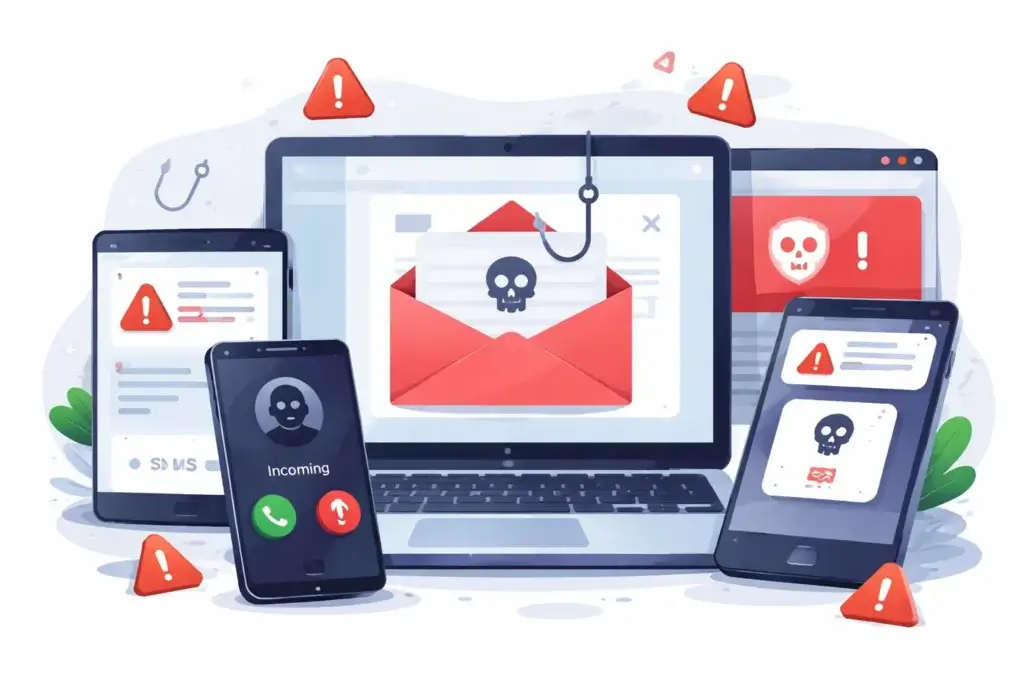
Not every social-engineering attempt looks the same. Some attacks happen by email, others by text, phone call, social media message, browser pop-up, or search result. The common thread is psychological pressure.
Phishing
Phishing is still the most familiar form of social engineering. The attacker sends a message that looks legitimate and pushes you toward a fake website, a dangerous attachment, or a credential theft flow. These messages often claim there is a payment problem, a security alert, a refund, a shipment issue, or an account problem that needs immediate action.
Smishing
Smishing is phishing by SMS or mobile message. It often works well because texts feel more immediate than email. Delivery alerts, toll notices, bank fraud warnings, tax messages, and package tracking scams are common examples. The goal is usually to get you to click a link, install something, or share sensitive information.
Vishing
Vishing is voice phishing. The attacker may call directly, leave a voicemail, or send a voice note that appears urgent. In some cases, attackers impersonate support teams, financial institutions, company executives, or government officials. AI-generated voice techniques are making this category more believable than it used to be.
Pretexting
Pretexting happens when the attacker invents a believable scenario to justify the request. For example, they may pretend to be from IT and ask you to “verify” your account, or act like a vendor who needs updated payment details. The strength of pretexting is that the request sounds procedural rather than suspicious.
Impersonation
Impersonation attacks rely on credibility. The attacker poses as someone you are likely to trust, such as a colleague, a manager, a customer support agent, or a known brand. This tactic is especially dangerous in workplaces where people receive many requests for approvals, invoices, password resets, or urgent changes.
Baiting and fake urgency
Some attackers use curiosity or panic instead of authority. That can include fake freebies, security warnings, limited-time offers, fake recalls, suspicious sign-in prompts, or alarming browser messages designed to get a fast click. In browser-based scams, the user often feels pressured to act before thinking.
| Attack Type | How It Usually Appears | What the Attacker Wants |
| Phishing | Email with a login, payment, or security prompt | Credentials, payments, or downloads |
| Smishing | Text message about delivery, tolls, banking, or refunds | Clicks, personal data, or account access |
| Vishing | Phone call or voice note from a fake authority | Codes, payments, or sensitive information |
| Pretexting | Believable request framed as a routine process | Verification details or account changes |
| Impersonation | Fake boss, coworker, support rep, or brand contact | Trust, urgency, and action without review |
| Baiting | Warning page, free offer, fake reward, or urgent alert | Quick clicks and unsafe behavior |
Red Flags That Help You Spot a Social-Engineering Attempt
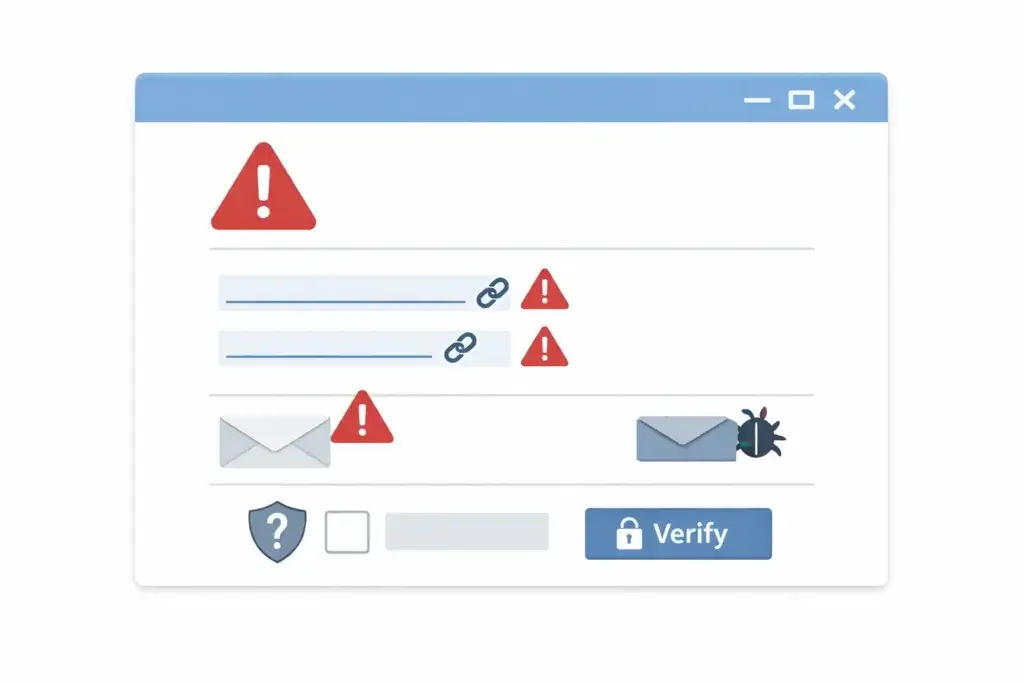
The best way to outsmart social-engineering attacks is to recognize the patterns behind them. Attackers may change the story, but the pressure tactics are often familiar.
Unexpected urgency
If a message pushes you to act immediately, that is a major warning sign. Scammers want speed because verification ruins the attack. Phrases such as “act now,” “your account will be suspended,” “payment failed,” or “confirm within minutes” are common manipulation tools.
Requests for passwords, codes, or financial details
Be especially cautious when someone asks for one-time passcodes, MFA prompts, login credentials, card information, or bank transfer changes. Legitimate organizations do not usually ask for sensitive verification details through random messages or calls.
Links that do not match the story
Many scams depend on a link. Even when the message looks convincing, the destination may not be. Shortened URLs, lookalike domains, misspellings, extra words, strange subdomains, and unrelated landing pages are all signs you should stop.
Pressure to ignore normal process
A classic social-engineering move is to make you bypass your usual checks. The message may say the issue is confidential, urgent, or too time-sensitive for normal approval. That is often the strongest clue that the request is malicious.
Emotional manipulation
Social engineers use fear, panic, curiosity, greed, embarrassment, and even empathy. If a message makes you feel you must respond emotionally instead of thinking clearly, that is exactly the reaction the attacker wants.
Cross-channel escalation
Many attacks start in one channel and move to another. An email leads to a fake site. A text leads to a phone call. A social media message leads to a payment request. When the communication path keeps changing, the risk usually goes up.
How to Outsmart Social-Engineering Attacks
Most prevention advice sounds simple, but the most useful defense is not “be careful.” It has a repeatable response pattern. When something feels off, your goal is to slow the interaction down and verify it independently.
Pause before you react
The first rule is to break the momentum. Do not click because the message feels urgent. Do not approve a login because the alert appeared at a stressful moment. Do not reply because the sender sounds authoritative. A short pause is often enough to stop the attack chain.
Verify through a channel you trust
Never use the phone number, link, or reply path included in a suspicious message. Go directly to the official website, app, or contact method you already know is real. That one habit blocks a large share of common scams.
Check the destination, not just the message
The message itself may look professional. The real test is where it sends you. Hover over links on desktop, inspect domains carefully, and avoid signing in from links that appear in texts, unexpected emails, or browser pop-ups.
Treat MFA prompts as security events
Social engineers often aim to steal passwords and then pressure you into approving a multi-factor login request. If you get an MFA prompt you did not initiate, deny it and change your password immediately. Unexpected approval requests are not minor annoyances. They are possible account takeover attempts.
Use unique passwords and a password manager
Credential reuse makes social engineering much more damaging. If one password is stolen and reused elsewhere, a single mistake can cascade across multiple accounts. A password manager helps you create unique logins, recognize fake websites, and reduce the temptation to reuse credentials.
Prefer passkeys and stronger authentication where available
When services support passkeys or stronger forms of authentication, use them. They reduce the value of stolen passwords and make it harder for attackers to complete simple phishing flows.
Keep your browser and device protection active
People often underestimate the browser layer. Many social-engineering attacks end in a browser window, whether through a fake login page, dangerous ad, malicious redirect, fake storefront, or suspicious download. Browser-based protection can act as a last-minute warning system when human judgment is under pressure.
Normalize skepticism, even when it feels awkward
One of the most effective defenses is making verification feel normal. It is fine to question a strange message from a bank. It is fine to call a coworker before changing payment information. It is fine to hang up and contact support directly. Social engineers rely on politeness and speed. You should not give them either.
Practical Safety Habits for Email, Text, Calls, and Browsing
Email safety habits
Do not trust branding alone. A polished logo, signature, or layout does not prove a message is legitimate. Be most cautious with account warnings, invoice issues, sign-in alerts, shared documents, refunds, and password resets that you did not expect.
Text message safety habits
Unexpected texts should be treated with suspicion, especially when they contain links. Tolls, delivery updates, account security alerts, prize claims, and tax-related messages are common scam themes. Use the company app or official website instead of the message.
Phone call safety habits
Do not share codes, reset links, card information, or account details during an incoming call you did not initiate. If the caller claims to be from a trusted institution, hang up and call the official number yourself.
Browsing safety habits
Search ads, pop-ups, fake software alerts, and cloned brand pages can all be part of a social-engineering chain. Be careful with sponsored results for support, banking, tax, travel, or shopping searches. A secure browser setup, built-in safe browsing, and a scam-blocking extension can materially reduce exposure.
What to Do If You Already Clicked or Shared Information
If you think you interacted with a scam, speed matters. The right response depends on what happened, but the goal is to contain the damage before the attacker can escalate.
If you clicked a suspicious link
Close the page immediately. Do not download anything and do not enter credentials. Run a security scan, clear the browser session if needed, and watch for follow-up messages tied to the same scam.
If you entered your password
Change that password right away on the affected account, then change it anywhere else you reused it. Review recent sign-ins, revoke suspicious sessions, and update MFA settings if the service supports them.
If you approved an unexpected MFA request
Change your password immediately and review account activity. This is a strong sign that someone may already know your credentials.
If you gave away a card or banking information
Contact your bank or card issuer quickly, explain that the information may have been stolen, and follow their fraud process. Financial institutions can often help limit downstream damage if you act early.
If the attack involved work systems
Report it to IT or security immediately. Delayed reporting gives the attacker more time to move from one account or system to another.
Recommended Tools for Outsmarting Social-Engineering Attacks
No tool can replace judgment, but the right setup can lower your exposure and give you a second line of defense when an attack looks convincing. The strongest approach is a layered one: browser protection, password hygiene, safer authentication, and built-in platform warnings.
1. Guardio – Best for everyday browser-based scam protection
Guardio is the strongest first recommendation for this topic because many social-engineering attacks end in the browser. It is designed to help block phishing sites, scam pages, malicious redirects, unsafe downloads, and other web-based traps before they become a bigger problem.
What makes Guardio especially relevant here is ease of use. You do not need to be a technical user to benefit from it. It is a practical fit for individuals, families, and non-technical households that want browser-focused protection, account alerts, and a clearer view of online risks without building a complex security stack.
It is also a good recommendation when your main concern is scam prevention rather than full traditional antivirus coverage. In other words, Guardio is not best framed as a complete replacement for every security product. It is best framed as a highly relevant layer against the exact kinds of links, pages, and social-engineering flows most people face online.
Read our Guardio review or visit Guardio.
2. A password manager with passkey support
A strong password manager, such as 1Password or Bitwarden, helps reduce the damage social engineering can cause. It makes unique passwords realistic, reduces credential reuse, and can help you spot fake login pages when autofill does not trigger where it should.
3. Built-in browser safe browsing protections
Modern browsers already include important protections against dangerous websites and malicious downloads. These features should stay enabled. They are not enough on their own, but they are an important baseline.
4. Account-level security alerts and monitoring
Security alerts from your email provider, bank, operating system, and major services can help you catch suspicious activity early. The key is to treat those warnings seriously and confirm them inside the official app or account dashboard.
| Tool Type | Best Use Case | Why It Helps Against Social Engineering |
| Guardio | Phishing, scam pages, malicious links, risky downloads | Adds real-time browser-focused protection where many scams land |
| Password manager | Unique credentials and safer sign-ins | Limits damage from stolen passwords and fake login pages |
| Browser safe browsing | Dangerous sites and downloads | Provides built-in warnings before you proceed |
| Account alerts | Suspicious logins and account changes | Helps you respond faster when something goes wrong |
For readers who want more guidance on protection, you can also explore our related content on Malwarebytes and Windows Defender. For authoritative public guidance, it is also worth reviewing resources from CISA, the FTC, the FBI, and Google Safe Browsing.
Conclusion
Outsmarting social-engineering attacks is less about technical expertise and more about disciplined habits. The attackers want speed, emotion, and trust. Your advantage comes from slowing down, verifying independently, refusing to share sensitive information on demand, and using security tools that reduce the chance of a bad click becoming a bigger incident.
The most effective defense is layered. Start with better decision-making, then reinforce it with unique passwords, stronger authentication, browser protections, and a scam-focused tool like Guardio. That combination gives you a much better chance of stopping phishing pages, fake alerts, impersonation attempts, and risky downloads before they do real damage.
Frequently Asked Questions
What is a social-engineering attack in simple terms?
A social-engineering attack is an attempt to trick you into taking an action that helps the attacker, such as clicking a link, sharing a code, sending money, or giving away login details.
What is the difference between phishing and social engineering?
Phishing is one type of social engineering. Social engineering is the broader category, while phishing usually refers to fraudulent emails, messages, or websites designed to steal information or trigger unsafe actions.
Why are social-engineering attacks so successful?
They work because they exploit human behavior, especially urgency, trust, fear, curiosity, and routine. Many attacks succeed not because the technology is advanced, but because the message feels believable at the right moment.
What are the main warning signs of a social-engineering scam?
Key warning signs include urgency, requests for passwords or codes, suspicious links, pressure to skip normal verification, emotional manipulation, and messages that move you from one channel to another.
Can social-engineering attacks happen by text message?
Yes. Smishing attacks use SMS, MMS, or similar mobile messages to push you toward a malicious link, a fake support flow, or a request for sensitive information.
Can attackers use phone calls and voice messages too?
Yes. Vishing attacks use phone calls, voice notes, or voicemail to impersonate trusted people or organizations and pressure you into sharing information or approving access.
How can you outsmart social-engineering attacks at work?
The most effective approach is to verify unusual requests through trusted channels, question payment or credential changes, avoid acting on urgency alone, and report suspicious activity quickly to the right internal team.
Does multi-factor authentication stop social-engineering attacks?
It helps a lot, but it is not perfect. Attackers may still try to trick you into approving a login prompt or sharing a one-time code, so you still need to verify unexpected activity carefully.
Is Guardio a good tool for social-engineering protection?
Yes, especially if your main concern is phishing links, scam sites, malicious redirects, and browser-based threats. It is a strong option for everyday users who want a simple extra protection layer where many scams actually play out.
What should you do first if you think you fell for a scam?
Change any affected passwords immediately, deny unexpected MFA requests, contact your bank if financial data was exposed, scan your device, and report the incident to the relevant provider or internal security team as quickly as possible.