Introduction
Creating presentations used to mean starting with a blank slide, building layouts manually, rewriting text to fit the design, and spending hours refining structure. AI presentation makers have changed that process dramatically. The best tools can now generate a deck from a prompt, document, outline, or existing content, then help you refine the narrative, adjust the design, and prepare something that is ready to present far faster than traditional slide software.
That does not mean every AI presentation maker solves the same problem. Some are built for fast content generation and modern web-style storytelling. Others focus on polished business templates, team collaboration, or turning existing docs into slide decks. A few are better viewed as AI layers on top of familiar tools such as Google Slides or PowerPoint.
In this guide, you will compare eight notable options: Gamma, Beautiful.ai, Pitch, Plus AI, Prezi, AIPPT, SlideSpeak, and Presentia. Each one approaches AI-powered presentation creation differently, so the best choice depends on whether you care most about speed, design quality, editing flexibility, collaboration, or compatibility with your existing workflow.
How to Evaluate AI Presentation Makers
Before choosing a platform, it helps to look beyond the headline promise of “create a presentation in seconds.” The best tool is not simply the one that generates slides quickly. It is the one that helps you reach a strong final result with the least friction.
AI generation quality
The most important factor is how well the platform turns a prompt, outline, document, or topic into a coherent presentation. Strong tools create a sensible structure, clear slide flow, relevant supporting points, and layouts that feel intentionally designed rather than randomly assembled.
Design consistency
Presentation software should save time, not create cleanup work. Look for tools that maintain consistent spacing, typography, visual hierarchy, and slide balance across the deck. Some platforms are much stronger than others at keeping everything polished automatically.
Editing flexibility
AI can speed up first drafts, but you still need control. The right platform should make it easy to rewrite slides, move sections, swap visuals, change themes, and customize the output without feeling trapped by the AI’s initial choices.
Collaboration and workflow
If more than one person works on presentations, collaboration matters. Shared editing, comments, version control, brand consistency, and team workspaces can make a major difference, especially for sales teams, agencies, marketers, and startups.
Import and export options
Some AI presentation makers work best as standalone tools, while others integrate directly with Google Slides or PowerPoint. Think carefully about where your final deck needs to live. A strong AI generator is less useful if the export format creates extra work for your team.
Best-fit use case
Some platforms are best for pitch decks, some for client presentations, some for classroom content, and some for internal business documents. A tool that looks impressive in a demo may still be the wrong fit if its workflow does not match how you actually create presentations.
Best AI Presentation Makers
The tools below stand out for different reasons. Rather than treating them as interchangeable, this ranking reflects which platforms currently deliver the best mix of AI generation quality, usability, design strength, and overall value for real presentation work.
Gamma

Features & Benefits
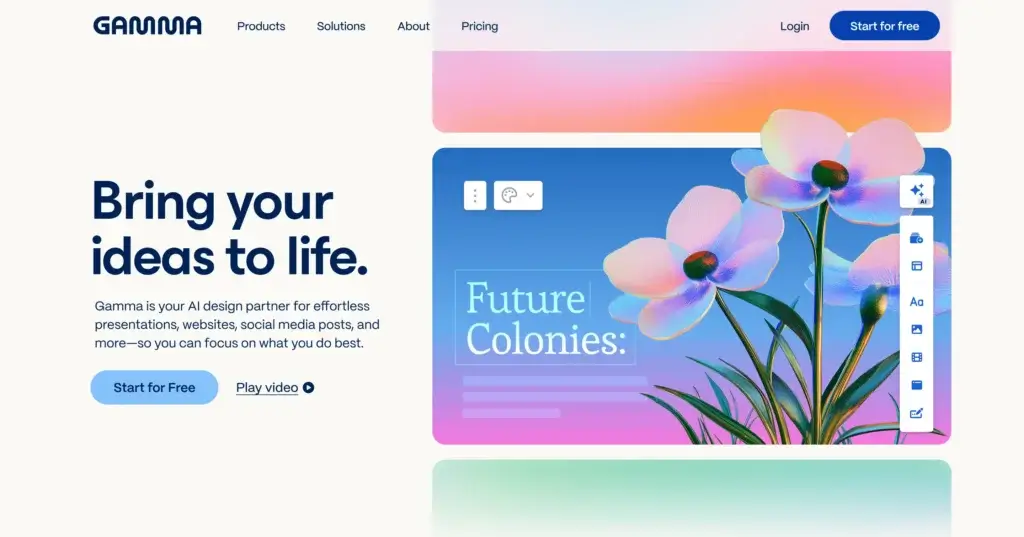
Gamma is the strongest overall option for most users because it combines speed, strong AI generation, and a modern output format that feels more polished than many traditional slide builders. It is especially good at turning a rough idea, prompt, or document into a visually coherent presentation with a clear narrative structure.
What makes Gamma stand out is that it does not feel limited to classic slides. Its card-based format helps presentations feel cleaner, more web-native, and easier to consume. For marketers, founders, consultants, and internal teams, this often leads to faster creation and less manual formatting work. It is particularly effective when you want a presentation that looks modern without spending a long time adjusting every design element.
It is not the best option if you need a deeply traditional PowerPoint workflow, but for rapid AI-assisted deck creation, Gamma is the most compelling choice in this list.
Pricing & Plans
Gamma typically offers a free entry point and paid plans that expand AI usage, branding control, collaboration, and advanced creation limits. Because AI allowances and plan details may change, it is best to confirm the latest plan structure directly on Gamma’s pricing page before publishing exact pricing.
Pros & Cons
Pros
- Excellent AI-generated presentation quality
- Modern and polished visual output
- Very fast from prompt to draft
- Strong fit for business storytelling
Cons
- Less traditional than PowerPoint-style tools
- Some users may want more granular slide control
- Best experience depends on buying into Gamma’s format
Prezi

Features & Benefits
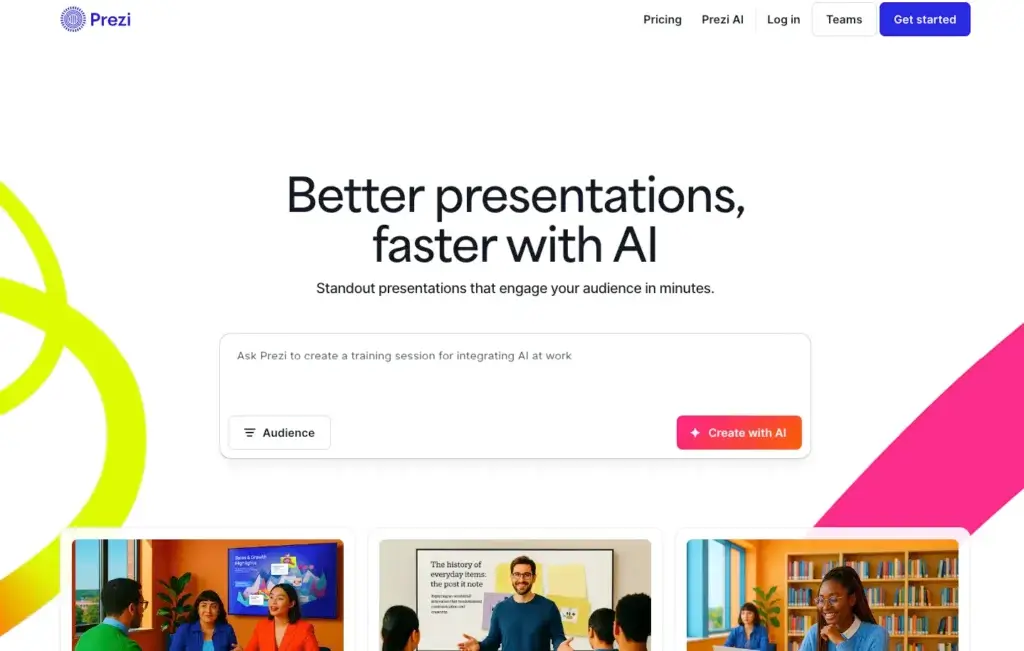
Prezi is the most distinctive presentation tool in this list because it approaches storytelling differently from standard slide-by-slide software. Its strength has always been motion, zooming structure, and non-linear presentation flow. With AI features layered into that experience, Prezi becomes a stronger option for users who want presentations that feel more dynamic and less conventional.
This makes Prezi a good fit for educators, trainers, speakers, and presenters who want to create more memorable visual journeys. However, it is not the strongest general-purpose business slide generator for every use case. Some teams still prefer simpler, more traditional deck structures for sales, reporting, and internal presentations.
That is why I would not rank it above Gamma or Beautiful.ai for most buyers, but it remains one of the most interesting choices when presentation style and delivery impact matter more than standard corporate formatting.
Pricing & Plans
Prezi usually offers multiple tiers across individual, team, and business-oriented use cases, often combining presentation, video, and design-related capabilities. Since package structures can evolve, it is safer to verify the latest pricing directly on Prezi before publishing exact plan comparisons.
Pros & Cons
Pros
- Very distinctive presentation style
- Good for interactive storytelling
- More dynamic than standard slide tools
- Appealing for education and speaking use cases
Cons
- Less suited to traditional business decks
- Can feel too stylized for some teams
- Not the best fit for every workflow
Beautiful.ai

Features & Benefits
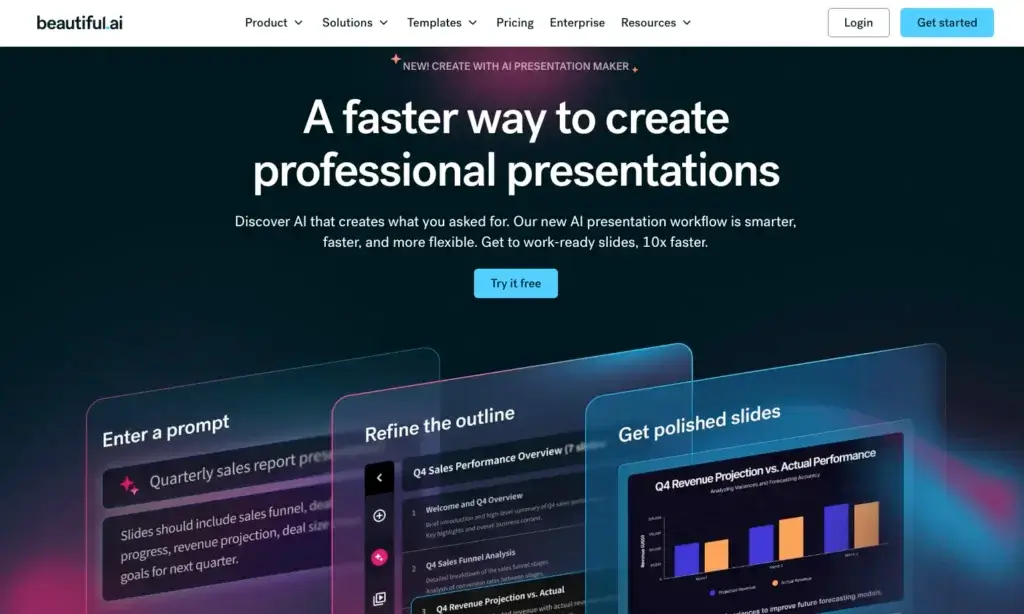
Beautiful.ai remains one of the best AI presentation tools for people who care most about producing clean, professional-looking slides quickly. Its biggest advantage is automated design logic. Instead of manually aligning objects and reworking layouts, you work within smart templates that keep the deck visually balanced as you add or edit content.
That makes it especially attractive for business users who want dependable presentation quality without spending extra time on design. Sales teams, marketers, executives, and client-facing professionals often benefit from this approach because the platform reduces messy formatting and encourages consistency across the deck.
Compared with Gamma, Beautiful.ai feels more like an intelligent slide design system than a modern storytelling canvas. That makes it slightly less flexible in feel, but very strong when polished presentation structure matters more than experimentation.
Pricing & Plans
Beautiful.ai generally offers individual and team-oriented plans, with higher tiers adding collaboration, shared assets, and brand controls. Since plan names and pricing can change, confirm the latest details on the official pricing page before using exact figures in a live comparison.
Pros & Cons
Pros
- Strong automated slide design
- Very polished business presentation output
- Helps maintain visual consistency
- Good fit for non-designers
Cons
- Can feel more constrained creatively
- Less dynamic than Gamma for storytelling
- Advanced customization is not its main strength
Pitch

Features & Benefits
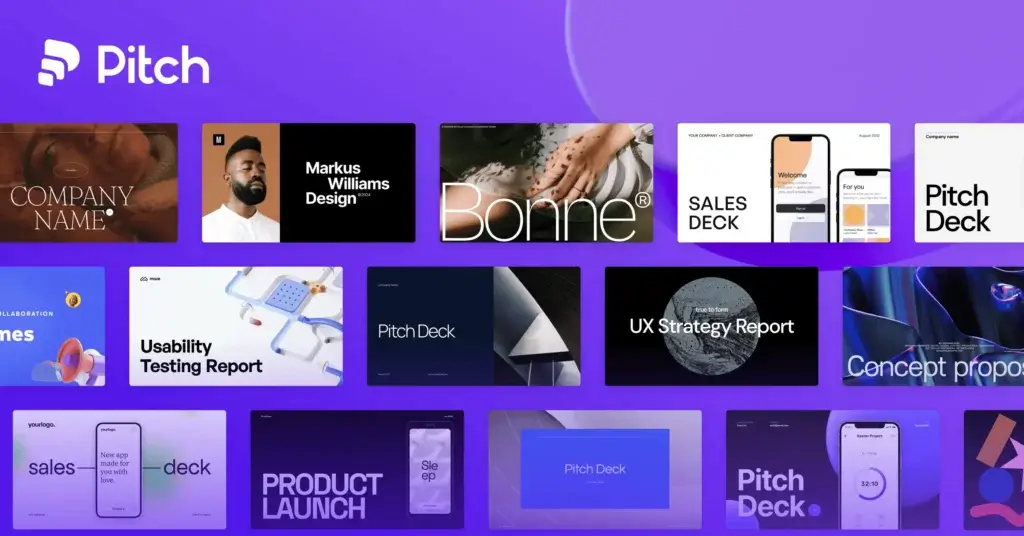
Pitch is one of the strongest choices for team-based presentation workflows. While it is not always the most purely AI-first tool in the category, it balances modern design, collaboration, and presentation creation better than many traditional alternatives. Its interface feels closer to a collaborative workspace, which makes it appealing for startups, marketing teams, and sales organizations.
Pitch is particularly effective when multiple stakeholders need to contribute to a deck. Shared editing, templates, brand consistency, and collaborative workflows make it stronger than many simple AI generators once the presentation moves beyond the first draft. The AI features add speed, but the broader teamwork layer is what really makes Pitch stand out.
Compared with Beautiful.ai, Pitch offers a more collaborative and flexible environment. Compared with Gamma, it feels more presentation-platform-oriented and slightly less distinctive as a pure AI storytelling tool.
Pricing & Plans
Pitch typically includes a free plan and paid tiers for expanded collaboration, template control, governance, and team functionality. Exact plan structure should be checked directly on Pitch’s official pricing pages before publishing specific pricing claims.
Pros & Cons
Pros
- Excellent for team collaboration
- Modern interface and presentation feel
- Strong templates and brand consistency
- Good balance of AI and workflow control
Cons
- Not the most AI-centric option on this list
- May be more than solo users need
- Some users may prefer deeper automation
Presentia
Features & Benefits
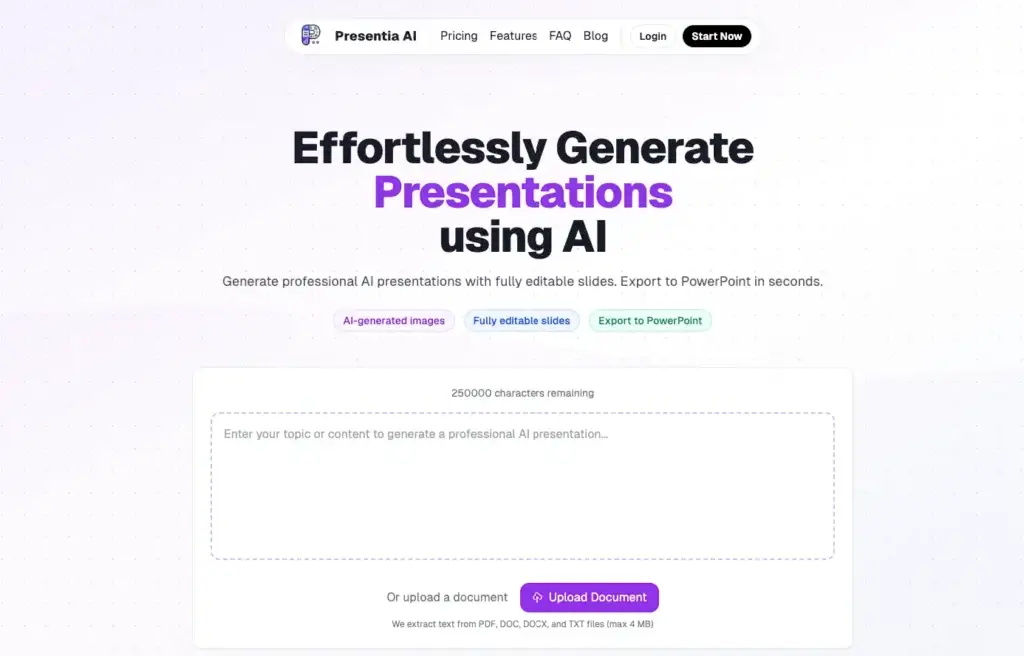
Presentia is the least established name in this group, but it still deserves mention for buyers who want to explore newer AI presentation makers. Its appeal is likely to be strongest for users who value a lightweight AI-driven workflow and want to experiment with newer entrants rather than defaulting to the most established brands.
At this stage, I would treat Presentia more as a promising niche option than a category leader. Compared with Gamma, Beautiful.ai, Pitch, or Plus AI, it has less market presence and less proof of broad workflow maturity. That does not make it irrelevant, but it does make it harder to recommend as a first-choice option for most business buyers.
For that reason, Presentia ranks last in this list. It may still be worth testing, but most users will likely find better value and stronger reliability in the higher-ranked platforms above.
Pricing & Plans
Presentia’s pricing and packaging should be checked directly on the official website before publication, especially because newer platforms often revise plan structure more frequently than established vendors.
Pros & Cons
Pros
- Interesting newer entrant
- AI-focused positioning
- May appeal to experimental users
- Potential niche value
Cons
- Less proven than other options
- Smaller market presence
- Harder to recommend for primary business use
AIPPT

Features & Benefits
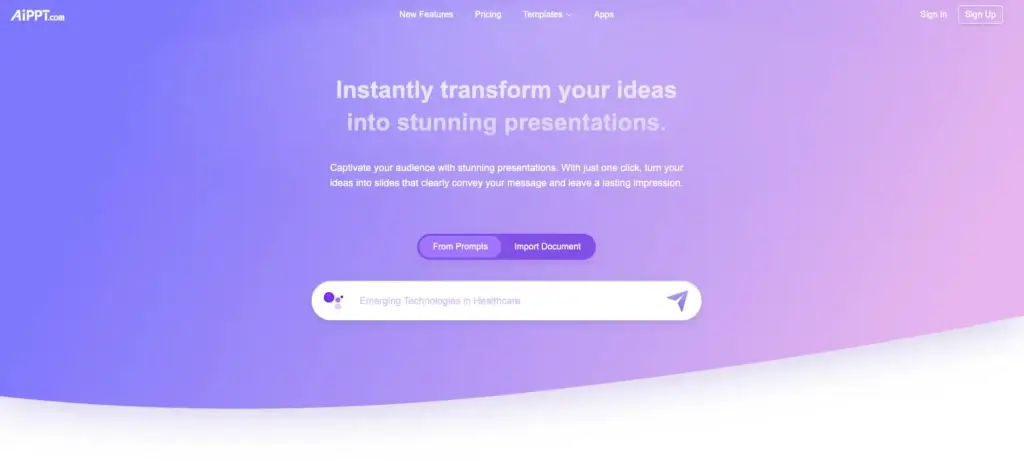
AIPPT is positioned very directly around what many buyers want: fast AI-generated PowerPoint-style presentations. It is built for users who want to type a topic, upload content, or start from an outline and get a usable deck quickly. That makes it attractive for students, office workers, trainers, and anyone creating routine presentation content on a deadline.
Its appeal is straightforwardness. Rather than pushing a radically new presentation concept, it focuses on speed and deck creation efficiency. For some users, that is exactly the right approach. You want a reasonable draft fast, then you want to export, edit, and move on.
I rank it below the top tier because it feels more utility-driven than category-defining, but it still deserves a spot for buyers who want an AI deck generator with familiar output expectations.
Pricing & Plans
AIPPT generally promotes plan options based on AI generation allowances and premium feature access. Since these terms may change, review the latest official pricing information before using exact figures in a published article.
Pros & Cons
Pros
- Fast deck generation workflow
- Good fit for PowerPoint-style output
- Straightforward value proposition
- Useful for routine presentation work
Cons
- Less differentiated than top-ranked tools
- Design quality may need more refinement
- Not as strong for collaboration-led teams
SlideSpeak

Features & Benefits
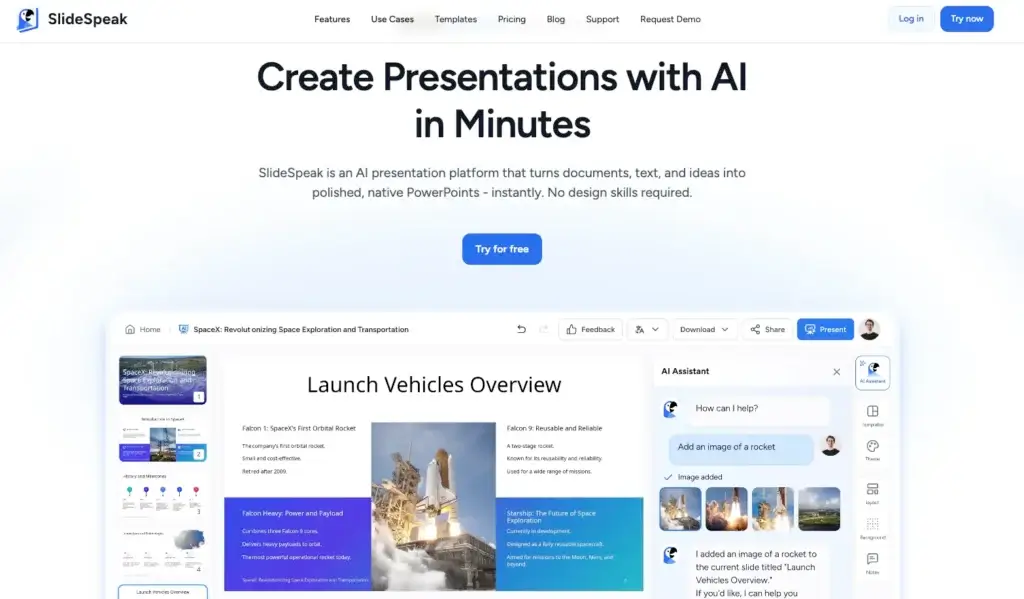
SlideSpeak is an interesting option because it focuses strongly on working from existing files and presentation content rather than simply generating a deck from scratch. That can be valuable if your workflow starts with documents, PDFs, or older presentations that need to be summarized, restructured, or repurposed.
This makes SlideSpeak relevant for knowledge workers, consultants, and teams that often inherit source material rather than starting from a blank prompt. It is less of a polished all-around presentation environment than Gamma or Pitch, but it offers practical utility where file-based transformation matters.
For buyers whose main goal is AI-assisted presentation generation from existing material, SlideSpeak is easier to justify. For broader presentation design and collaboration, stronger alternatives appear earlier in this list.
Pricing & Plans
SlideSpeak commonly offers a tiered structure tied to usage limits and AI capabilities, with more advanced access reserved for paid plans. Because the exact allowances may change, check the official site for current pricing before publishing specifics.
Pros & Cons
Pros
- Useful for file-based workflows
- Good for summarizing existing content
- Practical AI transformation use case
- Can save time on repurposing material
Cons
- Less polished as a full presentation platform
- Not a top choice for design-first users
- Weaker overall than the leading tools here
Plus AI

Features & Benefits
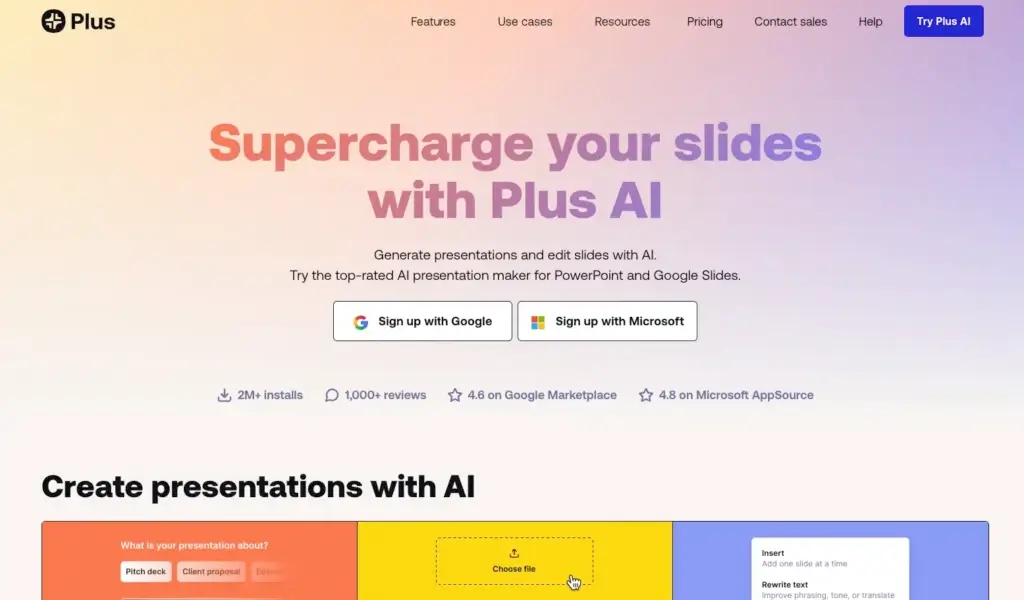
Plus AI is one of the smartest choices for users who do not want to leave the Google Slides ecosystem. Instead of replacing your existing workflow, it adds AI generation and editing on top of the tools many teams already use. That makes adoption easier and reduces the friction that often comes with switching to an entirely new presentation platform.
This is a particularly strong option for teams that already live in Google Workspace. You can generate presentations from prompts or documents, refine slide content, and keep the final deck in a format your team already understands. That practical advantage matters a lot in real business environments where compatibility is often more important than novelty.
In my view, Plus AI is one of the most useful AI presentation tools for existing workflow integration, even if it is not quite as visually distinctive out of the box as Gamma or Beautiful.ai.
Pricing & Plans
Plus AI generally offers subscription-based plans tied to AI usage and collaboration needs, with positioning aimed at both individuals and teams. Since pricing and plan limits may shift, confirm the latest structure on the official site before listing exact numbers.
Pros & Cons
Pros
- Works directly with Google Slides
- Easy adoption for existing teams
- Useful AI drafting and editing support
- Strong practical business value
Cons
- Less unique visually than top standalone tools
- Best value depends on Google Slides usage
- Less of a full design reinvention
Comparing the Best AI Presentation Makers
When you compare these AI presentation makers side by side, each platform stands out for a different reason. Gamma AI leads with a strong balance of speed, polish, and ease of use, which makes it a compelling choice for users who want modern presentations generated quickly. Prezi remains a distinctive option for dynamic, non-linear storytelling, while Beautiful.ai is especially strong for users who prioritize polished business slides and automated design consistency.
Presentia and AIPPT are more utility-focused options for users who want quick AI-generated decks, while SlideSpeak is particularly useful when working from existing files and source materials. Pitch stands out for collaborative team workflows, and Plus AI is one of the most practical options for organizations that already build presentations in Google Slides.
| Feature Type | Gamma AI | Prezi | Beautiful.ai | Pitch | Presentia | AIPPT | SlideSpeak | Plus AI |
| Best for | Overall AI presentation creation | Dynamic storytelling | Polished business slide design | Collaborative team presentations | Exploring a newer AI tool | Fast PowerPoint-style decks | Turning files into presentations | Google Slides users |
| Core strength | Speed plus modern output | Visual motion and structure | Automated design consistency | Team workflow and editing | Lightweight AI presentation approach | Quick AI deck drafting | Document-to-deck utility | Workflow compatibility |
| Design quality | Very strong | Distinctive | Very strong | Strong | Moderate | Moderate | Moderate | Moderate to strong |
| Editing flexibility | Strong | Moderate | Moderate | Strong | Unknown to moderate | Moderate | Moderate | Strong |
| Collaboration | Good | Moderate | Good | Very strong | Basic | Basic to moderate | Basic to moderate | Good |
| Best workflow fit | Modern standalone creation | Interactive presenting | Business slide automation | Shared team deck building | Experimental adoption | Routine deck generation | Repurposing source files | Google Workspace teams |
Conclusion
The best AI presentation maker depends on the kind of workflow you want to support. Gamma AI is one of the strongest options for users who want fast AI-generated presentations with polished, modern output. Prezi remains a good fit for users who want more movement, visual storytelling, and a presentation style that feels less traditional. Beautiful.ai is particularly appealing for business users who want cleaner design and less manual formatting work.
Presentia and AIPPT are worth considering if your priority is quick AI-assisted deck creation, while SlideSpeak is more useful when your workflow starts with existing files or source documents. Pitch is a strong choice for teams that need collaborative presentation building, and Plus AI makes the most sense for organizations that want AI support directly inside Google Slides.
For most buyers, the smartest approach is to test the tools that best match your workflow rather than choosing based on features alone. A tool may look impressive on paper, but the real difference comes from how quickly it helps you move from idea to final presentation.
Frequently Asked Questions
What is the best AI presentation maker overall?
Gamma AI is one of the strongest all-around options because it combines fast AI generation, polished output, and an easy-to-use workflow.
Which AI presentation tool is best for dynamic presentations?
Prezi is one of the best choices for dynamic presentations because it focuses on visual movement, zooming, and non-linear storytelling.
Which AI presentation maker is best for business use?
Beautiful.ai is a strong choice for business users who want polished, professional-looking presentations with automated design support.
Is Presentia a good option?
Presentia can be worth exploring if you want to try a newer AI presentation tool, but it is less established than the better-known platforms in this comparison.
What is AIPPT best for?
AIPPT is best for users who want fast AI-generated PowerPoint-style decks from a topic, prompt, or document.
Is SlideSpeak better for creating presentations from scratch or from existing files?
SlideSpeak is more useful when your workflow starts with existing files, documents, or presentation materials that need to be turned into a deck or summarized.
Which AI presentation maker is best for teams?
Pitch is one of the best options for teams because it offers a strong collaborative workflow for building and editing presentations together.
Which tool is best for Google Slides users?
Plus AI is the best fit for Google Slides users because it adds AI presentation support directly into an existing Google Workspace workflow.
Should I choose a standalone AI presentation platform or one that works inside existing software?
If you want a fresh AI-first experience, a standalone platform like Gamma AI or Beautiful.ai may be the better choice. If your team already works heavily in Google Slides, Plus AI is often more practical.
What matters most when choosing an AI presentation maker?
The most important factors are workflow fit, output quality, editing flexibility, and how much manual cleanup is still required after the AI creates the first draft.