Introduction
Choosing the best website builder is not only about picking a nice template. It affects how quickly you can launch, how much design freedom you get, how easy your site is to update, how much control you have over SEO, and how well your website can grow with your business.
In this guide, you will find the best website building tools for different needs, from all-in-one business sites and AI website builders to advanced visual development platforms and conversion-focused landing page tools. The order below follows your requested ranking: Wix, 10Web, B12, WordPress, Squarespace, Webflow, Wegic, Durable, Manus, and Instapage.
What to look for in a website builder
Before you choose a platform, focus on the factors that matter most for long-term results:
- Ease of use – A clean editor and simple setup reduce launch time.
- Design flexibility – Some builders are more structured, while others give near pixel-level control.
- SEO capabilities – Look for control over metadata, URLs, redirects, structured data, and site performance.
- AI features – AI can speed up site generation, content creation, and ongoing edits.
- Built-in business tools – Ecommerce, forms, bookings, CRM, and analytics can reduce the need for extra tools.
- Scalability – Your builder should support growth, not only your first launch.
- Total cost – Entry pricing matters, but so do renewals, add-ons, and limits.
With those factors in mind, here are the best website building tools to consider in 2026.
Wix

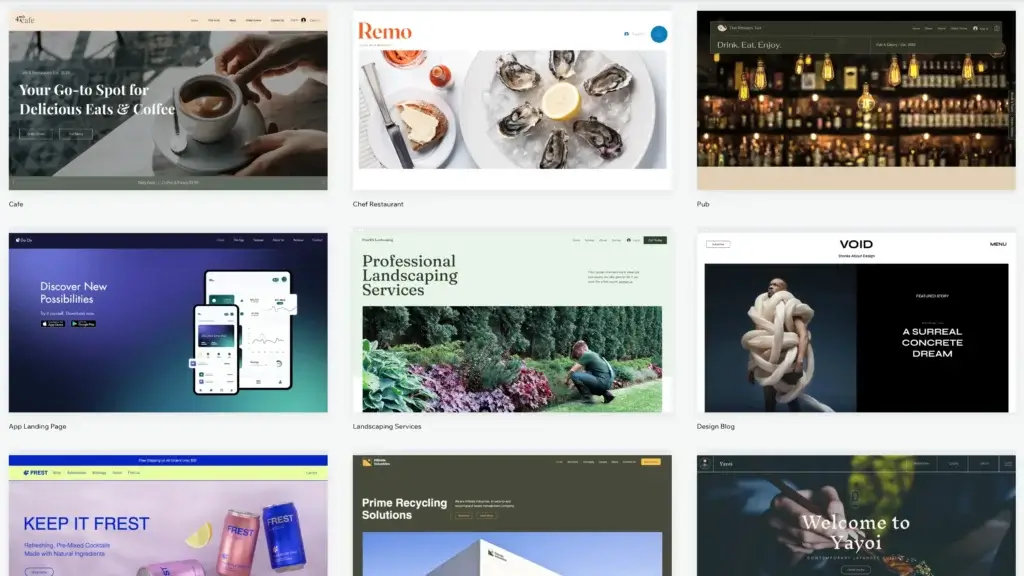
Wix is the strongest overall choice for most users because it balances ease of use, design flexibility, built-in business tools, and increasingly capable AI features. It is one of the few platforms that works well for beginners, small businesses, creators, service companies, and many e-commerce users without becoming too technical too quickly.
What makes Wix especially compelling now is that it has moved beyond its older drag-and-drop reputation. It is now better understood as a full website platform with hosting, SEO tools, ecommerce, CRM, bookings, email marketing, and AI-assisted creation. For many buyers, that all-in-one structure is more practical than stitching together hosting, themes, plugins, and separate marketing tools.
Core features and capabilities
- Strong visual editor – Flexible enough for most business and content sites.
- Wix Harmony and AI builder – Faster setup with AI plus manual editing control.
- Built-in business tools – Forms, CRM, bookings, email, and ecommerce in one platform.
- Large template library – Good fit for many industries and site types.
- Mature SEO feature set – Strong enough for most SMB and content use cases.
- Managed hosting – Less technical overhead for non-technical users.
Ideal use cases
Wix is best for users who want an all-in-one builder that stays approachable as their site grows. It works especially well for:
- Small businesses building service or company websites
- Creators and freelancers launching portfolios or branded sites
- Beginners who want fast setup without technical complexity
- Online sellers who need mid-range ecommerce features
Strengths and limitations
Strengths:
- Excellent balance of power and usability
- Broad built-in toolset
- Strong AI direction
- Good SEO support
Limitations:
- Template switching is still not ideal
- Less portable than open-source platforms
- Higher tiers can get expensive
- Not the best fit for very complex stores
Pricing and plans
Wix offers a free plan and several premium tiers, with yearly or multi-year premium plans often including a one-year free domain voucher. That makes it easy to start small and scale later.
For most users, Wix is the best first recommendation because it gives you a polished website experience without forcing you into a steep learning curve.
10Web

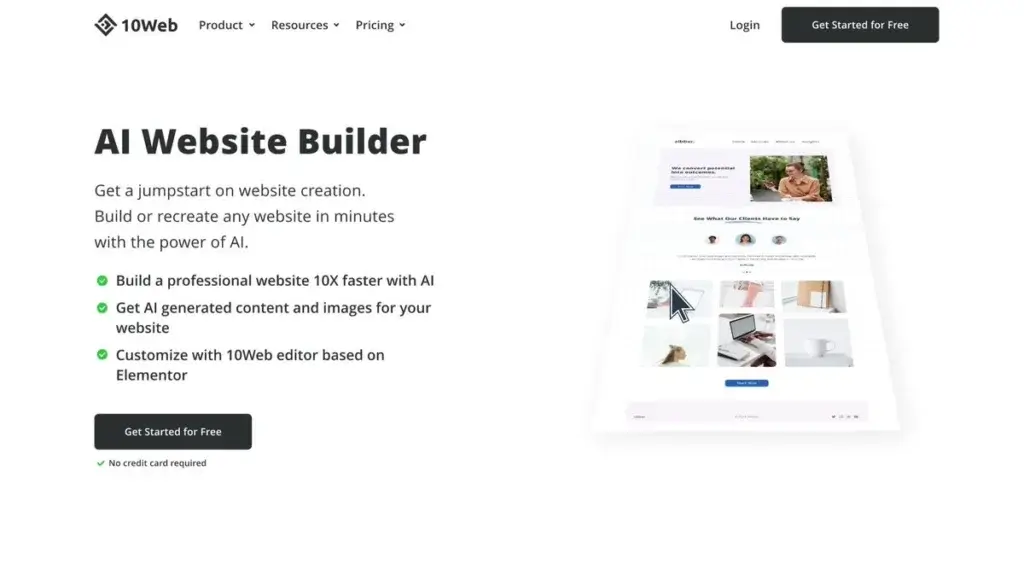
10Web stands out because it takes the WordPress ecosystem and wraps it in a more AI-driven, managed experience. That makes it one of the most interesting options for users who like the power of WordPress but want a faster, more guided path to launching a website.
Its biggest appeal is efficiency. 10Web combines AI website generation, managed hosting, WordPress infrastructure, optimization, and agency-friendly capabilities into one product. For freelancers, agencies, and speed-focused SMBs, that can be far more practical than building a WordPress stack manually.
Core features and capabilities
- AI website builder – Generates sites quickly from prompts.
- Managed WordPress hosting – Simplifies performance and maintenance.
- Good agency angle – White-label and multi-site options are appealing.
- Optimization features – Stronger than many DIY WordPress setups.
- Drag-and-drop editing – Easier site adjustments after AI generation.
- Useful for migration – Strong fit for rebuilding or upgrading existing sites.
Ideal use cases
10Web is best for users who want WordPress results with less WordPress friction. It works well for:
- Freelancers building client sites quickly
- Agencies managing multiple sites
- SMBs that want AI-assisted site creation
- Users moving from slower manual WordPress workflows
Strengths and limitations
Strengths:
- Fast AI-to-WordPress workflow
- Good hosting plus builder bundle
- Useful for agencies
- Lower technical overhead than self-hosted WordPress
Limitations:
- Still tied to the WordPress ecosystem
- Less simple than Wix or Squarespace for total beginners
- Customization quality still depends on refinement
- Value is highest when you actually need WordPress
Pricing and plans
10Web positions itself as one AI platform to build, host, and scale websites, with AI Starter plans beginning at the lower end of the market for simple websites and higher tiers for business, ecommerce, and agency use. It is one of the more convincing AI builder options for buyers who still want WordPress under the hood.
If your priority is launching WordPress sites faster, 10Web is one of the strongest tools in this list.
B12

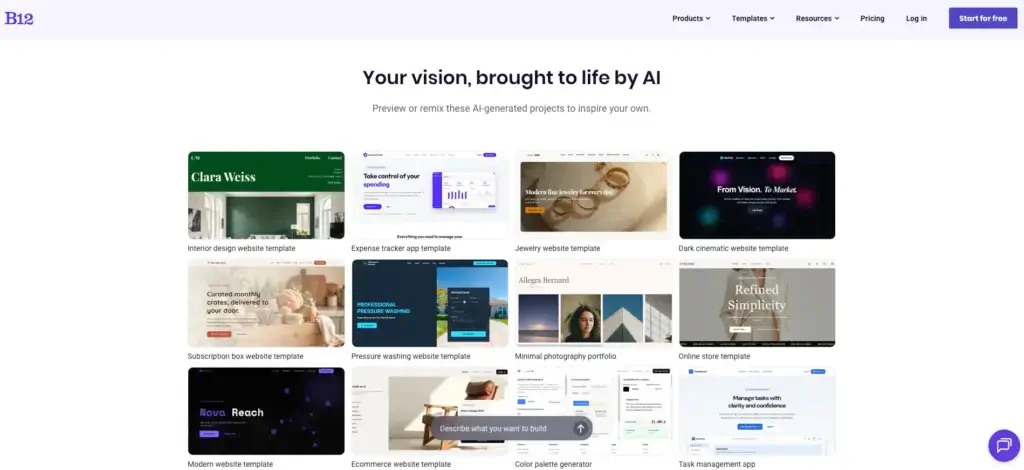
B12 stands out because it combines AI website generation with real business tools and optional support from professional web designers. Instead of focusing only on creating attractive pages, B12 is designed to help service-based businesses establish an online presence that can generate leads, schedule appointments, and manage client interactions.
What makes B12 different from most website builders is its hybrid approach. AI creates the initial website in minutes based on your business information, while human experts are available to refine the design, improve content, and customize the site when needed. This combination makes B12 especially appealing for lawyers, accountants, consultants, financial advisors, and other professional service providers that need a polished website without hiring a traditional web agency.
Core features and capabilities
- AI website generation – Creates a professional website from a few business details.
- Human-assisted customization – Professional designers can help refine and personalize your site.
- Built-in client engagement tools – Includes contact forms, online scheduling, invoicing, and email marketing.
- Integrated CRM – Helps manage leads and customer communications from one platform.
- SEO-ready websites – Automatically generates optimized page structures, metadata, and mobile-friendly designs.
- Managed hosting and security – Hosting, SSL, updates, and maintenance are included.
Ideal use cases
B12 is best for businesses that want a professional website with minimal effort. It works especially well for:
- Professional service firms such as law offices and accounting firms
- Consultants, coaches, and freelancers
- Healthcare and financial service providers
- Small businesses that want an AI-built website with expert support available
Strengths and limitations
Strengths:
- Excellent AI website creation experience
- Human design assistance available when needed
- Built-in business management and client tools
- Strong fit for service-based businesses
Limitations:
- Less design freedom than platforms like Webflow
- Smaller template library than some competitors
- Ecommerce capabilities are more limited than dedicated online store builders
- Premium plans can be expensive for very small businesses
Pricing and plans
B12 offers a free plan that allows you to generate and preview your AI-created website before publishing. Paid plans unlock custom domains, advanced business features, client engagement tools, SEO capabilities, and professional design assistance, allowing businesses to scale as their online presence grows.
For service-based businesses that want more than a basic website builder, B12 offers one of the best combinations of AI automation, business management tools, and optional expert support available today. It is an excellent choice if your goal is to launch a professional website quickly while still having access to experienced designers as your business grows.
WordPress
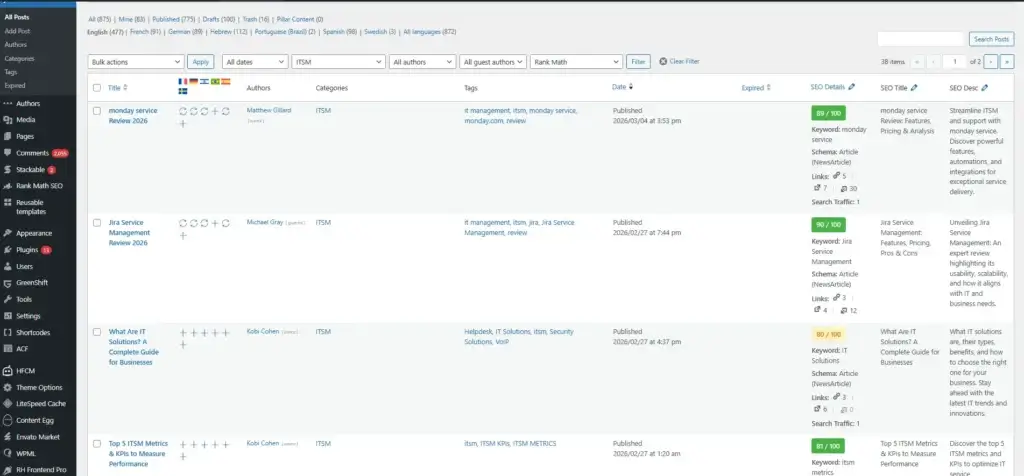
WordPress remains the best option when long-term flexibility, ownership, and scalability matter more than pure convenience. It is the platform I would point to when you want the broadest ecosystem, the most extensibility, and the freedom to build far beyond a standard brochure site.
That said, WordPress is also the option that requires the clearest distinction. If you choose WordPress.com, you get a more managed experience with hosting, plans, and an AI website builder. If you choose self-hosted WordPress.org, you get the deepest control but also more responsibility. That trade-off is exactly why WordPress is powerful but not always the easiest recommendation for beginners.
Core features and capabilities
- Huge ecosystem – Themes, plugins, developers, and integrations are unmatched.
- Strong content management – Excellent for blogs, content hubs, and SEO-driven sites.
- AI website builder on WordPress.com – Faster setup for non-technical users.
- High ownership and portability – Better long-term control than closed platforms.
- WooCommerce compatibility – Strong ecommerce potential with the right setup.
- Flexible growth path – Can support simple sites or complex digital properties.
Ideal use cases
WordPress is best for users who care about control and future flexibility. It is especially strong for:
- Publishers and bloggers building content-heavy sites
- Businesses that want full control over site architecture
- Agencies and developers managing custom projects
- Users planning long-term SEO growth with deeper customization
Strengths and limitations
Strengths:
- Most flexible platform on this list
- Excellent for SEO and content
- Very scalable ecosystem
- Strong plugin and theme market
Limitations:
- More setup and maintenance
- Quality depends on hosting and plugins
- Can become complex for beginners
- Needs stronger management discipline
Pricing and plans
WordPress.com includes free hosting across its plans, plus paid Personal, Premium, and Business tiers. The AI website builder is free to start with, while e-commerce on the AI side is still not the main starting point. For advanced buyers, self-hosted WordPress unlocks the broadest control but adds separate hosting and maintenance costs.
WordPress is the right choice when you want the website to belong fully to your business, and you are willing to accept more complexity in exchange for that freedom.
Squarespace

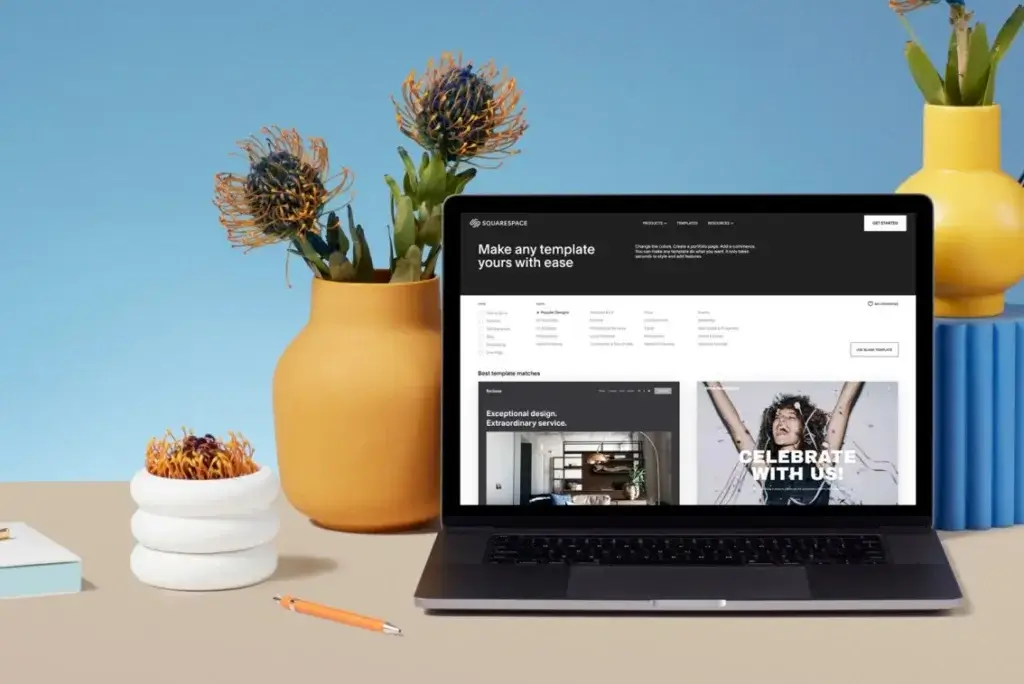
Squarespace is the best choice when design quality and brand presentation matter most. It is the platform I would recommend for creators, consultants, photographers, service businesses, and premium small brands that want a site to look polished from the start.
Compared with Wix, Squarespace is a bit more structured and less freeform. That is also part of its appeal. It reduces the chance of creating a site that feels messy or inconsistent. Its Blueprint AI builder also makes it easier for first-time users to generate a tailored starting point without losing the platform’s design discipline.
Core features and capabilities
- Excellent templates – One of the best platforms for visual polish.
- Blueprint AI – Helpful for creating a personalized site faster.
- Strong brand-first experience – Great for portfolios and service businesses.
- Built-in commerce and scheduling options – Useful for small business growth.
- Cleaner editing experience – More structured than Wix or Webflow.
- Good all-in-one setup – Hosting, design, and business tools bundled.
Ideal use cases
Squarespace is a strong fit for:
- Portfolio websites that need premium visual presentation
- Service businesses selling expertise or appointments
- Creators and personal brands focused on aesthetics
- Users who prefer guided design structure
Strengths and limitations
Strengths:
- Beautiful design system
- Strong brand presentation
- Good fit for creative businesses
- Structured editing helps beginners
Limitations:
- Less flexible than Wix or Webflow
- Can feel restrictive for unusual layouts
- Not the strongest choice for deep customization
- Advanced users may outgrow it
Pricing and plans
Squarespace offers a free trial, AI-assisted setup, and paid plans designed for websites, commerce, and service businesses. It is rarely the cheapest option, but its value comes from how polished the end result looks with relatively little design effort.
If visual quality is your top priority, Squarespace deserves a very close look.
Webflow

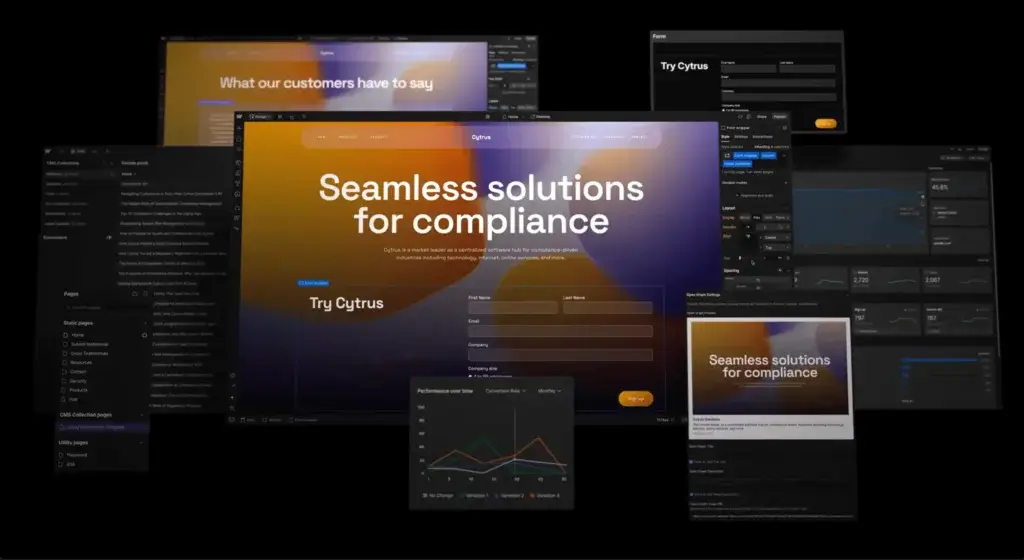
Webflow is the best platform in this list for advanced design control without going fully custom-coded from scratch. It sits between a website builder and a visual development platform, which is why it appeals so strongly to designers, marketers, agencies, and in-house web teams.
Its core advantage is control. Webflow gives you much more precision than Wix or Squarespace, while still offering hosting, CMS, collaboration, and now AI-assisted generation. The trade-off is that it is not the easiest tool for beginners. This is a platform you choose when you care about layout systems, CMS structure, reusable components, and polished web experiences.
Core features and capabilities
- Advanced visual development – Excellent for teams that want precision.
- Strong CMS – Good for marketing sites and structured content.
- AI site builder – Helps create a site and foundational design system faster.
- Strong collaboration features – Useful for teams, freelancers, and agencies.
- Modern hosting and performance options – Stronger than many general builders.
- Good for brand sites – Especially where motion and detail matter.
Ideal use cases
Webflow works especially well for:
- Design teams that need more precise layout control
- Marketers building high-quality brand and campaign sites
- Agencies serving demanding clients
- Businesses that want a more scalable no-code or low-code stack
Strengths and limitations
Strengths:
- Best design control in this list
- Strong CMS and team workflows
- Professional output quality
- Good for modern marketing sites
Limitations:
- Higher learning curve
- More complex pricing structure
- Overkill for simple sites
- Not the easiest choice for beginners
Pricing and plans
Webflow separates site plans and workspace plans, which is powerful but more complex than most builders. Its site plans span Starter, Basic, CMS, Business, and Enterprise tiers, with collaboration and client-access options on the workspace side. This is one of the reasons Webflow is better suited to professional teams than casual first-time users.
If your website is a strategic growth asset and design quality matters deeply, Webflow is one of the most capable tools available.
Wegic

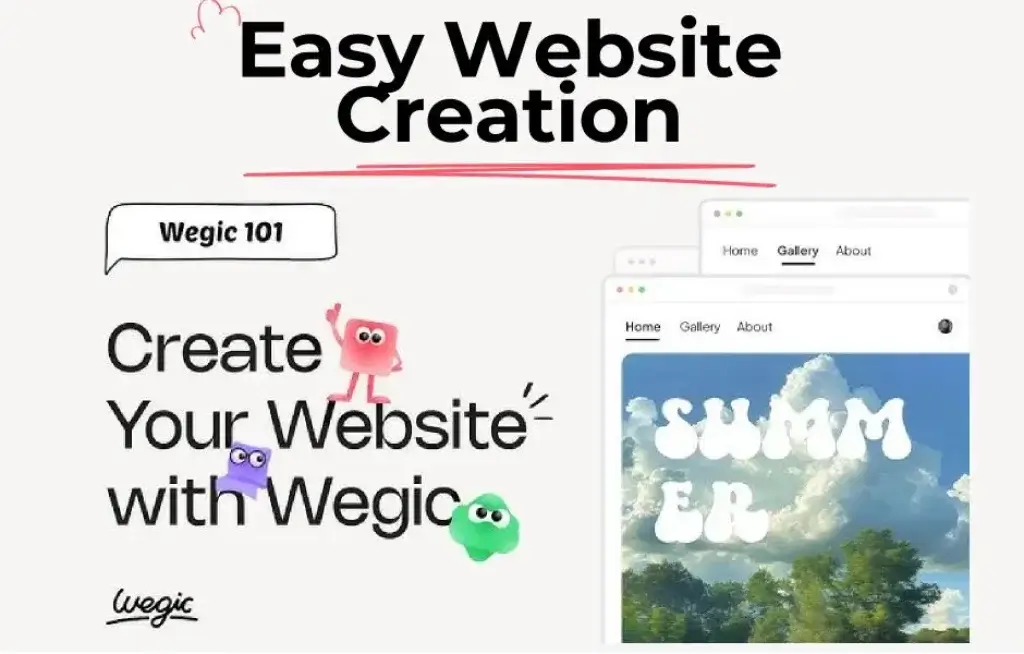
Wegic is one of the more interesting chat-based AI website builders because it reduces the process to conversation. Instead of starting with a conventional editor, it encourages you to describe what you want and let the tool generate and update the site through natural language.
That makes it attractive for users who want the fastest possible path from idea to live site. It is not as mature or as deep as Wix, WordPress, or Webflow, but it is appealing for simple business websites, side projects, and users who want AI to do more of the work upfront.
Core features and capabilities
- Chat-based site creation – Very approachable for non-designers.
- Fast publishing flow – Good for simple sites and quick launches.
- AI-first experience – Less traditional builder friction.
- Lightweight simplicity – Better for smaller projects than complex ecosystems.
Ideal use cases
Wegic is a reasonable option for:
- Beginners who want a conversational setup process
- Small projects that need speed over deep customization
- Users experimenting with AI site creation
Strengths and limitations
Strengths:
- Very easy starting experience
- Fast AI generation
- Low-friction publishing
Limitations:
- Less mature than top platforms
- Lighter ecosystem
- Not ideal for advanced site structures
Wegic is best viewed as a convenience-first AI builder, not a full replacement for more mature site platforms.
Durable

Durable is less of a pure website builder and more of an AI business builder. That positioning matters. It is designed for small service businesses that want a site fast, but also want lead generation, business tools, CRM, and ongoing marketing help from the same platform.
This is why Durable works especially well for local businesses, solo operators, and service providers. It is less about custom design depth and more about getting online quickly with something functional.
Best for
- Local service businesses
- Solo operators
- Fast launch with basic business tools
Durable is appealing when speed, simplicity, and business support matter more than advanced customization.
Manus

Manus is the most agent-style option in this list. It is not only trying to help you design pages. It aims to generate full-stack websites and more app-like web experiences from plain-language prompts. That makes it different from classic builders such as Wix or Squarespace.
For the right user, Manus can be very compelling. It is especially interesting for founders, experimental projects, and users who want an AI system to take on more of the build process. The trade-off is that it is not as proven as the most established website platforms for mainstream business websites.
Best for
- AI-first founders
- Prototype websites and app-like experiences
- Users who want AI to handle more of the build process
Manus is promising, but I would still treat it as a more experimental choice compared with the mature platforms above.
Instapage

Instapage is not a general website builder in the same sense as the other tools here. It is a landing page platform built for paid campaigns, conversion optimization, and marketing performance. That makes it the least versatile tool in this list, but also one of the most specialized.
If your main goal is to create a full website, Instapage should not be your first pick. If your main goal is to create high-converting campaign pages, test variations, and support paid acquisition, it is one of the strongest options available.
Best for
- PPC landing pages
- Marketing teams
- Conversion-focused campaigns
Instapage offers 200+ conversion-optimized templates and structured plans such as Create, Optimize, and enterprise-focused Convert, which makes its positioning very clear: this is a specialist tool for conversion pages, not a broad website platform.
How to choose the right website builder for your needs
The best website builder depends on the type of site you need, how much control you want, and how much technical work you are comfortable managing.
Key decision factors
- Choose Wix if you want the best all-around website builder.
- Choose 10Web if you want AI-assisted WordPress with less friction.
- Choose B12 if you want an AI-built website with integrated client management tools.
- Choose WordPress if flexibility and ownership matter most.
- Choose Squarespace if design polish is your top priority.
- Choose Webflow if you need advanced design and CMS control.
- Choose Wegic or Durable if speed and AI simplicity matter most.
- Choose Manus if you want a more experimental AI-led build flow.
- Choose Instapage if landing page conversion is the real goal.
Quick comparison table
| Tool | Best For | Main Strength | Main Limitation |
| Wix | Most users | Best balance of ease and depth | Less portable than WordPress |
| 10Web | AI-powered WordPress | Fast launch on WordPress | Still tied to WordPress complexity |
| B12 | Professional service businesses | AI website creation with built-in business tools | Less design flexibility than advanced builders |
| WordPress | Flexibility and ownership | Unmatched ecosystem | More setup and maintenance |
| Squarespace | Design-first brands | Polished templates | Less layout freedom |
| Webflow | Advanced design teams | Professional visual control | Higher learning curve |
| Wegic | Simple AI site creation | Chat-based setup | Lighter ecosystem |
| Durable | Local businesses | Fast business-focused launch | Limited creative depth |
| Manus | AI-generated web builds | Agent-style creation | Less proven for mainstream use |
| Instapage | Landing pages | Conversion focus | Not a full website platform |
Conclusion
Wix is the best overall choice for most users because it offers the ideal balance of ease of use, design flexibility, built-in business tools, and AI-powered website creation. Whether you’re building a business website, portfolio, online store, or personal brand, Wix provides everything you need in one platform, including hosting, SEO tools, marketing features, and ecommerce capabilities. It is the easiest recommendation for users who want a professional website without dealing with technical complexity.
10Web is the smarter option if you want the power of WordPress with more AI support and less manual setup. It is especially useful if you want to launch faster, generate pages with AI, and manage hosting, performance, and website creation in a more guided workflow.
B12 is an excellent choice for professional service businesses that want more than just a website. Its AI-powered website builder creates a polished site in minutes, while integrated tools such as CRM, appointment scheduling, invoicing, email marketing, and optional human design assistance help businesses manage client relationships from a single platform. For consultants, law firms, accountants, agencies, and other service providers, B12 offers one of the most complete business-focused website solutions available.
WordPress remains the strongest option if maximum flexibility, ownership, and customization are your top priorities. It offers an unmatched ecosystem of themes, plugins, and integrations, making it ideal for businesses that view their website as a long-term digital asset and are comfortable managing a more hands-on platform.
For most business buyers, the smartest path is simple: choose the builder that matches your workflow, ownership needs, and growth plans. A good website builder should make publishing easier, not create more decisions than it solves.
FAQs
What is the best website builder for beginners?
Wix is the best website builder for most beginners because it combines easy setup, strong templates, built-in hosting, and enough flexibility to grow with your site.
Which website builder is best for SEO?
WordPress is still the strongest option for deep SEO control, but Wix has improved enough to be a serious choice for many small business and content sites.
Is Wix better than WordPress?
Wix is better for simplicity and all-in-one convenience. WordPress is better for ownership, flexibility, and long-term customization.
What is the best AI website builder?
For most users, Wix and 10Web are the most practical AI website builder choices. Wegic, Durable, and Manus are interesting, but more niche in their appeal.
Which website builder is best for small business?
Wix is the best all-around choice for small businesses. Durable is also worth considering for local service businesses that want to launch very quickly.
Is Squarespace better than Wix?
Squarespace is better for highly polished visual design. Wix is better if you want more flexibility and a broader business toolset.
Who should use Webflow?
Webflow is best for designers, agencies, marketers, and teams that need more control than traditional builders usually provide.
Is 10Web good for WordPress users?
Yes. 10Web is especially useful for users who want WordPress power with faster AI-driven setup and managed infrastructure.
Should I use Instapage as my main website builder?
No, not in most cases. Instapage is best used for landing pages and campaign conversion, not as your primary website platform.
Can I switch website builders later?
Yes, but portability varies a lot. WordPress is usually the safest long-term option for ownership, while closed platforms can be harder to migrate away from later.